Merge PDF Online vs Upload Sites: Privacy and Control
You can merge PDF online in two ways: upload the files to a website that combines them on its server, or use a tool such as GrabCast Merge PDF that does the work inside your browser, so the documents never leave your device. For a tax return, a rental application or a visa packet, the in-browser route is the safer default; for a 2 GB stack of scans or a job that also needs server-side OCR, an established upload service can make sense. The combined file can look identical either way. The differences are who ends up holding a copy of your pages, how much page-level control you get, and what happens with very large jobs. This comparison covers each point, a simple test to see where any tool really processes your files, and the honest limits of both approaches.
📎 Try the Merge PDF tool now — freeOpen →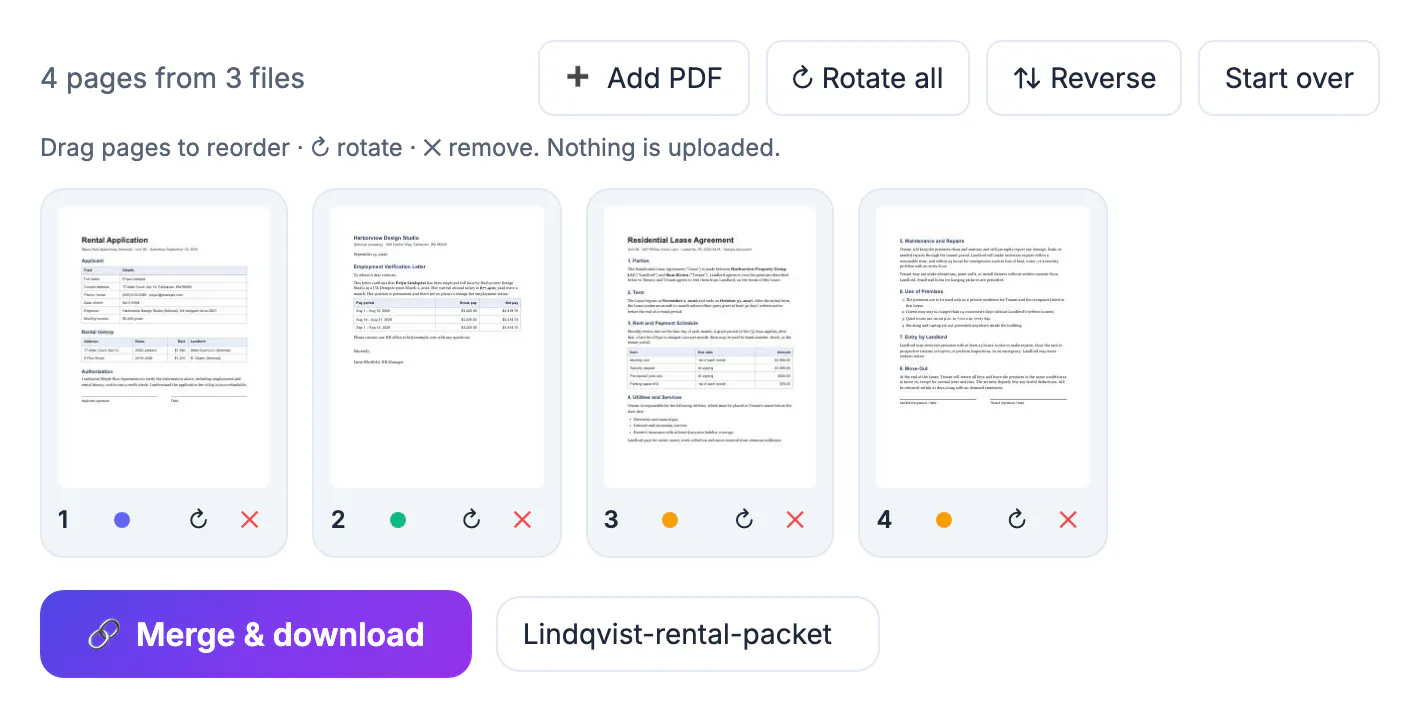
The PDFs people combine are rarely dull. A rental application bundles pay stubs, bank statements and a driver's license; an immigration packet stacks passport scans and tax transcripts; a small business merges signed contracts with invoices. On an upload site, each of those files is transmitted to and stored on someone else's computer, under a retention policy you probably did not read, in a country you may not know. Reputable services protect that data well, but it is still an extra copy outside your control. If you handle client or patient documents at work, your employer's data policy may forbid third-party uploads altogether, which makes local merging the only compliant choice.
How upload sites merge PDF files
Classic online PDF services follow the same pattern: you upload each file, their server combines them, and you download the result from a link.
- Strength: server hardware handles very large jobs and slow devices, and many services bundle OCR, conversion to Word and compression in the same account.
- Strength: some offer desktop apps, cloud storage integrations and team plans with admin controls.
- Trade-off: copies of your documents leave your device and sit on a server for a period. Many services say they delete files after one or a few hours; check the current policy of the one you use.
- Trade-off: free tiers often cap file size, number of files or tasks per day, and some features sit behind a paid plan; plans change, so check what applies at the time you merge.
None of this makes upload services bad. For a school newsletter or a public brochure, where the content will be published anyway, the upload is harmless. The question is only whether a given document should exist on a stranger's server, even briefly.
How to merge PDF online without uploading
GrabCast Merge PDF draws page thumbnails with PDF.js and writes the combined file with pdf-lib, both running in your browser tab. You get control over individual pages, not just whole files.
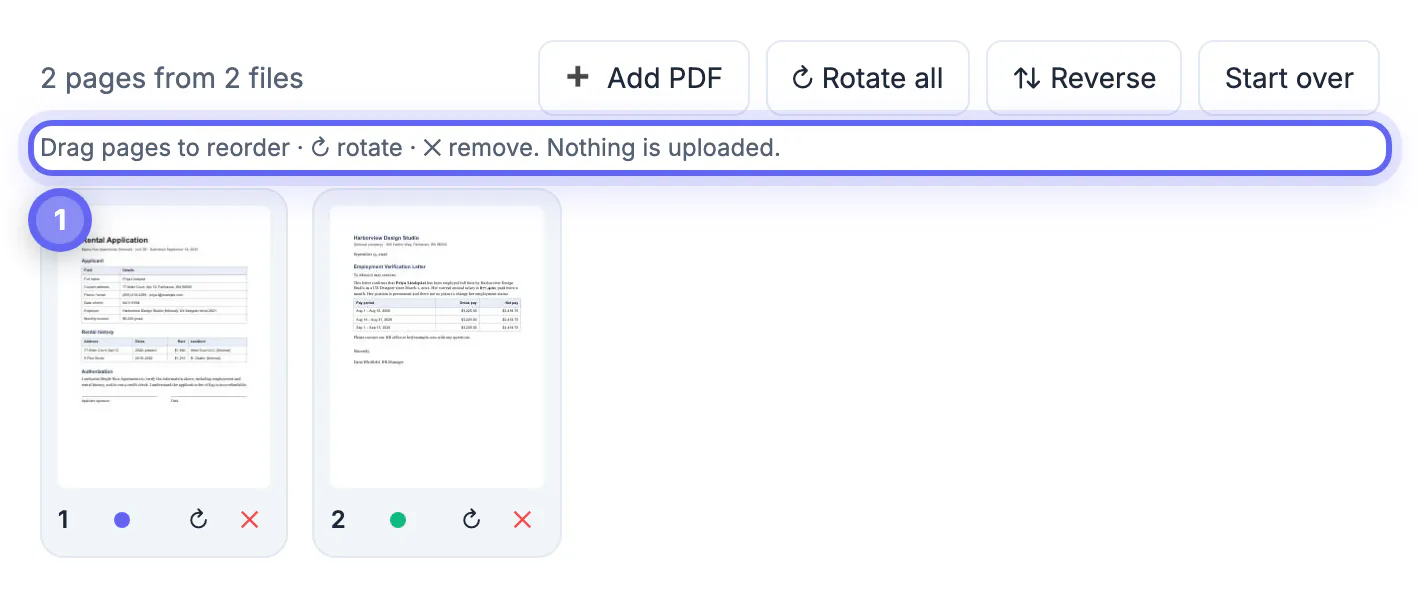
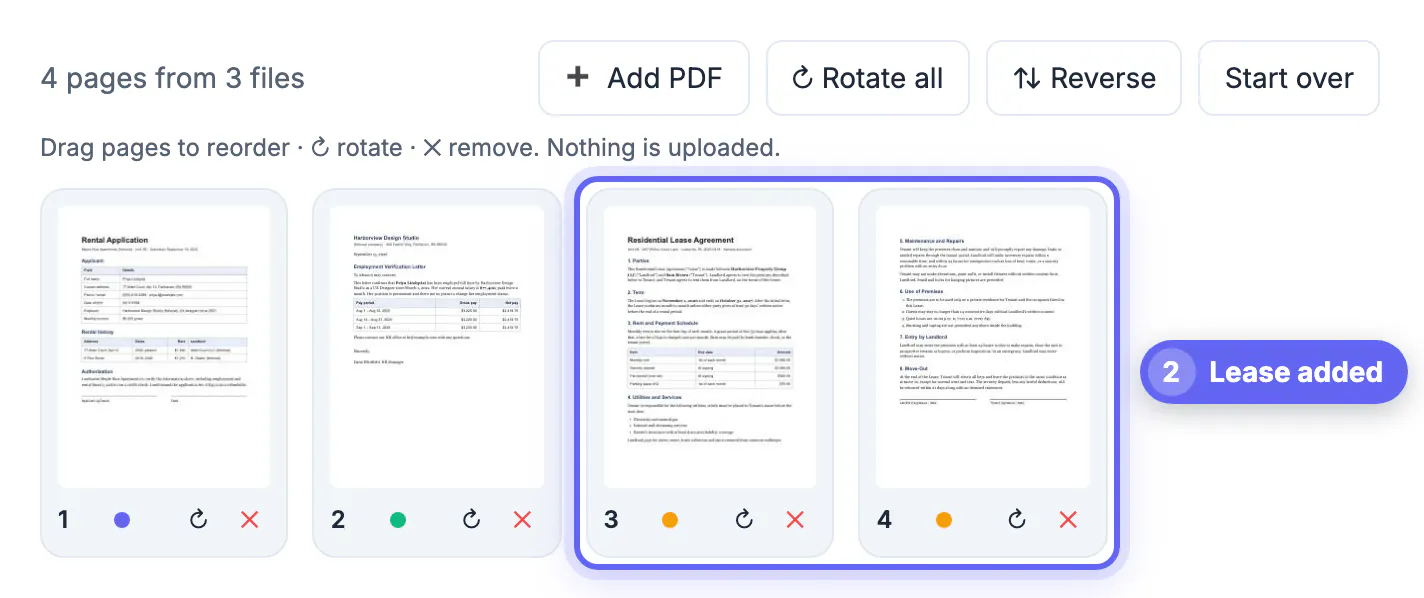
- Drop two or more PDFs in, and add more later with Add PDF; there is no fixed limit on files or pages.
- Every page appears as its own card, color-coded by source file, so you can drag page 3 of one file between pages 1 and 2 of another.
- Click the rotate icon on a sideways page, the remove icon on a blank scanner back side, or Rotate all and Reverse for the whole set.
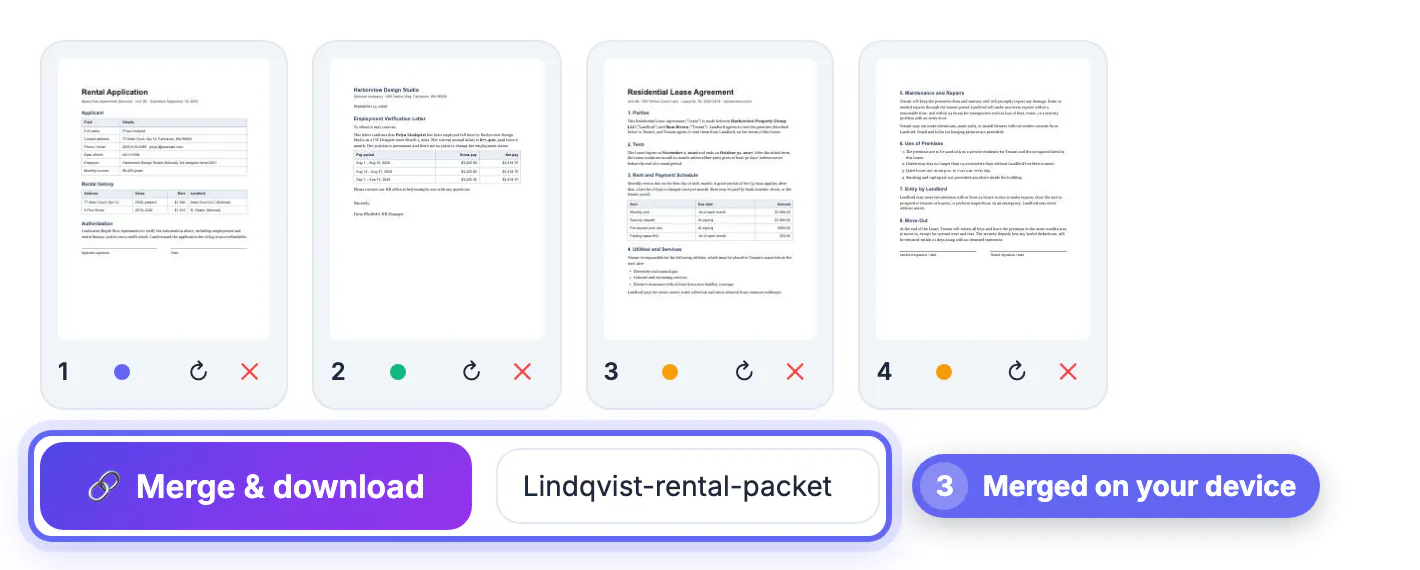
- Name the file and click Merge and download. Pages are copied as they are, so text stays selectable and images keep their original quality.
A quick way to check where any merge tool really works: load the page, add one throwaway PDF so the tool finishes downloading its code libraries, then switch off Wi-Fi or turn on airplane mode and run the real merge. If the finished file still downloads, your documents were processed on your device; an upload service stalls at the upload step. The Network tab in your browser developer tools shows the same thing in more detail.
Honest limits of both approaches
Neither method is perfect, and the gaps are worth knowing before a deadline.
- Device memory: in-browser merging depends on your phone or laptop. A few hundred pages of ordinary documents is usually quick on a modern laptop, while a huge set of image-heavy scans can be slow on an older phone.
- Protected files: password-protected or damaged PDFs cannot be read by either kind of tool without the password. If the file is yours, remove the password first, then merge.
- Digital signatures: combining pages into a new file breaks any certificate-based signature in the originals. Keep the signed file separate when the signature must stay verifiable.
- Extras: bookmarks and fillable form fields may not carry over into a merged document, whichever tool you use. Fill and check forms before merging, and review the result.
If a local merge feels sluggish, merge in smaller groups and then combine the results, and close other heavy browser tabs to free memory.
Which one to use: a quick decision guide
Match the method to the document rather than picking one tool for everything.
- Identity documents, financial records, medical or legal papers: merge in the browser, since there is no reason for an extra copy to exist elsewhere.
- Work files containing client or employee data: merge locally unless your company has approved a specific upload service.
- Public material such as flyers, menus or published reports: either method works; choose whichever is faster for you.
- Enormous jobs, or merges that also need OCR on a server: an upload service with a clear deletion policy may be more practical, or split the job and merge locally in batches.
Whichever route you pick, open the merged file once before sending it. Admissions offices, landlords and HR teams review many packets a day, and a correctly ordered file without sideways or blank pages makes a quiet, positive first impression.
After merging, you can lock the combined file with a password and compress it if it is too heavy to send.
Step-by-step
Common mistakes to avoid
Pro tips
Frequently asked questions
Is it safe to merge PDF files online?
It depends on where the merge happens. GrabCast merges in your browser, so files are not uploaded. Upload sites store copies on their servers for a period set by their retention policy.
How can I tell whether a site uploads my files?
Load the tool and add one test file so its code finishes loading, then turn off Wi-Fi and try the merge. A tool that processes files locally still finishes; an upload service cannot.
Can I reorder individual pages, not just whole files?
Yes. In GrabCast Merge PDF every page is its own thumbnail, so you can mix pages from different files in any order.
Does merging reduce quality or change the text?
No. Pages are copied as they are, so text stays selectable and images keep their original resolution. The thumbnails are only previews.
Is there a file size limit?
There is no fixed cap on files or pages. Very large jobs depend on your device's memory, so merge huge sets in smaller batches.
Upload sites and in-browser tools both merge PDFs, but only local merging keeps your documents on your own device. For personal and work paperwork, merge PDF online in the browser, use the page thumbnails to fix order and orientation, and check the result once. Save upload services for public material or for enormous jobs where their server power genuinely helps.
Related guides
Browse more: all PDF guides · the Merge PDF tool