Open HEIC Photos on Windows: Codec Fix or Convert to JPG
To open HEIC photos on Windows, either install Microsoft's HEIF and HEVC extensions so the Photos app can decode them, or convert the files to JPG so they open in any program without extra software. If you are seeing a blank thumbnail, a black square or an unsupported format message, the photo is almost certainly fine; your PC simply lacks the decoder for Apple's format. This guide shows how to confirm that, which fix suits viewing versus sharing, and how to stop iPhone photos from arriving as HEIC in the first place.
📱 Try the HEIC to JPG tool now — freeOpen →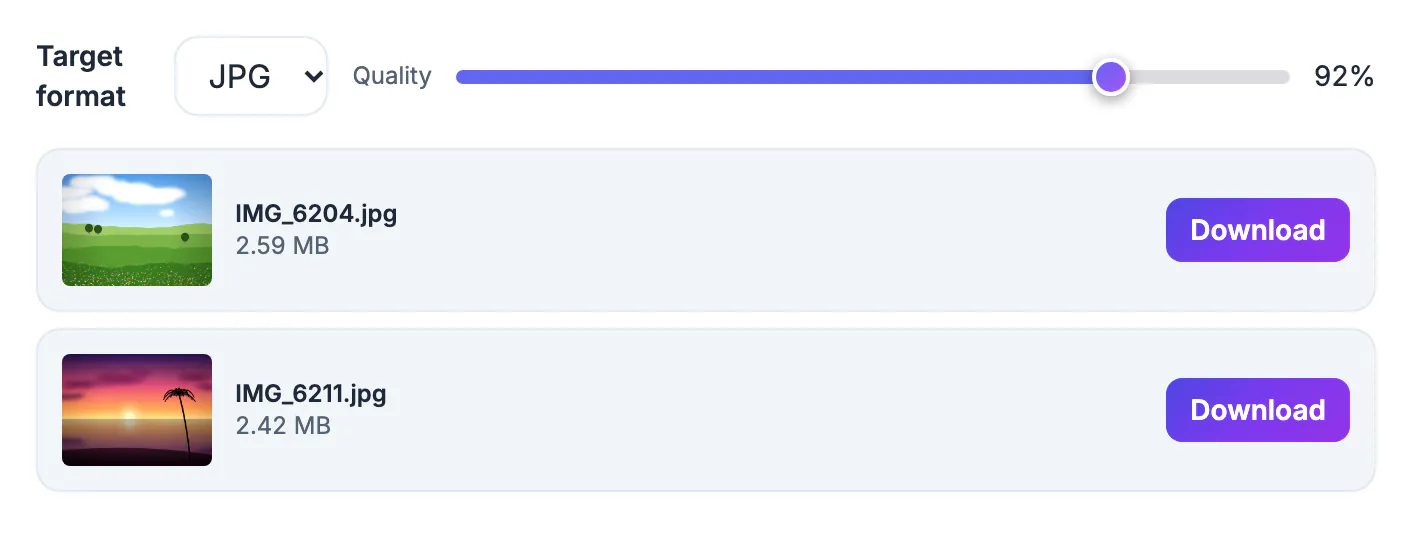
HEIC is the High Efficiency Image format iPhones and iPads have used by default since iOS 11. It stores a photo at roughly half the size of a comparable JPG by compressing it with HEVC, the same technology used for 4K video. Apple devices decode it natively, so the format is invisible on the phone. Windows added support later and as optional pieces from the Microsoft Store, and those pieces are often missing on older, shared or work-managed PCs. So the identical file that opens instantly on an iPhone shows up on a PC as a gray icon, which makes people assume the transfer broke it.
Check what is wrong before you fix anything
A minute of diagnosis tells you whether you need a codec, a converter or simply a fresh copy of the file.
- Confirm the extension: .heic or .heif means Apple's format; turn on File name extensions in the File Explorer View menu if you cannot see it
- Blank or black thumbnails in File Explorer point to a missing decoder, not a damaged photo
- An unsupported format error in the Photos app confirms Windows cannot decode it yet
- If one program fails but the Photos app works, only that program lacks HEIC support
- A file of zero bytes, or one far smaller than its neighbors, means the copy failed; transfer it again
A HEIC that will not open is very rarely corrupted. Converting a copy to JPG is also a quick test: if the JPG looks right, the original was healthy all along.
How to open HEIC photos on Windows with the codec
Windows 10 and 11 can show HEIC natively once two Microsoft Store packages are installed. HEIF Image Extensions handles the container and is free. HEVC Video Extensions handles the compression inside it and has been sold for a small fee, around a dollar in the US at the time of writing; many new PCs ship with it preinstalled by the manufacturer, so check the Store before buying.
- After installing both, the Photos app opens HEIC and File Explorer draws real thumbnails
- The files stay small, which is handy for a large photo library you only view
- The fix applies only to that one PC and not to the next machine you use
- Work-managed PCs may block Store installs, and some older desktop apps still refuse HEIC even with the codecs
To install them, open the Microsoft Store app, search for each extension by name, install it, then close and reopen the Photos app and File Explorer so thumbnails refresh. For personal viewing on your own computer, this route is tidy. For anything that leaves your PC, keep reading.
Convert HEIC to JPG when photos need to travel
A JPG opens in every Windows app, browser, office program and photo lab, so converting ends the problem for everyone downstream. GrabCast's HEIC to JPG converter does it in your browser: the photos are decoded on your device and never sent to a server.
- Choose JPG for the widest compatibility, with quality at 92 percent by default, or PNG for lossless copies that are much larger
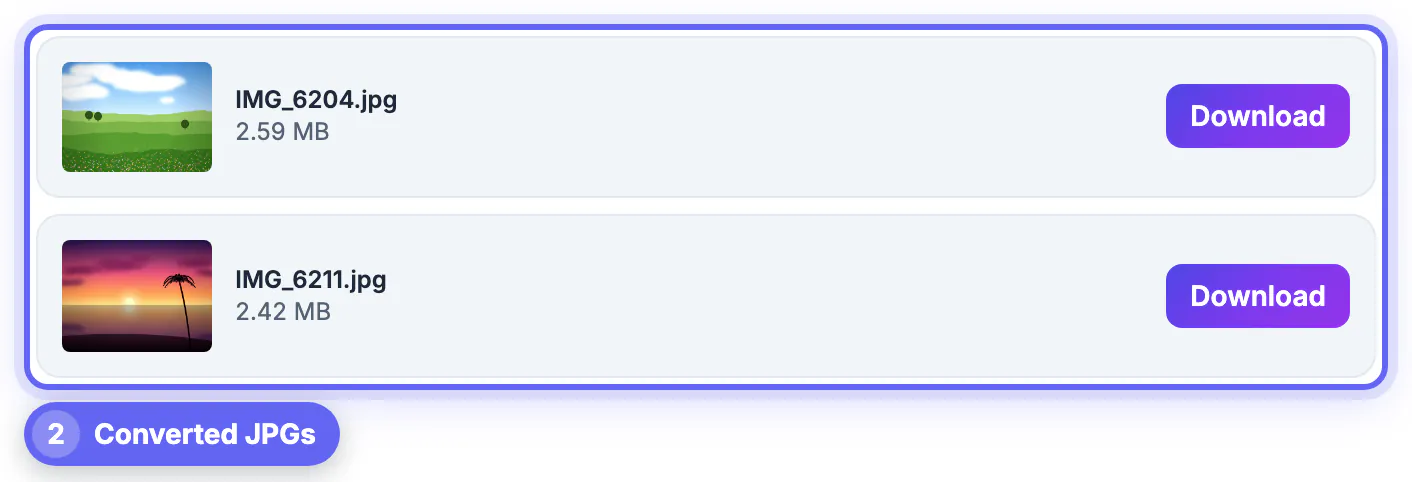
- Drop several HEIC files at once; they are converted one after another, and each card shows a thumbnail and file size
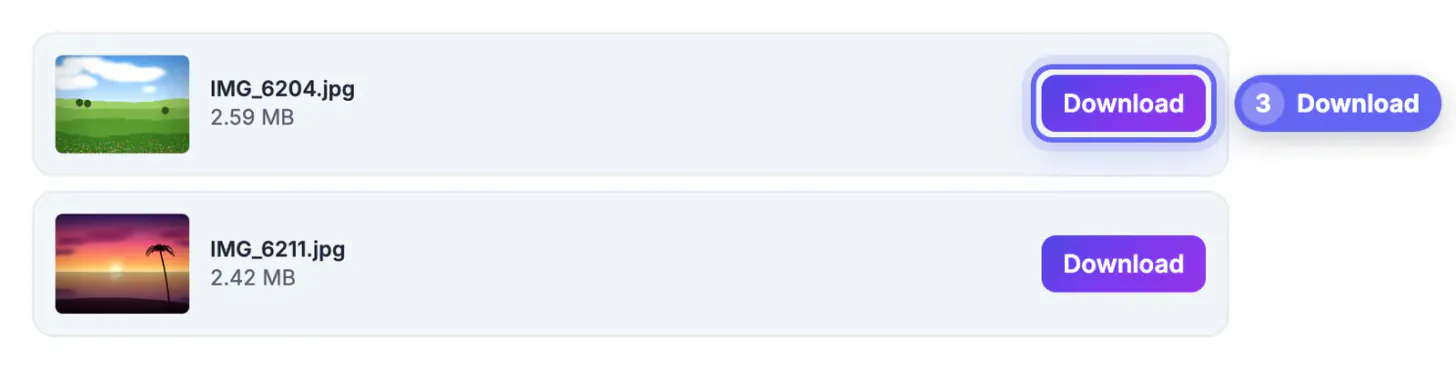
- Click Download on each card; the JPG keeps the original file name with the new extension
- Files that are not HEIC are skipped with a note, so a mixed folder will not break the batch
Keep the HEIC originals until you have checked the JPGs. The converted copy is a new file, so information such as the date taken may not carry over, and the original is your full-quality backup.
After converting, you can put the photos into a PDF or remove EXIF metadata before you share them.
Stop iPhone photos arriving as HEIC
Two iPhone settings head off most of the trouble before photos ever reach Windows.
- Settings, Camera, Formats, Most Compatible: new photos are captured as JPG instead of HEIC, at the cost of larger files
- Settings, Photos, Transfer to Mac or PC, Automatic: the phone converts to JPG when you copy over a USB cable
- Photos you already took stay HEIC; convert those when you need to share them
- Emailing or messaging from the iPhone often sends a compatible copy, but cloud folders and AirDrop to a Mac may keep the original HEIC
If a downloaded photo still will not open, check the extension before assuming the download failed; it is very often HEIC again, and the same two fixes apply.
Step-by-step

Common mistakes to avoid
Pro tips
Frequently asked questions
Why won't my HEIC photos open on Windows?
Windows is missing the decoders for Apple's format. Install HEIF Image Extensions and HEVC Video Extensions to view them, or convert them to JPG so they open anywhere.
Is my HEIC photo corrupted if it won't open?
Almost never. The file is usually fine and simply cannot be decoded yet. A zero-byte file is the exception, which points to a failed transfer rather than the format.
Do I have to install anything to open HEIC on Windows?
Not if you convert them. The HEIC to JPG converter runs in your browser with no install, and the JPGs open in any Windows app.
Are my photos uploaded when I convert HEIC to JPG?
No. Conversion uses an open-source decoder loaded in your browser, and the photos stay on your device, which matters for family pictures.
Does converting HEIC to JPG lose quality?
Slightly, because JPG is compressed, but at the default 92 percent it is hard to see. Raise the quality slider or choose PNG if you need maximum detail.
HEIC photos that will not open on Windows are almost always healthy files missing a decoder. Install the HEIF and HEVC extensions to view them on your own PC, convert to JPG for anything you share or edit, and set the iPhone to Most Compatible or Automatic transfer to avoid the problem next time.
Related guides
Browse more: all image guides · the HEIC to JPG tool