PDF to Word, Free and Editable: Headings, Lists, Tables
To convert a PDF to Word for free, open GrabCast's PDF to Word tool, keep Editable text selected, drop the file in and download the .docx a few seconds later. The converter rebuilds headings, paragraphs, bullet lists, tables and images as native Word elements, and it runs entirely in your browser tab, so the document never goes to a server. This guide explains what happens during the conversion, how to judge the result before you start editing, and which documents need a different approach.
📘 Try PDF to Word now — freeOpen →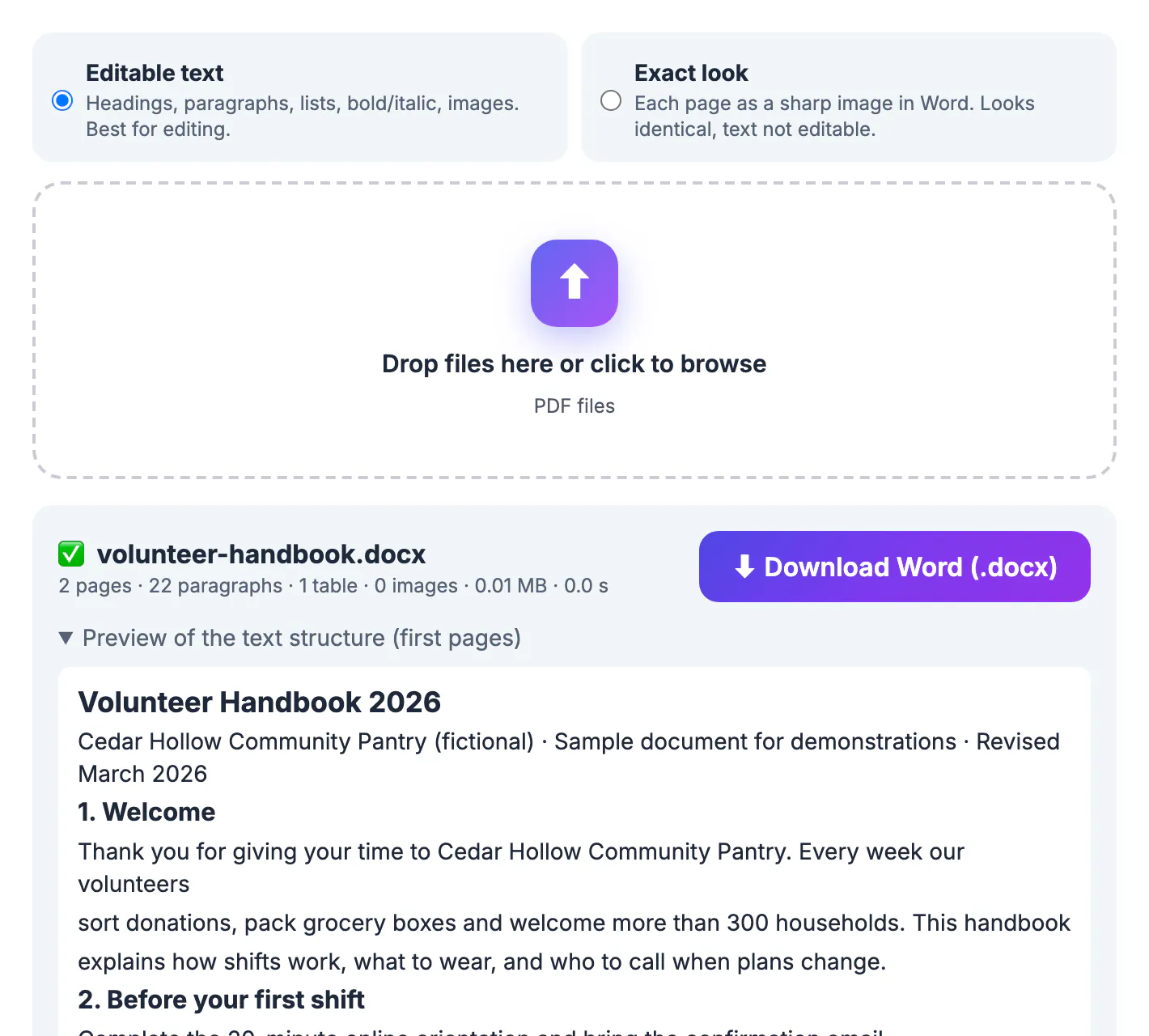
Copying text out of a PDF and pasting it into Word looks quick until you see the result: every line ends with a hard return, headings lose their size, tables collapse into rows of words separated by random spaces, and page numbers land in the middle of sentences. On a two-page handbook that means twenty minutes of cleanup before you can change a single date. A structural converter reads the position, size and weight of every text run on the page, groups lines into paragraphs, and writes proper Word styles, so Heading 1 is a heading, a table is a table, and text reflows when you add a sentence. That is the difference between a document you can maintain for years and a pile of pasted lines you will retype anyway.
What the PDF to Word converter rebuilds
PDF files do not store paragraphs or headings. They store characters at coordinates, a bit like a finished print plate. The Editable text mode reads those coordinates with PDF.js and reconstructs the structure a Word document needs.
- Headings: lines set noticeably larger than the body text become Heading 1 or Heading 2, and short bold lines slightly above body size become Heading 3.
- Paragraphs: consecutive lines with the same size, a small gap and a similar left edge are merged, and words split by a hyphen at the end of a line are joined again.
- Lists: lines that start with a bullet symbol, a dash or a number such as 1. or a) start a new list item instead of merging into the paragraph above.
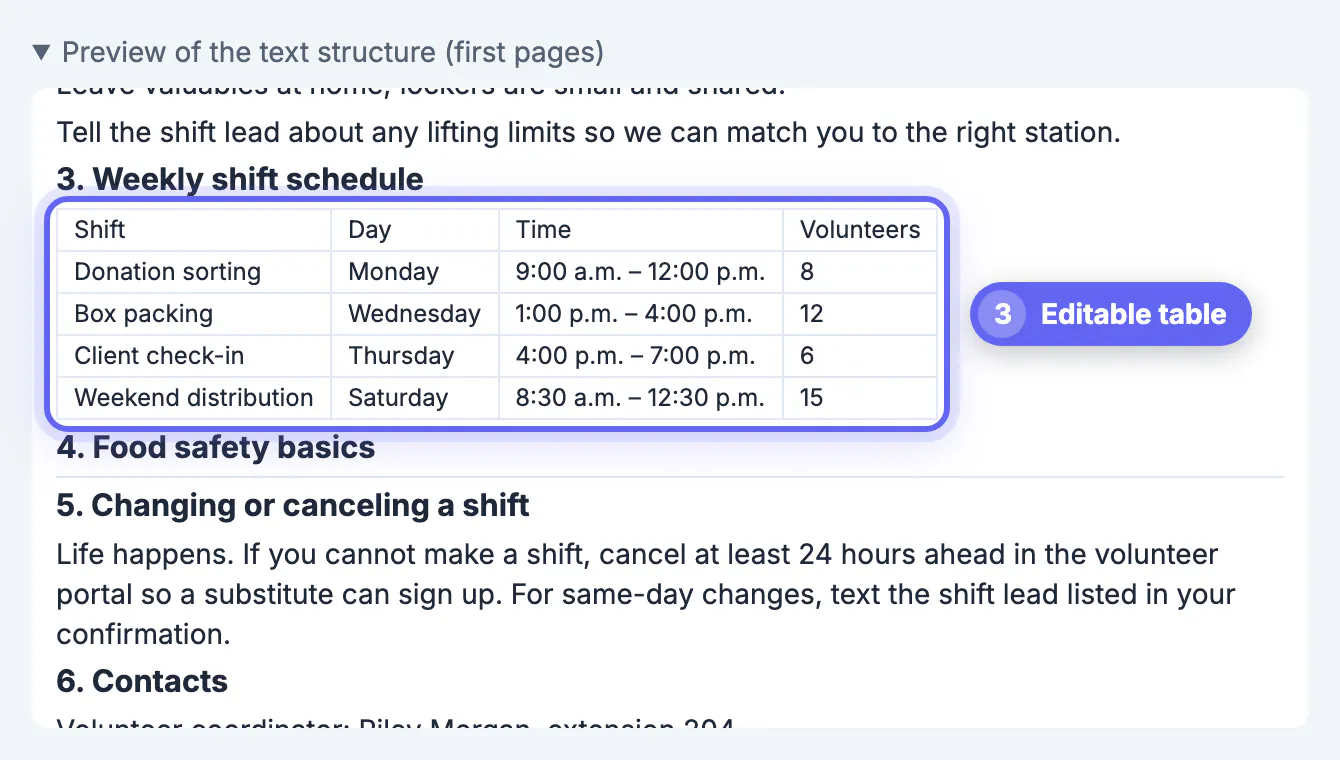
- Tables: two or more consecutive lines split into aligned cells become a real Word table, with the first row marked as the header.
- Images and fonts: pictures larger than a small icon are placed near their original position, and common fonts such as Arial, Calibri, Georgia and Times New Roman keep their names, with bold and italic preserved.
The page size and margins of the Word file are taken from the PDF, so a US Letter handbook stays US Letter and an A4 report stays A4.
Checking the result before you edit
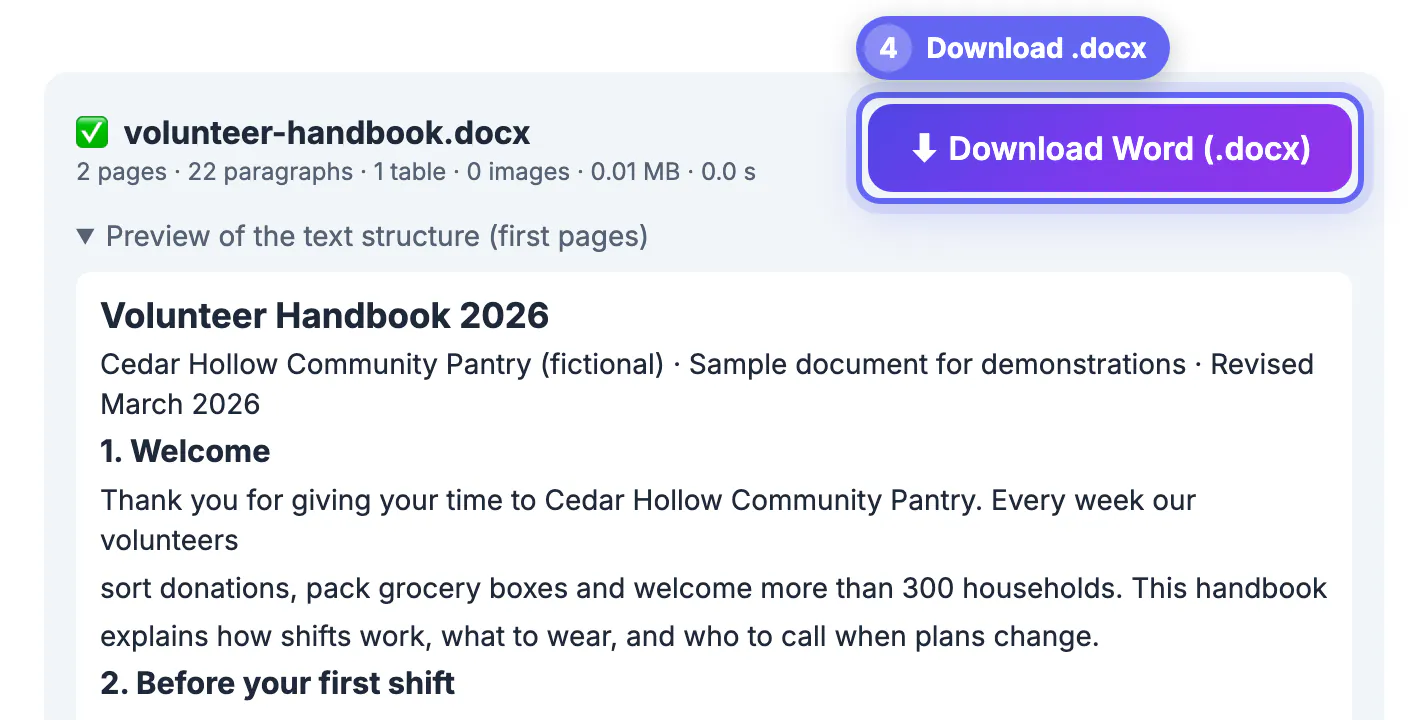
When the conversion finishes, the result bar lists the page count, how many paragraphs, tables and images were found, the file size and the time it took. The Word file also downloads automatically. Those counts are a quick sanity check: a two-page handbook with 22 paragraphs and 1 table is plausible, while 300 paragraphs on two pages usually means every line became its own paragraph.
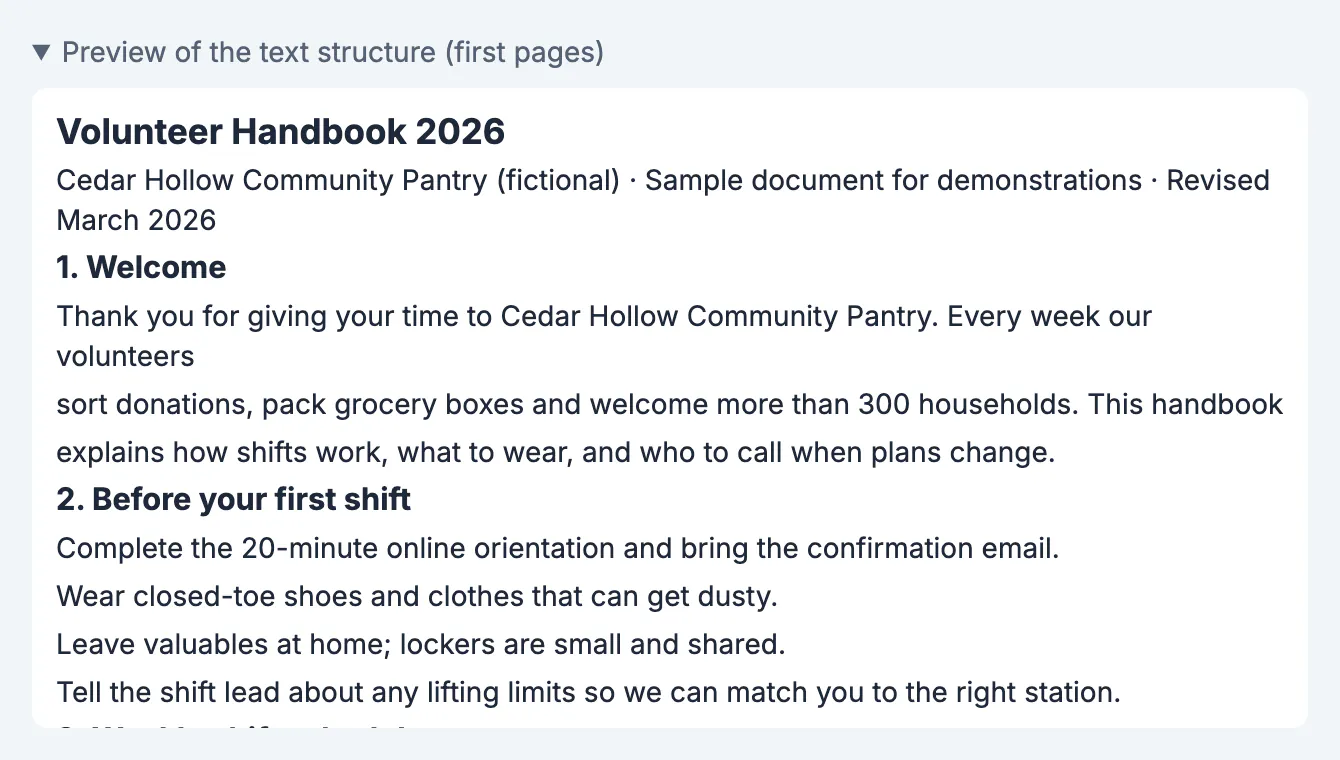
Below the counts, a preview shows the detected structure of the first two pages, about fourteen blocks per page. Scan it for three things.
- The title and section headings appear in bold at a larger size, not as ordinary lines.
- Tables show as grids with the right number of columns, such as Shift, Day, Time and Volunteers.
- Paragraphs read as full sentences rather than one line each.
If the preview looks wrong, no amount of editing in Word will be faster than fixing the source. Try Exact look, or convert the pages that matter and retype the rest.
Editable text or Exact look: picking a mode
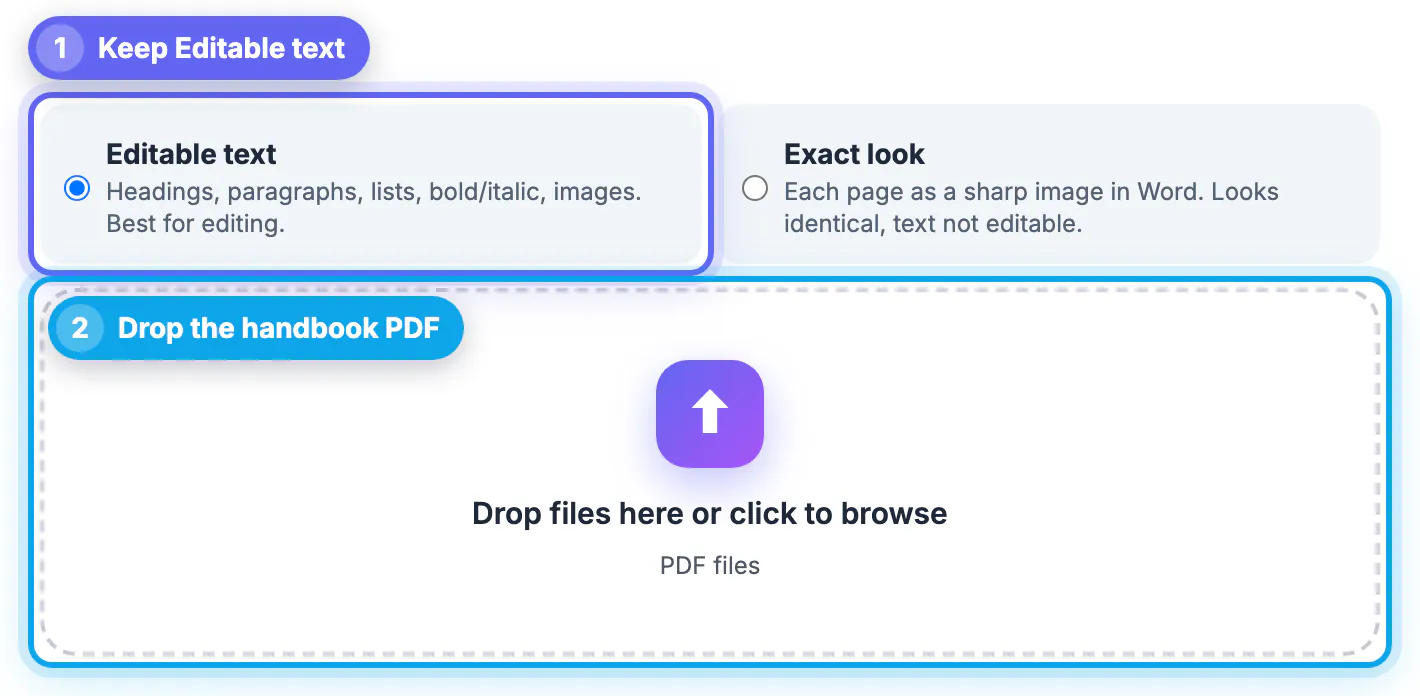
The two modes answer different questions. Editable text asks what the document says and rebuilds it so the wording can change. Exact look asks what the page looks like and places each page into Word as a sharp image, rendered at twice the normal resolution.
- Choose Editable text for contracts, handbooks, reports, letters, resumes and anything you plan to update or reuse.
- Choose Exact look for certificates, flyers, forms with boxes and lines, and design-heavy pages where position matters more than editing.
- Remember that Exact look text is not selectable in Word; it behaves like a photo on the page.
- Scanned pages are placed as images in both modes, because there is no text to rebuild.
A practical pattern for mixed files: convert once in Editable text, keep the pages that came through cleanly, and use the Exact look version only for the one or two design pages you need to preserve.
Privacy, limits and when to use another tool
The PDF is read on your own computer or phone. Only the open-source libraries are downloaded from a public CDN the first time; the document itself stays on your device, which matters for HR files, bank letters and signed agreements. There is no sign-up, no watermark and no daily cap.
- Files over 300 pages are refused so the browser does not run out of memory; split them first and convert the parts.
- A PDF that needs a password to open must be unlocked first with a password you already know.
- Scanned documents need OCR before any converter can produce editable text; OCR PDF or Image to Text handles that step.
- If you only need the words, not the layout, PDF to Text is faster and gives a plain file.
Complex layouts such as magazine spreads, forms built from drawn boxes, or tables with merged cells may still need a few minutes of touch-up in Word. Plan for that rather than expecting a pixel-perfect editable copy.
▶ Watch: How to convert PDF to Word (0:33)
Video transcript
- Pick Editable text. Editable text rebuilds headings, lists, tables and images so you can edit them.
- Add your PDF. Drop the PDF in the box. It is converted on your device, not on a server.
- Check the preview. The preview lists the headings, tables and images that were found.
- Download the Word file. Open the .docx in Word, Google Docs or Pages and edit it like any document.
Step-by-step
Common mistakes to avoid
Pro tips
Frequently asked questions
Is PDF to Word really free with no watermark?
Yes. There is no account, no watermark and no daily limit. The only practical limit is 300 pages per file, because the conversion runs in your browser's memory; split longer files first.
Does my PDF get uploaded when I convert it?
No. PDF.js reads the file and the docx library writes the Word document inside your browser. The libraries are downloaded once from a public CDN, but the document itself never leaves your device.
Why do some headings come through as normal text?
Headings are detected from font size and weight relative to the body text. A heading set in the same size as the body, or in small capitals without bold, looks like an ordinary line. Apply a Heading style in Word; it takes seconds.
Will tables stay as tables in Word?
Rows of values aligned in two or more columns are rebuilt as real Word tables with the first row as a header. Tables with merged cells, rotated text or cells that wrap onto several lines may need manual touch-ups.
Which apps can open the converted file?
The download is a standard .docx file. It opens in Microsoft Word on Windows and Mac, Word for the web, Google Docs, Apple Pages and LibreOffice Writer.
For most text documents, PDF to Word in Editable text mode gets you a structured .docx with real headings, lists and tables in seconds, without uploading anything. Check the preview and counts before you start editing, switch to Exact look for design pages, and run OCR first when the PDF is a scan.
Related guides
Browse more: all PDF guides · PDF to Word