Authenticator App vs SMS Codes: Which Is Safer?
In the authenticator app vs SMS codes debate, the app is the safer second factor for almost everyone. Both deliver a short code after your password, but they differ sharply in how easily an attacker can intercept them and how reliably they arrive. This comparison lays out security, reliability and convenience so you can choose with confidence. The aim is to put your strongest factor on the accounts that would hurt most to lose.
🔐 Try the 2FA Code Generator now — freeOpen →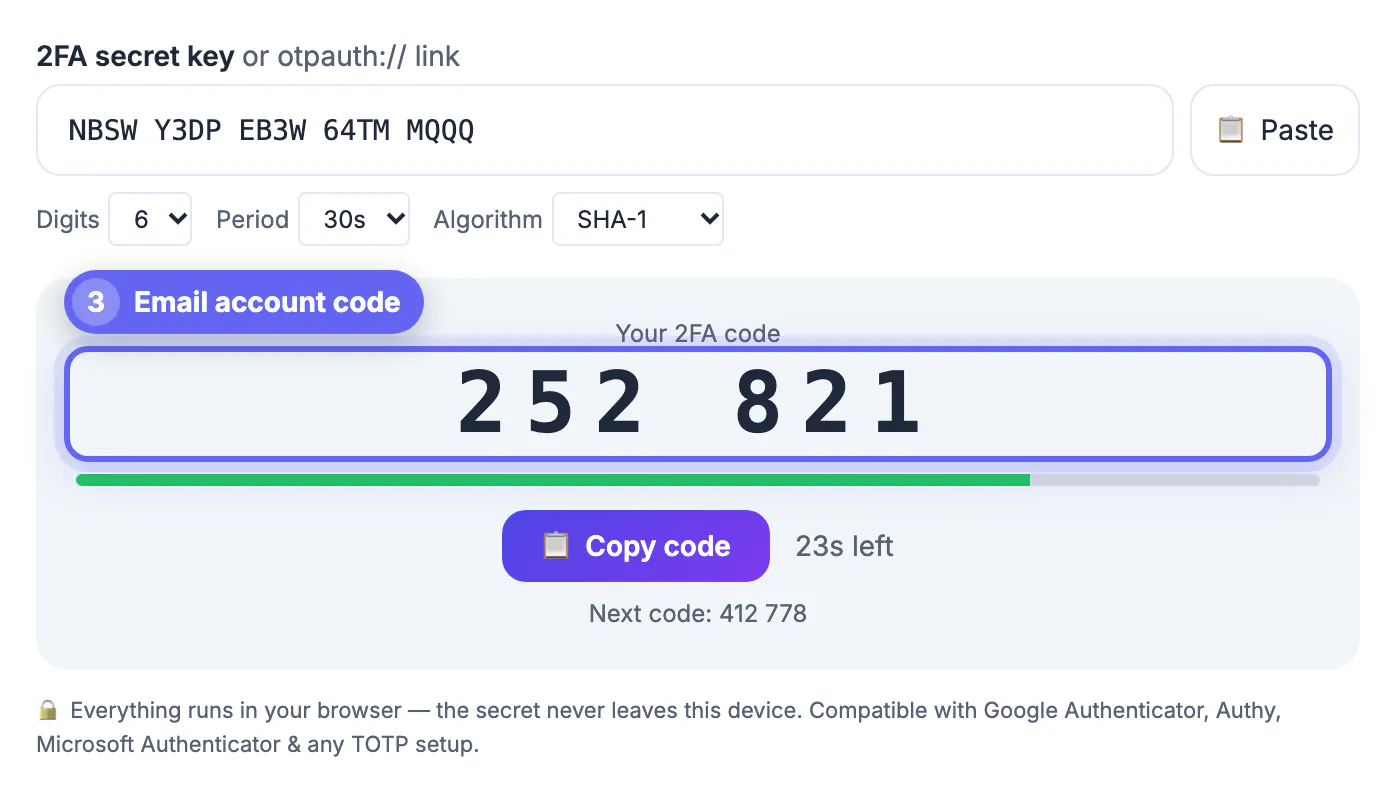
Any 2FA is far better than none, so the goal here is not to scare anyone off SMS but to pick the stronger option where you can. The two methods are not equally secure: SMS codes travel over the phone network and can be intercepted or redirected, while authenticator codes are generated on your own device and never transmitted. For high-value accounts like email and banking, that difference is worth acting on. Understanding the trade-offs lets you upgrade the accounts that matter most. It also pays to know the one extra step that hardens SMS when it is your only option, so even the weaker method is not left wide open.
How each method works
The two approaches deliver a code in very different ways, and that difference drives everything else.
- SMS: the service texts a code to your phone number each login
- Authenticator app: your device computes a code offline from a shared secret
- SMS depends on cellular delivery; the app does not
- Both ask you to type a short code after your password
Security: the app wins
The biggest gap is security. SMS codes can be intercepted through SIM-swap attacks, where someone ports your number to their own phone.
They can also be phished or redirected in transit. Authenticator codes never leave your device, so there is no message to intercept. For any account that protects money, identity or other logins, the app is the clear choice.
Reliability and convenience
Beyond security, the app is often more practical. SMS depends on signal and carrier delivery, which can be slow or fail while traveling.
- Authenticator apps work offline, even with no signal
- SMS codes can be delayed or fail to arrive abroad
- SMS needs no extra app, which suits less technical users
- Apps centralize all your codes in one place
When SMS is acceptable
SMS still beats having no second factor at all. If an account only offers SMS, use it rather than skipping 2FA.
It is also a reasonable fallback for low-risk accounts. But wherever a service supports an authenticator app, switch to it, especially for email, financial and primary accounts.
How a SIM-swap attack works
The headline weakness of SMS is the SIM swap, and understanding it explains why security teams push people toward apps.
An attacker convinces your carrier to move your number to a SIM they control, often using personal details gathered elsewhere. Once your number is theirs, every SMS code flows to them, and no code generated on your own device would have leaked that way.
Harden SMS when it is your only choice
Some services still offer only SMS. Rather than skip 2FA, take a few steps to make it harder to hijack.
- Set a PIN or passcode with your mobile carrier
- Avoid publicizing the phone number tied to key accounts
- Watch for unexpected loss of signal, a SIM-swap warning sign
- Move to an authenticator app the moment one is supported
Switching an account from text messages to an app
Moving over takes about five minutes per account and is worth doing in order of risk. Start with your primary email, because it can reset every other login, then banking and anything that stores payment details.
- Open the account's security settings and look for an option labelled authenticator app, security app or TOTP.
- Scan the setup QR code with the app, then enter the first generated code to confirm the link works.
- Download the backup codes the service offers and store them somewhere other than the phone.
- Only after a test login succeeds, remove the phone number as the default method or keep it as the last-resort fallback.
While you are tightening security, a long random credential matters as much as the second step. A strong password built from entropy keeps an attacker from getting as far as the code prompt in the first place.
What about push prompts and security keys?
A third family sits above both methods. Push approvals ask you to tap a button on a trusted phone, which is convenient but can be abused when attackers spam requests until someone approves by mistake. Hardware security keys go further because they check the website address, which makes them hard to phish. If an account offers a key, it is the strongest choice; an authenticator app is the practical default, and SMS is the fallback.
- Use a key for email and admin accounts when it is available.
- Treat unexpected push prompts as a warning that your password leaked.
- Keep one method on a second device so a single loss does not lock you out.
Step-by-step
Common mistakes to avoid
Pro tips
Frequently asked questions
Is an authenticator app safer than SMS codes?
Yes. Authenticator codes are generated on your device and never transmitted, while SMS codes can be intercepted through SIM-swap or phishing attacks.
Why are SMS codes considered weaker?
They travel over the phone network, where they can be redirected via SIM swaps, phished, or delayed and lost while traveling.
Should I ever use SMS 2FA?
Yes, when it is the only option, since any 2FA beats none; but switch to an app wherever it is supported.
Do authenticator apps work without signal?
Yes. They compute codes offline from a shared secret and the clock, so they work with no cellular connection.
How can I make SMS 2FA safer when it is my only option?
Set a carrier PIN to block SIM swaps, keep the number private, watch for sudden signal loss, and switch to an app as soon as one is offered.
An authenticator app beats SMS codes on security and reliability, so use it for important accounts and keep SMS only as a fallback where apps are not offered.
Related guides
Browse more: all all guides · the 2FA Code Generator