Convert M4A to MP3: Bitrate, Tags and Voice Memos
To convert M4A to MP3, load the file into an audio converter, choose MP3, pick a bitrate at least as high as the original, typically 192 kbps for music or 64 to 96 kbps mono for speech, and download the new file. M4A is usually AAC audio in an MP4 container, which Apple devices love but some car stereos, older players and upload forms reject. It is lossy to lossy, so a few choices decide whether the sound and song details survive.
🎵 Try Audio Converter now — freeOpen →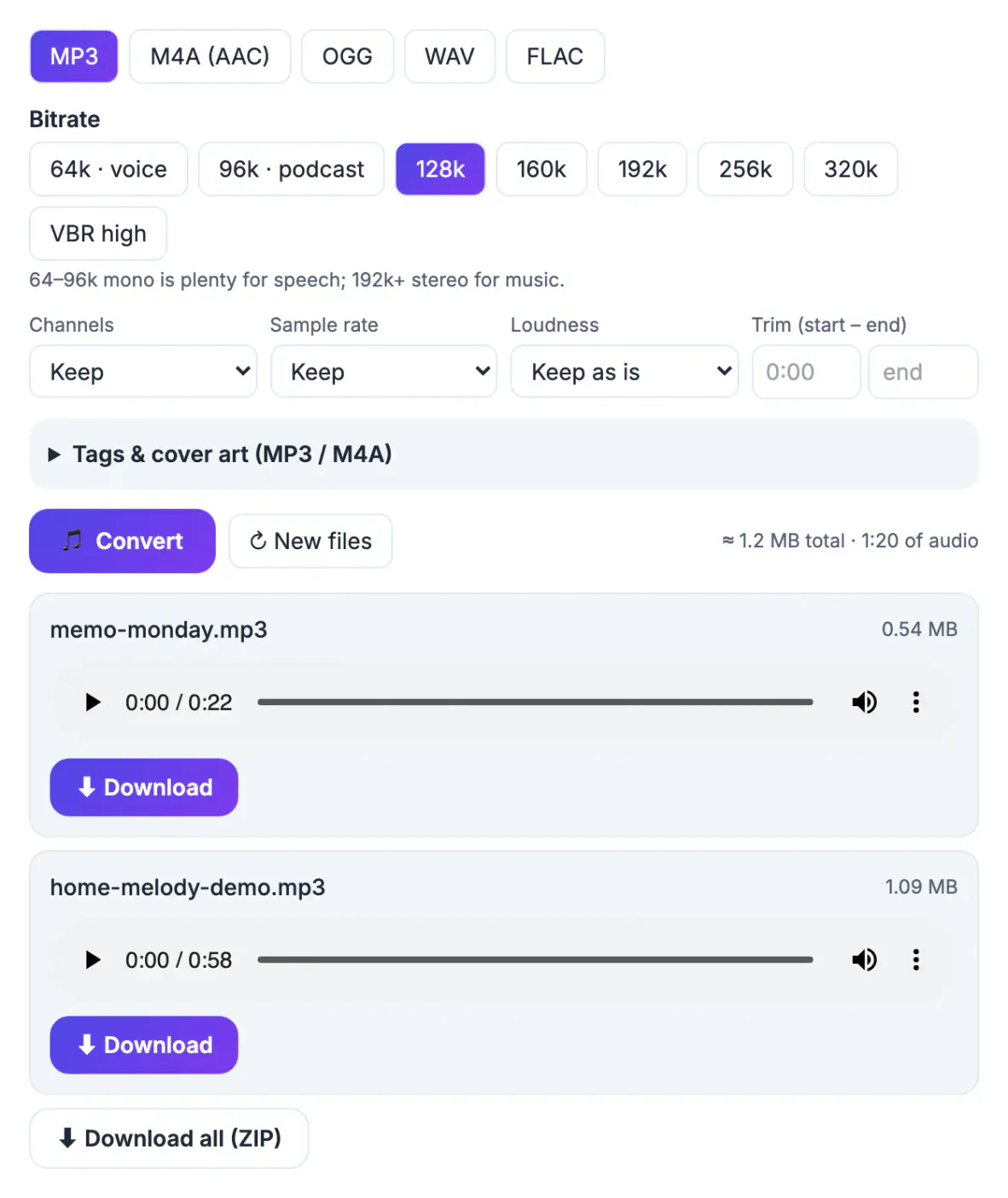
iPhone Voice Memos, iTunes purchases and many recording apps save M4A. That works on Apple gear and modern browsers, but plenty of devices only list MP3: older USB car stereos, some hardware MP3 players, school or court submission portals and simple audio editors. MP3 is the lowest common denominator, so converting once saves a support call later.
M4A vs MP3: what actually changes
M4A is a container, usually holding AAC audio and sometimes lossless ALAC, as with some Voice Memos settings. MP3 is an older codec with its own tag format, ID3.
- Compatibility: MP3 plays on almost anything with a speaker; M4A support is common but not universal on older hardware.
- Efficiency: AAC generally sounds better than MP3 at the same bitrate, so MP3 needs a little more.
- Protection: copy-protected Apple files, usually .m4p, cannot be converted. Only convert audio you have the right to use.
Lossy to lossy: pick the right MP3 bitrate
Converting AAC to MP3 decodes the audio and encodes it again, and each lossy pass throws a little more away. You cannot add quality back, but you can avoid losing more than necessary.
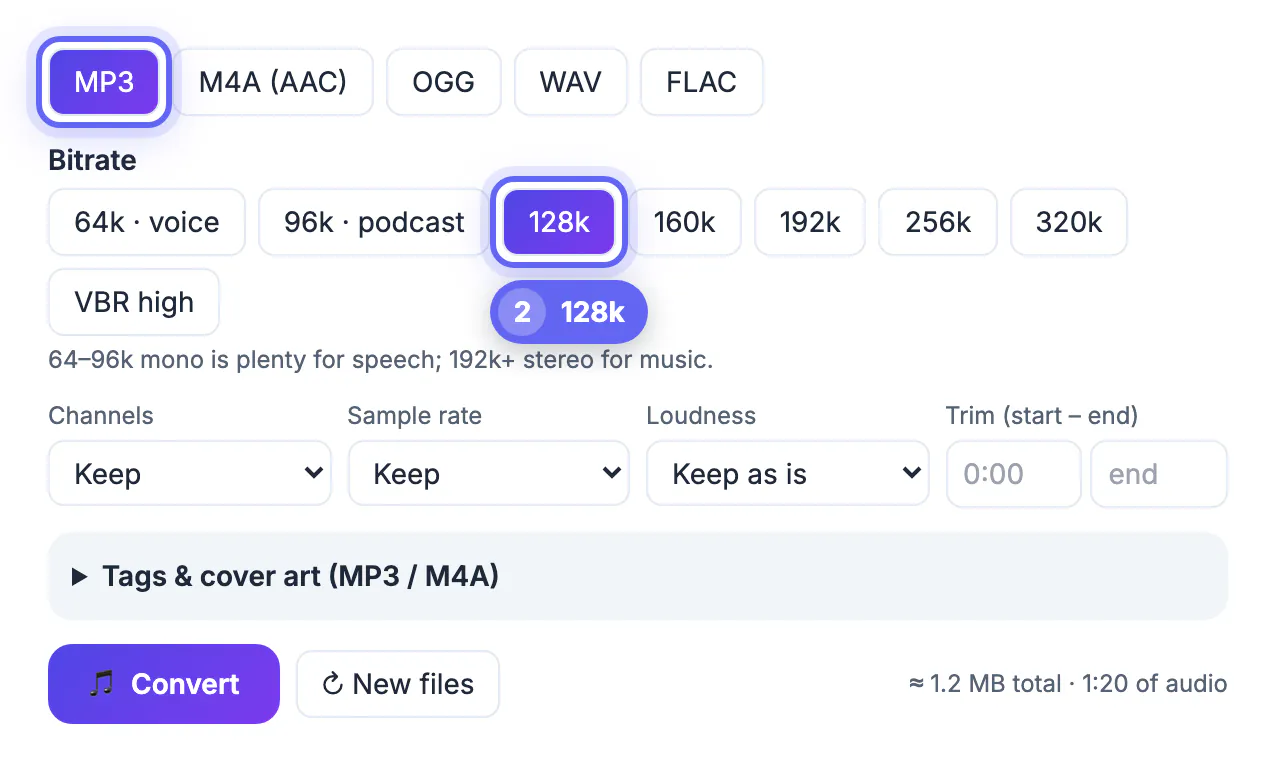
- Match or exceed the source. A 256 kbps AAC song converts well at 256 or 320 kbps MP3; a common rule of thumb is to go one step above the AAC bitrate.
- For music of unknown quality, the converter's VBR high option (MP3 only) varies the bitrate with the complexity of the sound and is a safe default.
- Speech needs far less. A Voice Memo sounds the same at 64 or 96 kbps mono as at 320 kbps stereo, at a fraction of the size.
- A 96 kbps AAC file saved as 320 kbps MP3 is just a bigger copy of the same detail.
Size math: kbps × seconds ÷ 8000 gives megabytes. A 4-minute song at 192 kbps is about 5.8 MB; a 30-minute memo at 64 kbps is about 14 MB.
Keep tags and cover art when you convert M4A to MP3
GrabCast's Audio Converter runs ffmpeg in your browser, so files stay on your device. Its Tags and cover art panel appears when MP3 or M4A is selected.
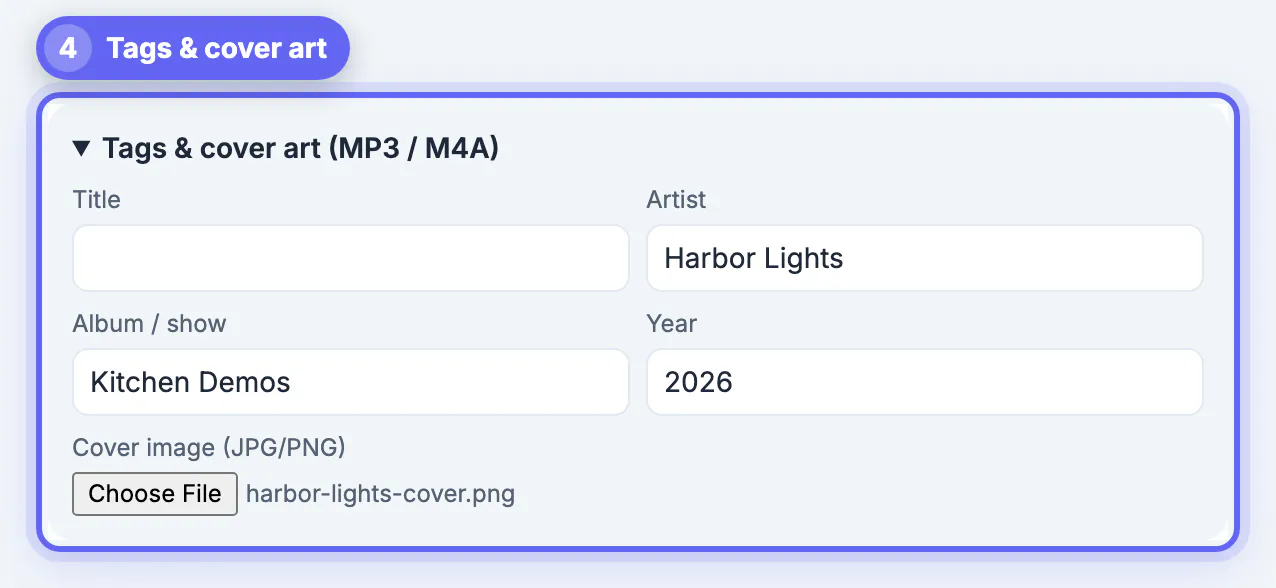
- Text tags: the engine usually carries over existing artist and album tags, but check the fields. The Title box is prefilled from the file name, and whatever it contains replaces the original title.
- Cover art: the converter keeps only the audio stream, so artwork embedded in the M4A is not copied. Add a JPG or PNG under Cover image to embed it in the MP3.
- Compatibility: MP3 tags are written as ID3v2.3, the version older car stereos and Windows read most reliably.
- Batch caveat: in a batch, each file's title comes from its file name, while artist, album, year and cover apply to every file. Group files by album.
Batch convert iPhone Voice Memos and other M4A files
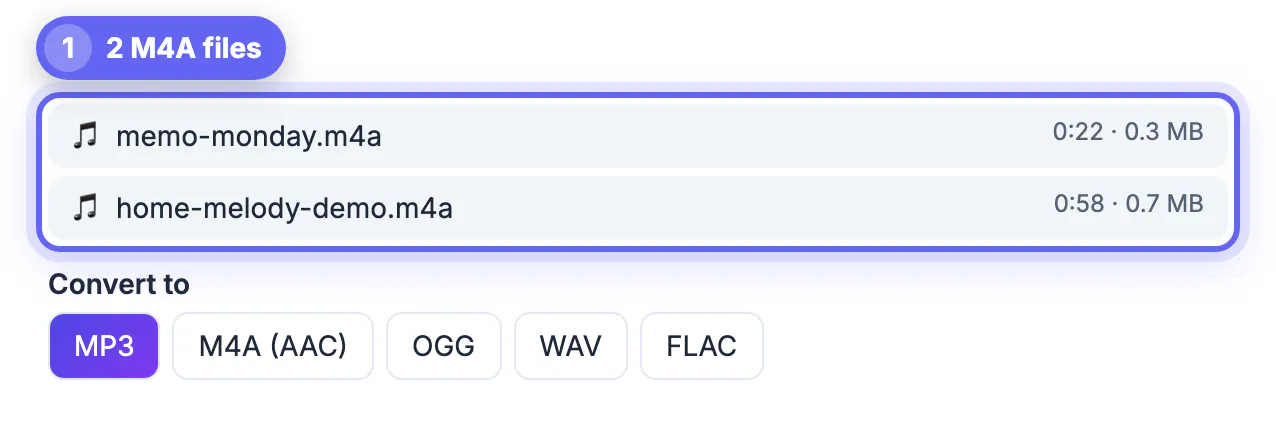
Voice Memos exports M4A files. From the iPhone, use Share and Save to Files, or AirDrop them to a Mac, then drop them into the converter.
- Add up to 30 files at once; each shows its length and size, and a size estimate updates as you change settings.
- Choose MP3, then 64k voice or 96k podcast, and set Channels to Mono for speech.
- Optional: Loudness to Podcast −16 LUFS evens out quiet and loud recordings; Trim start and end applies to every file in the batch, so trim single files separately.
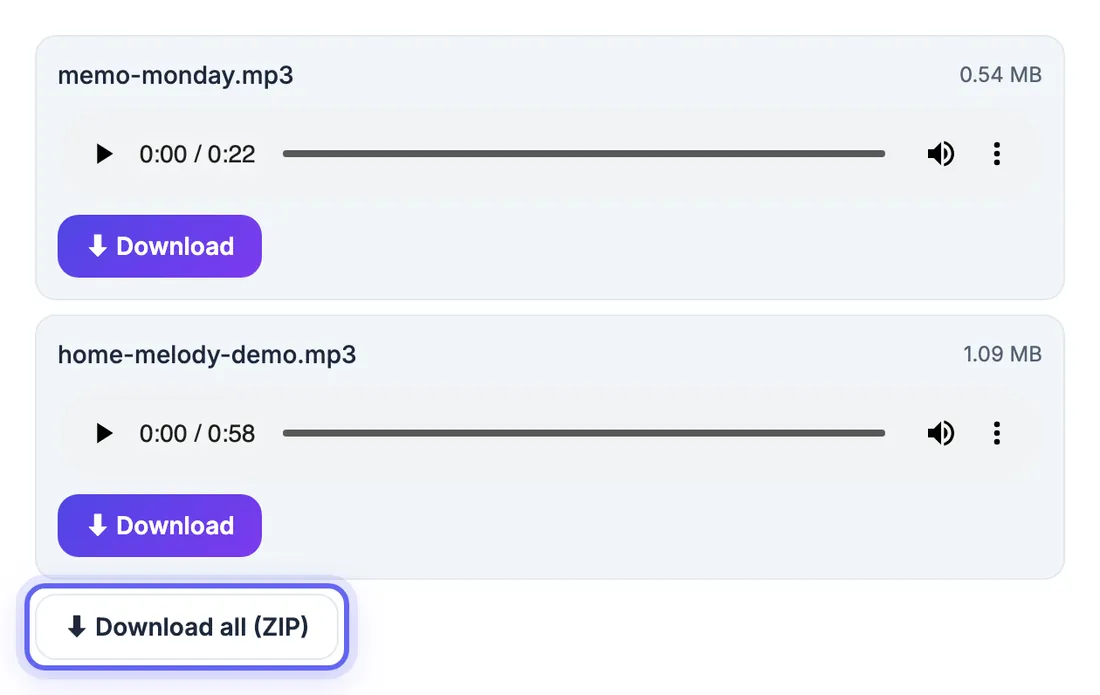
- Download each result, or Download all as a ZIP.
Files are processed in browser memory, so convert very long recordings one at a time, ideally on a computer.
When you should not convert
M4A is fine on modern devices, and converting adds another lossy step. Keep M4A if it plays everywhere you need, if you plan to edit the audio further, or if you have a lossless ALAC file you want to archive. Convert when a device, car stereo, upload form or podcast host explicitly requires MP3.
- Keep your original file in case you need a different format later.
- Prefer a higher bitrate such as 192 or 256 kbps for music.
- For speech such as meetings and lectures, 96 to 128 kbps keeps files small and clear.
You can trim silence or unwanted parts first with trimming audio online, join several recordings with combining audio files into one, and record fresh audio using a free online voice recorder.
Checking the result
Play the converted file from start to end, check the length matches the original, and confirm the title, artist and artwork appear in your player. If tags are missing, edit them in a tag editor or in the converter's tag panel and convert again.
Step-by-step
Common mistakes to avoid
Pro tips
Frequently asked questions
Does converting M4A to MP3 lose quality?
A little, because the audio is re-encoded. At or above the source bitrate, most people cannot hear it.
What bitrate should I use for M4A to MP3?
192 kbps or VBR high for most music, 256 to 320 kbps for high-bitrate sources, and 64 to 96 kbps mono for voice recordings.
Are my files uploaded?
No. The converter runs ffmpeg.wasm in your browser; only the engine, about 32 MB, is downloaded once.
Can I convert iPhone Voice Memos to MP3?
Yes. Save the memos to Files or send them to a computer, then drop the M4A files in, choose MP3 and a speech bitrate such as 64k mono.
Why can't I convert some iTunes files?
Copy-protected files, usually .m4p, are locked to Apple's apps and cannot be converted. DRM-free purchases and your own recordings convert normally.
Convert M4A to MP3 when a device or form demands it, never as a quality upgrade. Match or beat the source bitrate for music, drop to 64 or 96 kbps mono for speech, and re-add cover art in the tags panel. The Audio Converter handles a whole folder of memos or songs in one batch without uploading anything.
Related guides
Browse more: all video and audio guides · Audio Converter