Calculate Hours Worked: Timesheet Math, Breaks, Overtime
To calculate hours worked, subtract the clock-in reading from the clock-out reading, take away unpaid meal breaks, and convert the leftover minutes to a decimal by dividing by 60. A shift from 8:47 AM to 5:22 PM with a 30-minute unpaid lunch is 8 hours 5 minutes, or 8.08 hours. The rest of this guide covers overnight shifts, daylight saving nights, weekly overtime and remote work logged in another region's clock.
🌐 Try Time Zone Converter now — freeOpen →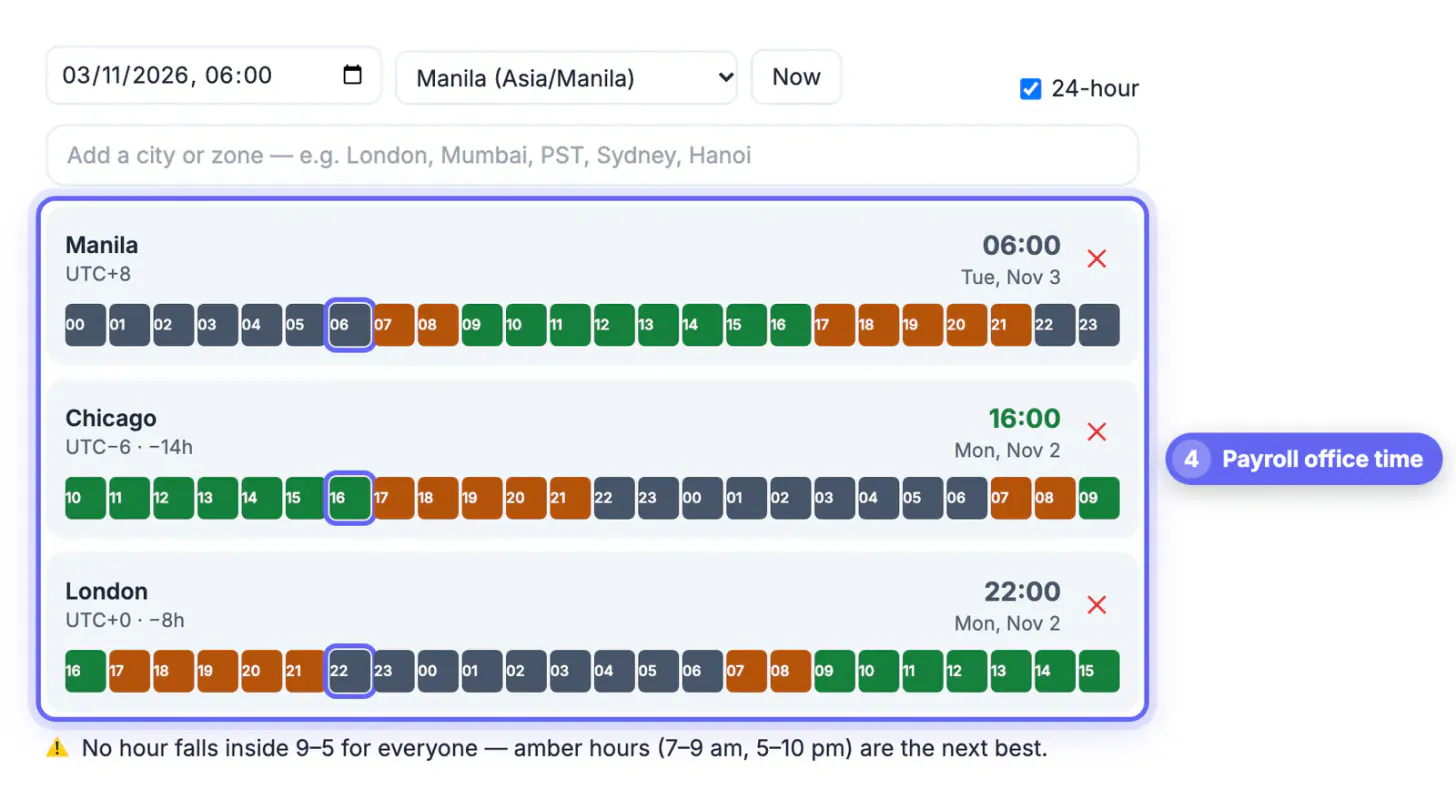
A timesheet that is off by 15 minutes a day costs a worker earning $22 an hour about $27 a week, or roughly $1,400 a year. Freelancers underbill when they round down out of politeness, and small businesses overpay when they add breaks back in by mistake. Common traps are writing 7.30 when you mean 7 hours 30 minutes (which is 7.5 hours), forgetting the date change on night shifts, and mixing two regions' clocks in one log. Clean math protects both sides of the paycheck, and it makes an audit or a wage claim far simpler to resolve.
The core formula for hours worked
Every calculation follows the same pattern: end minus start, minus unpaid breaks. Converting both readings to a 24-hour clock first removes AM and PM errors.
- Convert to 24-hour: 5:22 PM becomes 17:22; 8:47 AM stays 08:47.
- Subtract: 17:22 minus 08:47. Borrow an hour when the minutes go negative: 16:82 minus 08:47 = 8:35 elapsed.
- Remove unpaid breaks: 8:35 minus 0:30 = 8:05 on the clock.
- Convert minutes to decimal: 5 divided by 60 = 0.083, so the shift is 8.08 hours.
In the US, the Department of Labor generally treats short rest breaks of about 5 to 20 minutes as paid working time, while a genuine meal period of 30 minutes or more, when you are fully relieved of duties, can be unpaid. State rules and your contract may add more, so check them if a break policy is unclear. This is general information, not legal advice.
Convert minutes to decimal hours without mistakes
Payroll and invoicing software expects decimal hours, but clocks show hours and minutes, and the two are easy to confuse. 7:30 is 7.5 hours, not 7.3. Divide the minutes by 60, or memorize the common ones:
- 6 minutes = 0.1 hour; 12 minutes = 0.2; 18 minutes = 0.3.
- 15 minutes = 0.25; 20 minutes = 0.33; 30 minutes = 0.5.
- 40 minutes = 0.67; 45 minutes = 0.75; 50 minutes = 0.83.
- To go back, multiply the decimal part by 60: 0.42 x 60 = 25 minutes.
Many employers round clock punches. Federal rules generally allow rounding to the nearest 5, 6 or 15 minutes if it averages out fairly over time, the familiar 7-minute rule for quarter hours: 8:07 rounds down to 8:00 and 8:08 rounds up to 8:15. Rounding that always favors the employer is a red flag. Freelancers usually bill in 6- or 15-minute increments; state the increment in the contract so clients are never surprised.
For clock-in and clock-out totals with breaks, the Time Card Calculator does the arithmetic for you.
Overnight shifts, daylight saving nights and weekly overtime
When a shift crosses midnight, add 24 to the end reading before subtracting. A 10:00 PM to 6:30 AM shift is 30:30 minus 22:00 = 8:30; minus a 30-minute meal, 8.0 paid. Log it under the day it started so the week totals stay consistent.
Twice a year the clock itself changes overnight. On November 1, 2026, US clocks fall back at 2:00 AM, so that same 10 PM to 6:30 AM shift actually runs 9.5 on the job before breaks. On March 8, 2026 they spring forward, and it runs just 7.5. The general principle is that pay follows hours actually worked, not the clock face, so time systems should record the real duration.
- Federal overtime: nonexempt US employees earn at least 1.5 times their regular rate for hours over 40 in a workweek.
- Some states add daily rules; California, for example, requires overtime after 8 hours in a day and double time after 12.
- Worked example: 43.5 hours at $22 = 40 x $22 ($880) plus 3.5 x $33 ($115.50) = $995.50.
- Paid holidays and sick days usually do not count toward the 40-hour overtime threshold unless a contract says so.
Remote work across regions: keep one clock per log
Freelancers and remote staff often work for clients in another region. A designer in Denver working 9:00 AM to 5:00 PM Mountain shows up as 11:00 AM to 7:00 PM in a client’s New York tracking tool. The duration is identical, a full eight, but mixing the two in one spreadsheet creates phantom overlaps and gaps.
- Pick one region’s clock for the whole log, usually the one on the contract or the payroll system, and note it in the header.
- When a client lists core hours, such as 10 to 4 Eastern, translate them into your local day once and save them.
- For billing across the date line, record the date as well as the hours; a Sydney client’s Monday morning is your Sunday afternoon in the US.
- Keep raw punches, not just totals, so you can rebuild any day if a payroll or billing question comes up months later.
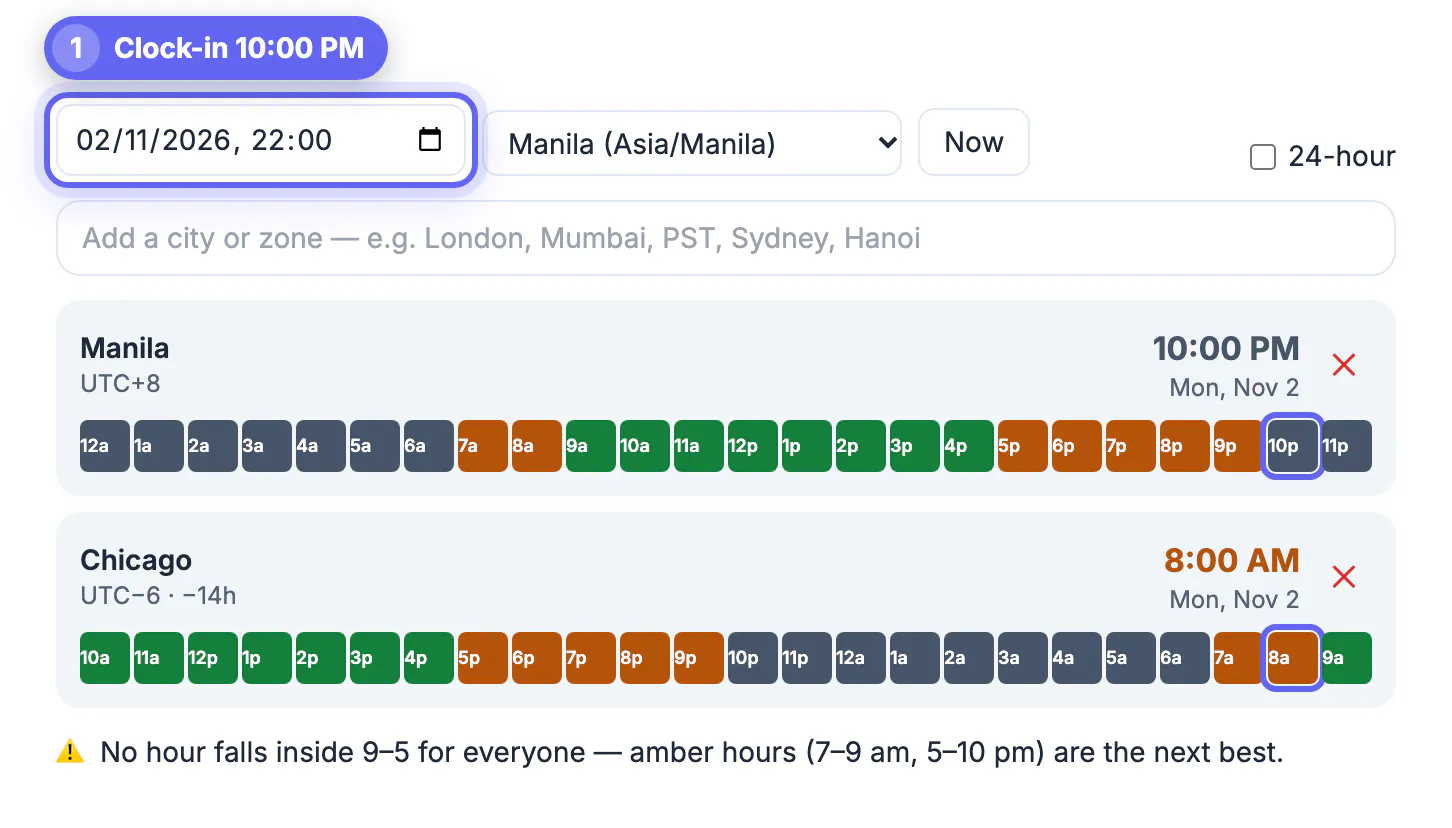
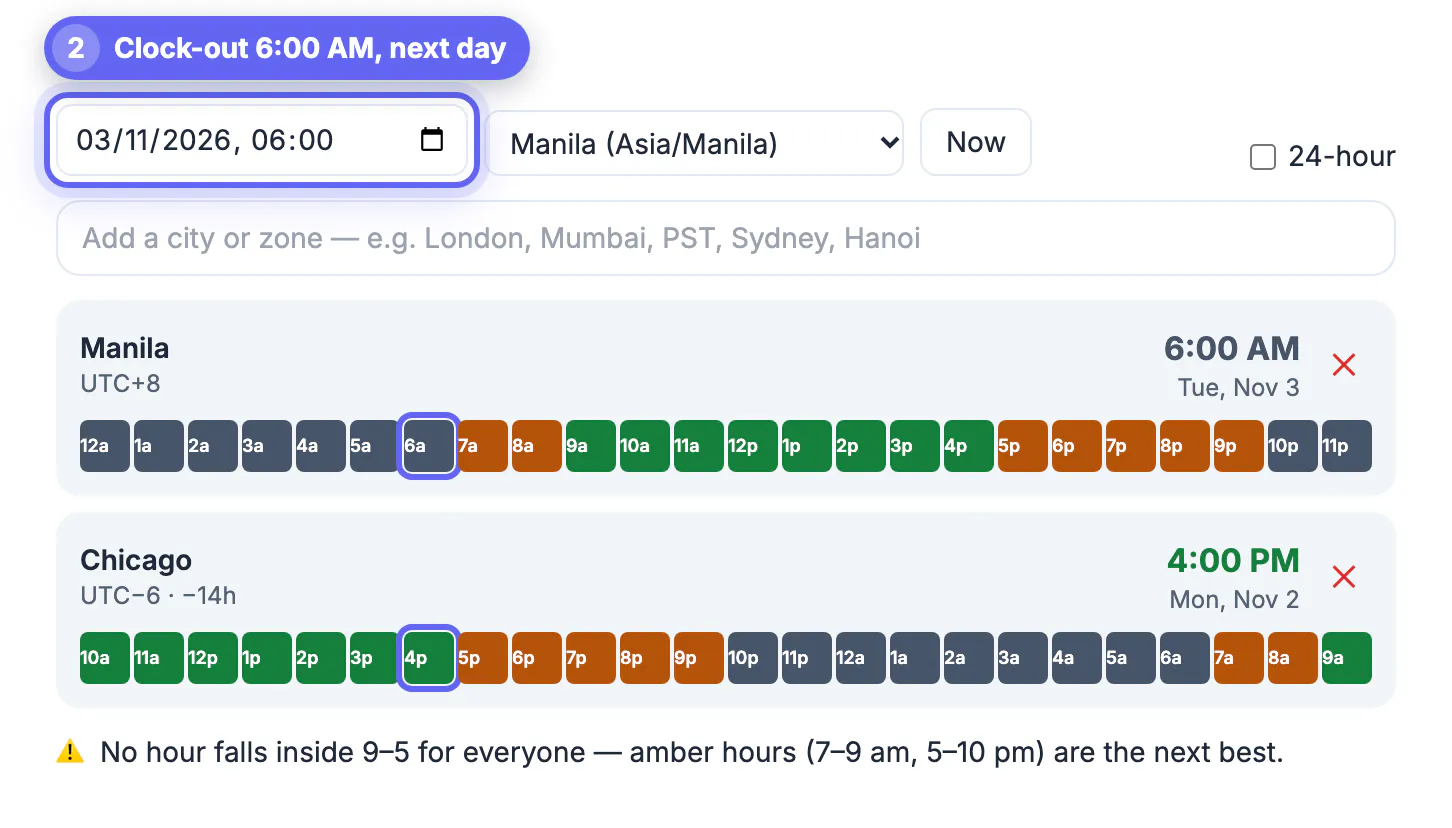
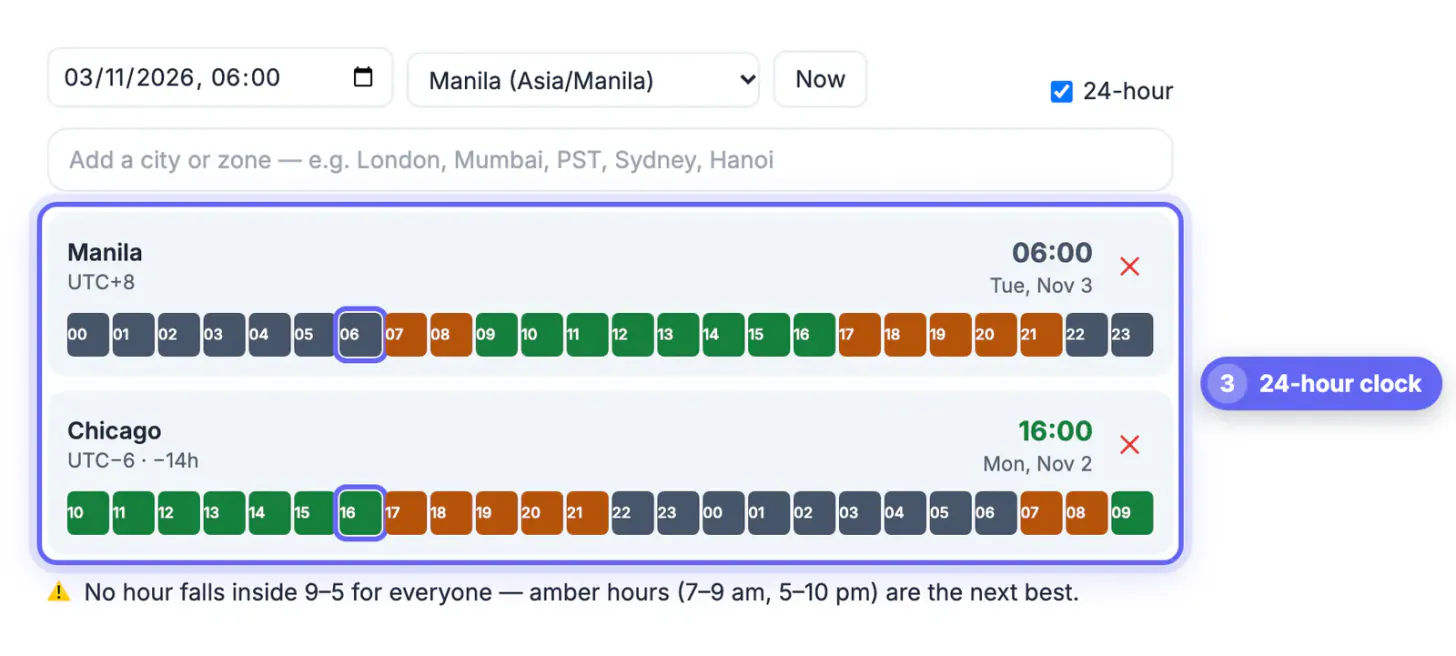
GrabCast does not have a dedicated timesheet calculator, and it does not track your hours. What helps here is its Time Zone Converter & Meeting Planner: type your city and the client’s city, and each row shows the local clock, UTC offset and a 24-hour strip with 9-to-5 in green, including daylight saving for the specific date. That makes it easy to confirm what a client’s 10 AM deadline means for your day before you plan the shift. For the totals themselves, a spreadsheet with the formula above, or the Invoice Generator for billing, does the job.
Step-by-step
Common mistakes to avoid
Pro tips
Frequently asked questions
How do I calculate hours worked in a day?
Subtract the start from the end reading, remove unpaid breaks, and divide leftover minutes by 60. 8:47 AM to 5:22 PM with a 30-minute lunch is 8 hours 5 minutes, or 8.08 hours.
How do I turn minutes into decimal hours?
Divide the minutes by 60. 45 minutes is 0.75 hours and 20 minutes is 0.33 hours, so 7 hours 45 minutes is 7.75 hours.
Are lunch breaks counted as hours worked?
In the US, a genuine meal period of about 30 minutes or more, when you are fully relieved of duties, is usually unpaid. Short rest breaks of 5 to 20 minutes are generally paid. State rules vary; this is not legal advice.
How do I calculate an overnight shift?
Add 24 hours to the end reading before subtracting. 10:00 PM to 6:00 AM becomes 30:00 minus 22:00, which is 8 hours before breaks.
Does GrabCast have an hours worked calculator?
Not a dedicated one. The Time Zone Converter helps when you work for clients in other regions, and the formula and spreadsheet tip in this guide cover the daily totals.
Hours worked is end minus start minus unpaid breaks, converted to decimals by dividing minutes by 60. Add 24 for overnight shifts, record real durations on daylight saving nights, split out hours over 40 for overtime, and keep one region's clock per log when your clients are elsewhere.
Related guides
Browse more: all calculator guides · Time Zone Converter