Pomodoro Variations: 25/5, 50/10, and More
Pomodoro variations let you keep the technique's structure while matching the focus rhythm to your task and attention span. The classic 25/5 split is only the starting point; many people do their best work on longer blocks or a more flexible approach. This guide compares the main variations, from 25/5 to 50/10, 90-minute deep-work blocks, and Flowtime, and explains when each fits best. You will learn how to choose and adjust a rhythm rather than forcing one that fights your work. When you settle on a length, the free GrabCast Pomodoro timer runs any interval in your browser with no sign-up.
🍅 Try the Pomodoro Timer tool now — freeOpen →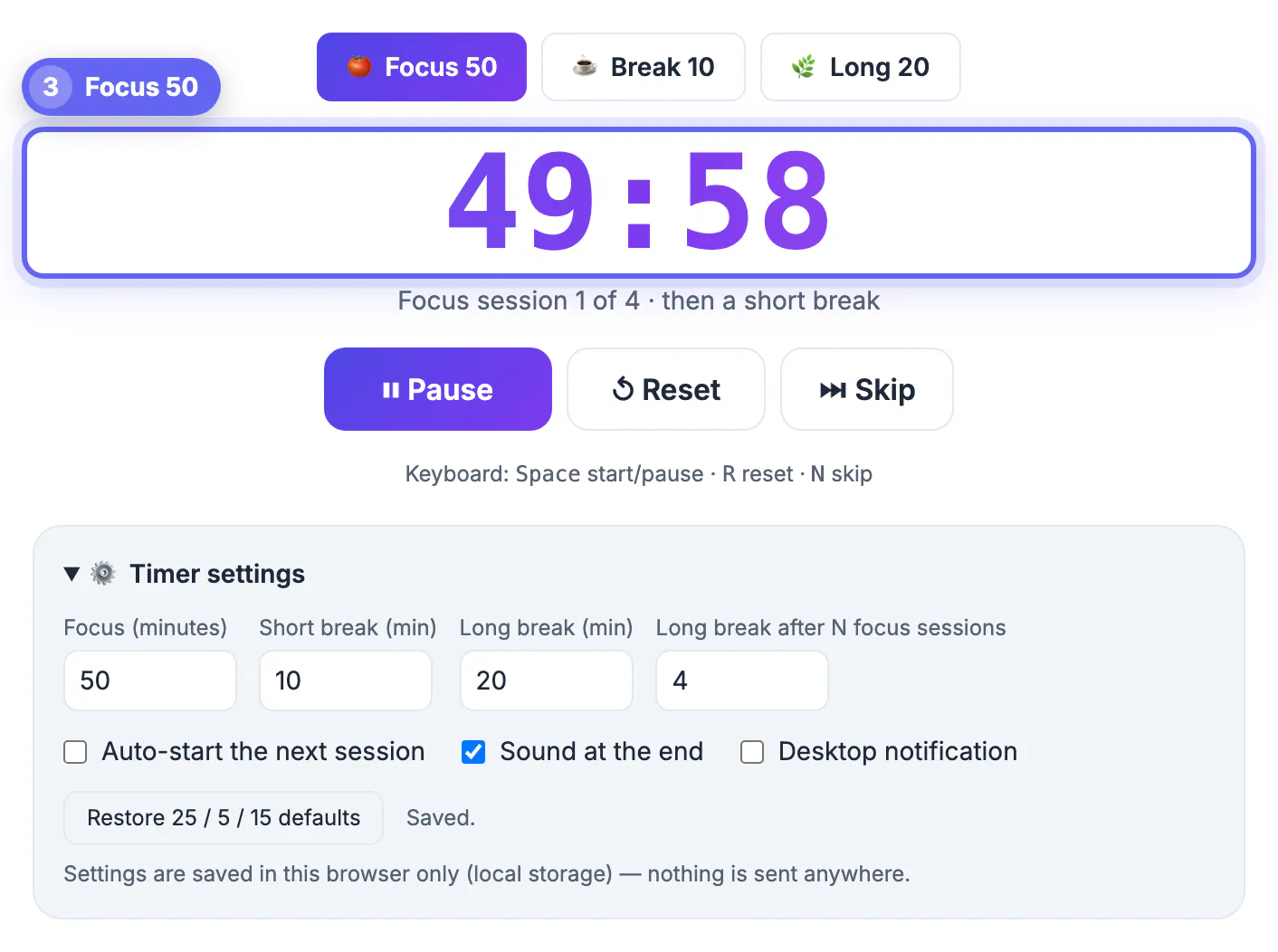
The original 25/5 timing was a personal choice, not a scientific law, so treating it as the only valid rhythm sets many people up to feel the method fails them. Different tasks demand different spans of attention: quick, fragmented work suits short bursts, while writing or coding often needs a longer runway to reach depth. Energy also varies by person and time of day, so a rhythm that clicks in the morning may drag by evening. Matching the interval to the work and the moment preserves everything valuable about the technique, protected focus and real recovery, while removing the friction of an ill-fitting box. Knowing the main variations gives you options to try instead of a single rule to obey. The right rhythm is usually the one you can repeat without dreading it, so treat these variations as experiments and keep whichever leaves you both focused during the work and genuinely rested afterward. There is no prize for using the hardest interval, only for finishing the work you sat down to do.
The classic 25/5 Pomodoro
The default rhythm is a solid place to begin.
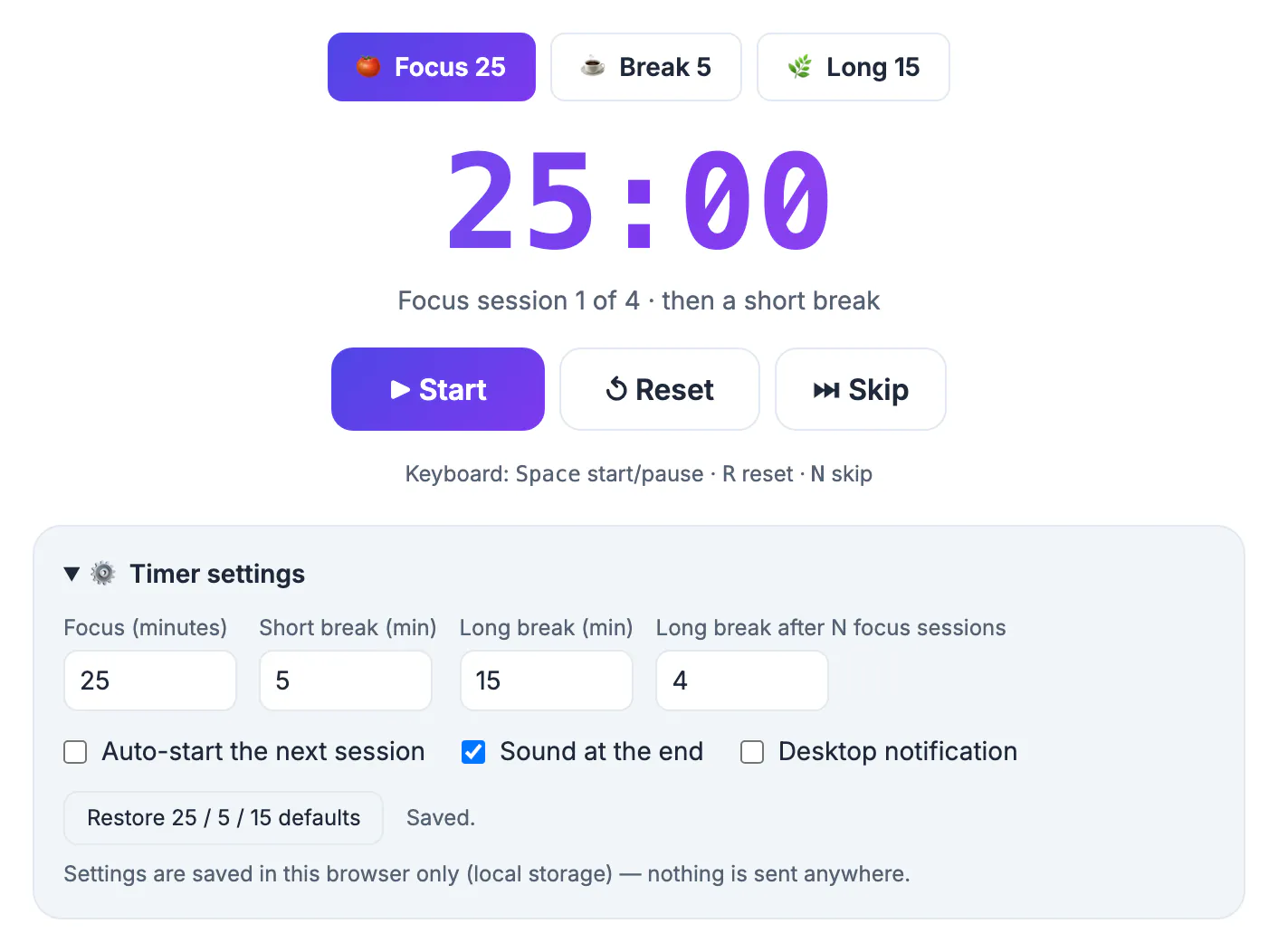
- Focus for 25 minutes, then break for 5.
- Take a longer break after four rounds.
- Great for fragmented tasks and shaky concentration.
- Low barrier to start, which helps against procrastination.
Longer 50/10 blocks
A bigger box suits deeper tasks.
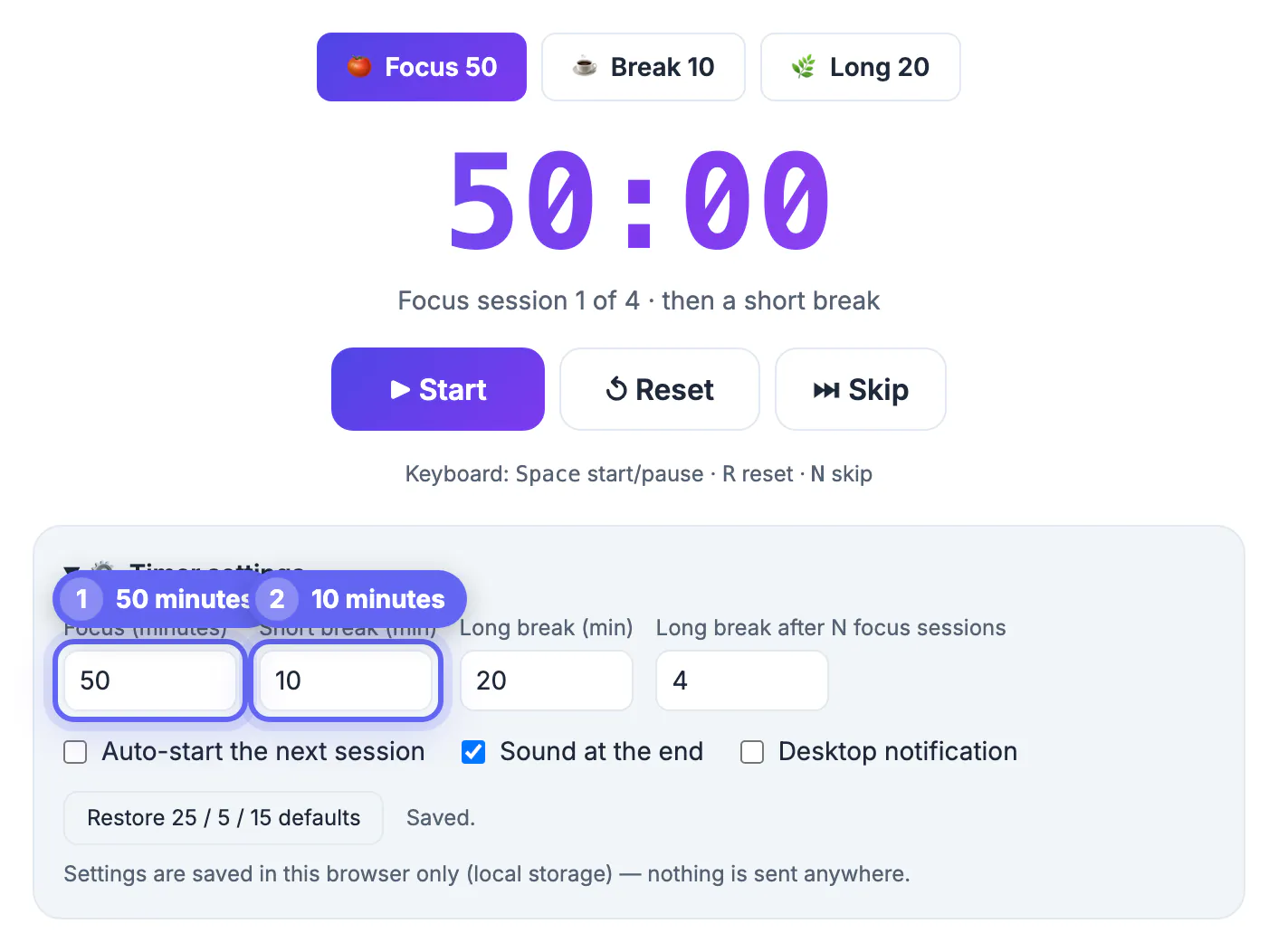
- Focus for 50 minutes, then break for 10.
- Fewer transitions mean less momentum lost to restarting.
- Well suited to writing, studying, and coding.
- Best when you can protect a longer uninterrupted stretch.
90-minute deep-work sessions
Align focus with natural energy cycles.
- Work for around 90 minutes, then rest fully.
- Roughly matches the body's natural attention cycles.
- Ideal for complex problems that need sustained immersion.
- Requires strong discipline and a quiet environment.
Flowtime, a flexible alternative
Let the task set the boundary.
- Start working and note the time, without a preset limit.
- Break when focus naturally dips, then log the session.
- Break length scales with how long you worked.
- Suits tasks where interrupting flow would be costly.
Matching the rhythm to your energy
Even the best interval fails if it fights your daily energy, so align your hardest focus with the hours your attention is naturally strongest.
- Reserve longer blocks for your peak hours, often mid-morning for many people.
- Use shorter 25/5 rounds during low-energy stretches like the afternoon dip.
- Save shallow tasks such as email for the times focus is hardest to summon.
- Adjust the plan seasonally, since sleep and daylight shift your energy.
- Track which rhythm you finish most reliably and let that guide the schedule.
Adjusting breaks so they actually restore you
A break only helps if it differs from the work. Looking at another screen or checking messages keeps the same part of your attention busy, so the next block starts tired.
- Stand up, stretch and look at something far away for a few minutes.
- Drink water or refill a mug rather than opening social apps.
- Write the next small task on paper so you can restart without deciding.
- Skip the break only when you are truly in flow, then take a longer one afterward.
Try one rhythm for a week before changing it. A full 25/5 cycle on a free timer is an easy baseline, and planning study sessions that stick shows how to apply the same blocks to exam preparation.
Handling interruptions during a block
Interruptions are the main reason a timer session falls apart. Decide beforehand how you will respond, so you do not negotiate with yourself in the moment.
- Jot a sudden idea or task on a scrap list and return to it during the break.
- Silence notifications and set a status message so colleagues know when you are free.
- If someone needs you urgently, pause the timer, note where you stopped and restart a fresh block afterward instead of counting the broken one.
- Track how many blocks you complete each day for a week; the pattern shows which hours are most protected.
Who each variation suits
Students revising for exams often do well with 25/5 because the short horizon reduces dread. Writers, programmers and designers usually prefer 50/10 or longer, since getting back into a complex file costs several minutes. Caregivers and people with unpredictable days may find Flowtime easier because it bends around interruptions without making them feel like failures. The technique is a scaffold, so adjust it whenever the work or your energy changes.
Step-by-step
Common mistakes to avoid
Pro tips
Frequently asked questions
Is 25/5 the only correct Pomodoro timing?
No. It is the classic default, but 50/10, 90-minute blocks, and flexible Flowtime all keep the core benefits while fitting different tasks and energy levels.
When should I use 50/10 instead of 25/5?
For deeper tasks like writing, studying, or coding, where fewer transitions preserve momentum and you can protect a longer uninterrupted stretch.
What is Flowtime?
A flexible variation where you work until focus naturally dips, then break, logging each session. The break scales with how long you worked.
How do I pick the right variation?
Match the interval to the task and your energy. Start with 25/5, then lengthen blocks as your ability to sustain focus grows.
Can GrabCast run custom intervals?
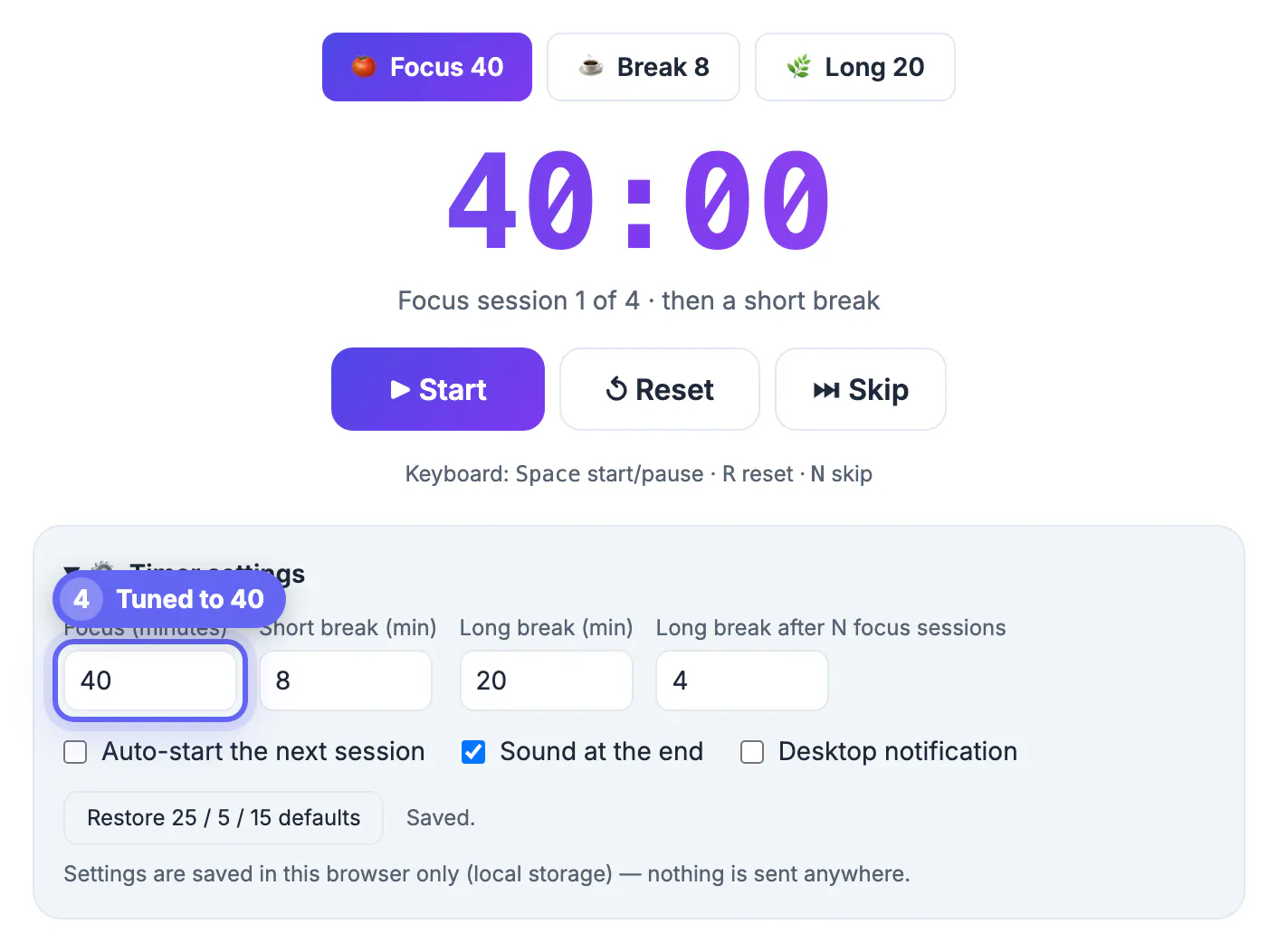
Yes. The free Pomodoro timer runs any focus and break lengths in your browser, so you can try 25/5, 50/10, or your own rhythm.
Pomodoro variations keep the technique's structure while fitting the task: 25/5 for fragmented work, 50/10 and 90-minute blocks for deep focus, and Flowtime for flexible, flow-driven work. Match the interval to the job and your energy, adjust as your focus grows, and run any rhythm with the free GrabCast Pomodoro timer.
Related guides
Browse more: all all guides · the Pomodoro Timer tool