Paid vs Free Screen Recorder: When to Upgrade
The paid vs free screen recorder question comes down to how often you record and what goes wrong when you do. Free options are strong: Xbox Game Bar on Windows, the macOS Screenshot toolbar, OBS Studio and the GrabCast browser recorder all save files with no watermark. A paid app such as Movavi Screen Recorder is worth considering when you want an offline, polished tool for regular recordings, scheduled captures or a webcam overlay you can tweak. This guide is not a ranking of free recorders, which we cover separately. It is an upgrade checklist: which symptoms mean free has stopped working for you, and which mean you should just change a setting. Prices and trial terms change, so check each vendor's current page. Disclosure: some links below are affiliate links, and GrabCast may earn a commission at no extra cost to you.
🎥 Try the Screen Recorder now — freeOpen →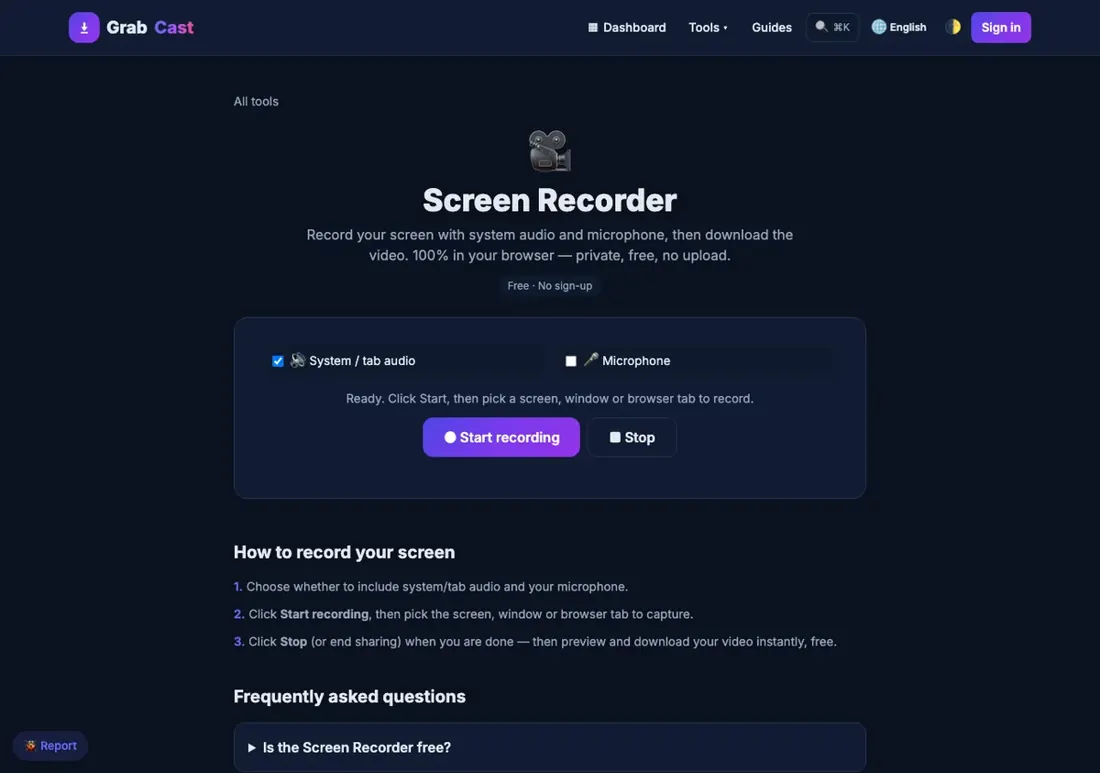
Recording a screen looks like a software problem, but most failures are setup problems: no audio because the wrong source was selected, a shaky window because the capture area moved, a huge file because the bitrate was never checked. Those problems follow you to a paid app unless you fix the habit. Upgrading makes sense when the limit is the tool itself, such as a recorder that cannot capture the audio you need, a workflow that must run unattended, or a team that wants everyone on the same offline app. Until then, free tools are enough, and one afternoon of setup usually beats a new licence.
What free recorders already do well
Before you pay, check how much the free tools cover.
- Xbox Game Bar (Windows): built in, fast, saves MP4 clips of a single app window. It cannot capture the desktop or File Explorer.
- macOS Screenshot toolbar: press Shift-Command-5 to record the whole screen or a selection to a MOV file. App sound needs a workaround.
- OBS Studio: free and extremely capable, with scenes, multiple sources and streaming. The cost is a learning curve.
- GrabCast Screen Recorder: a browser tab on a desktop with Chrome or Edge, with system audio, microphone, webcam bubble and MP4 export, and nothing to install. Open the Screen Recorder to try it.
For a side-by-side of the free options, see Best Free Screen Recorder.
Signs free has stopped working for you
These are real reasons to look at a paid recorder:
- You record every week and want a dedicated offline app with saved settings instead of reconfiguring each time.
- You need scheduled or unattended recordings, such as capturing a webinar while you are away.
- A browser tab is not acceptable at your workplace, but installing a simple desktop app is.
- You want a webcam overlay, drawing or noise reduction in the same app, without assembling them in OBS.
- OBS does everything but its scenes and sources overwhelm you for a plain tutorial.
If none of those fit, tweak your setup and stay free. Our guide to webcam overlay recording shows how far the free route goes.
What Movavi Screen Recorder offers, from its own page
We have not tested Movavi hands-on, so this section only repeats what the vendor publishes. Its product page describes a desktop app for Windows and Mac with webcam overlay, noise reduction, scheduled recordings and drawing tools. It offers a free trial, and the vendor states limits such as a watermark and a trial period, so confirm the current terms before relying on it for real work.
The pitch is convenience: one offline app that bundles things you could assemble yourself from free parts. Whether that convenience is worth the price depends on how often you record.
Movavi Screen Recorder is a paid desktop app for Windows and Mac. Its page lists webcam overlay, noise reduction and scheduled recording. It is worth a look if you record regularly and want an offline app. Test the trial with a real recording and check the current price before you buy.
See Movavi plans →A cost-of-friction test before you pay
Record the same two-minute demo with a free tool and a paid trial, and compare honestly: how long was setup, did the audio capture correctly, how big was the file, and did anything force a retake? Count the minutes lost to friction over a month. If you lose an hour monthly and the app removes it, the licence may pay for itself. If you lose five minutes, you do not need to upgrade.
Also compare privacy. A browser recorder keeps the file on your device and uploads nothing, while a desktop app also saves locally. Check any cloud sharing features in a paid tool and switch them off if you do not want them.
Step-by-step
Common mistakes to avoid
Pro tips
Frequently asked questions
Is a paid screen recorder worth it?
Only if a free tool's limit is costing you time or quality. Regular recorders who want an offline app with webcam, noise reduction or scheduling may find it worthwhile; occasional recorders rarely do.
Does Movavi Screen Recorder have a free trial?
Its product page describes a free trial with limits such as a watermark and a trial period. Check the current terms on the download page.
Which operating systems does Movavi Screen Recorder support?
Its page lists Windows and Mac. Confirm the current system requirements for your version before downloading.
Is OBS better than a paid recorder?
OBS is more powerful and free, but it has a steeper learning curve. A paid recorder trades power for simplicity, so the better choice depends on how complex your recordings are.
Can I record my screen without installing anything?
Yes. Windows has Game Bar, macOS has the Screenshot toolbar and the GrabCast Screen Recorder runs in a Chrome or Edge tab on desktop.
Fix your setup first and use a free recorder until a real limit appears. Upgrade to a paid app such as Movavi Screen Recorder only when offline convenience, scheduling or bundled webcam tools clearly save you time, and test the trial on a real recording.
Related guides
Browse more: all video and audio guides · the Screen Recorder