Looping GIF From a Video: How to Hide the Seam
A looping GIF feels seamless when the last frame flows straight back into the first, so viewers cannot spot where it restarts. To turn a video into one, choose motion that naturally repeats, such as a spinning fan, rolling waves or a walk cycle, then use GrabCast Video to GIF to test start points in 0.1 second steps until the jump disappears.
🎞️ Try Video to GIF now — freeOpen →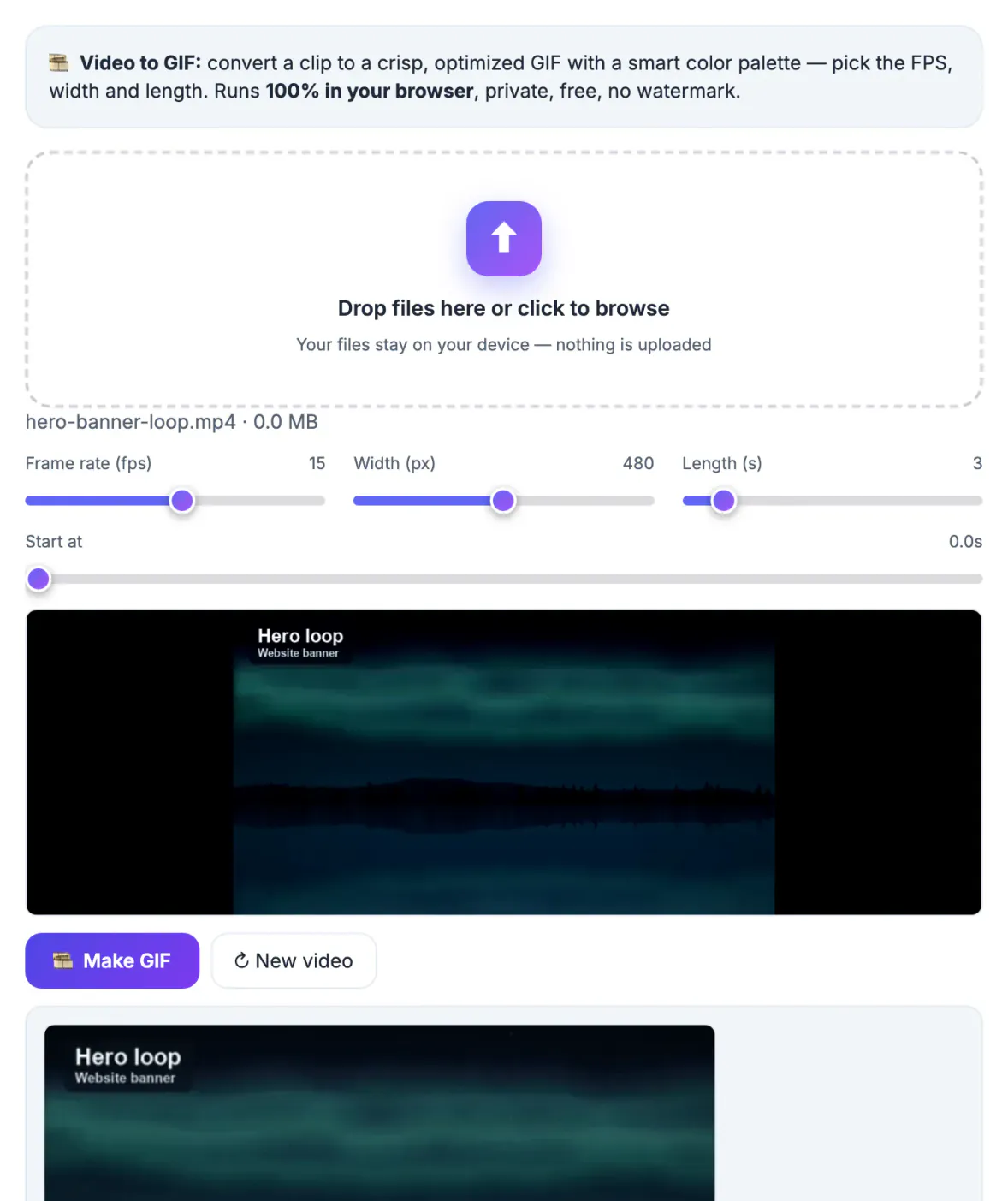
Every animated image repeats, but most repeat badly: the scene snaps back with a visible jolt, and the viewer's brain registers the cut every few seconds. A clean loop does the opposite. With no obvious beginning or end, eyes stay on it longer, which is why designers use them for landing page heroes, product showcases and ambient backgrounds in presentations. Seamless loops also feel higher quality even at modest resolutions. The work is mostly in choosing the right footage and the right boundaries, not in heavy editing software, and a browser tool with precise start control is enough for most cases. A tidy loop can even replace a static hero image on a slide, adding life without a play button or sound.
Footage that loops naturally
The easiest loops come from motion that returns to where it started. Look for cycles in the scene before you worry about settings.
- Rotations: ceiling fans, turntables, bike wheels, a spinning logo
- Repeating nature: waves on a beach, a candle flame, falling rain against a window
- Cycles of movement: a person walking on a treadmill, a pendulum, a bouncing ball
- Interface motion: a loading spinner or a carousel that returns to its first slide
Before filming, watch the scene for a full minute and count how long one cycle lasts. A ceiling fan on medium might complete a turn every half second, while gentle waves repeat roughly every four to six seconds. Knowing the rhythm makes the later alignment much faster.
For a back-and-forth effect, the Reverse Video tool can create a mirrored clip, and the GIF Maker is a handy alternative for image sequences.
Matching the first and last frame
The seam hides when the end of the clip looks almost identical to the start. For a rotation, that means a length equal to one or more full turns; for a walk cycle, two full steps.
- Note where a distinctive detail sits, such as a fan blade at twelve o’clock
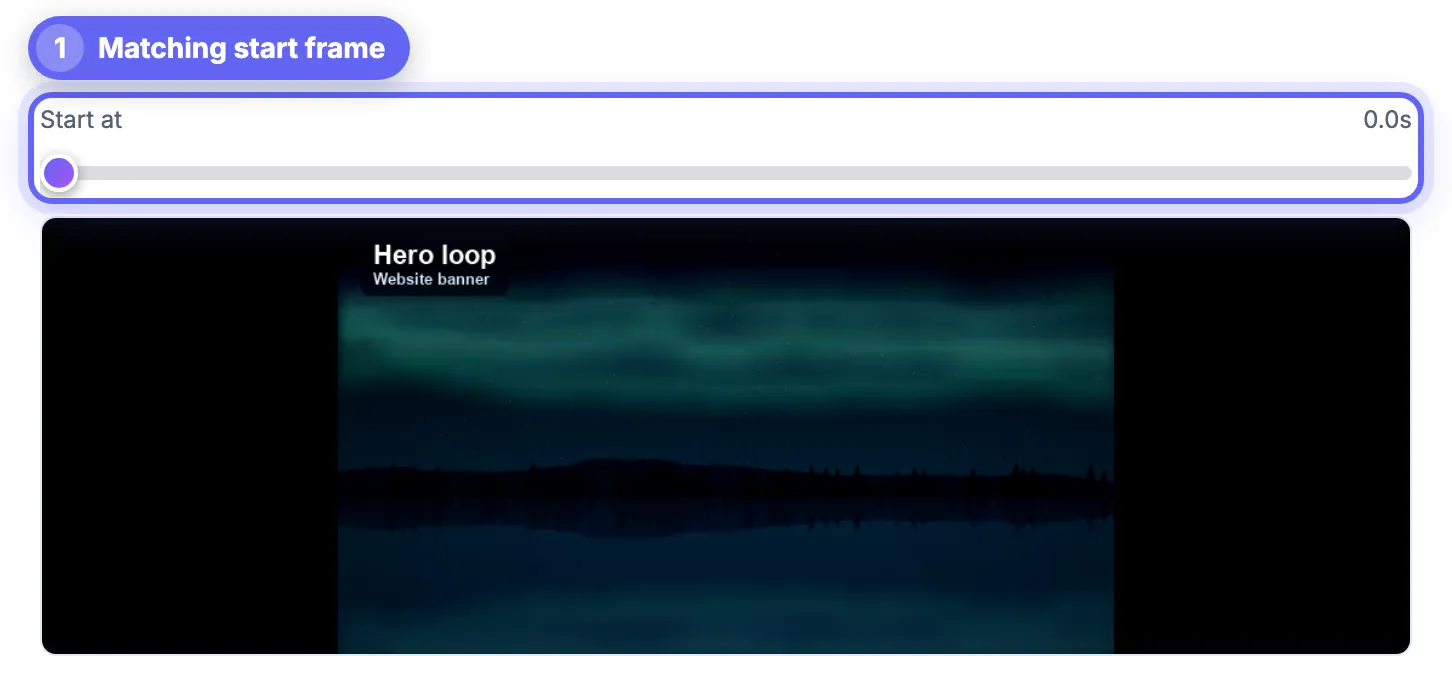
- Use the Start at preview to find a frame where that detail is in the same position
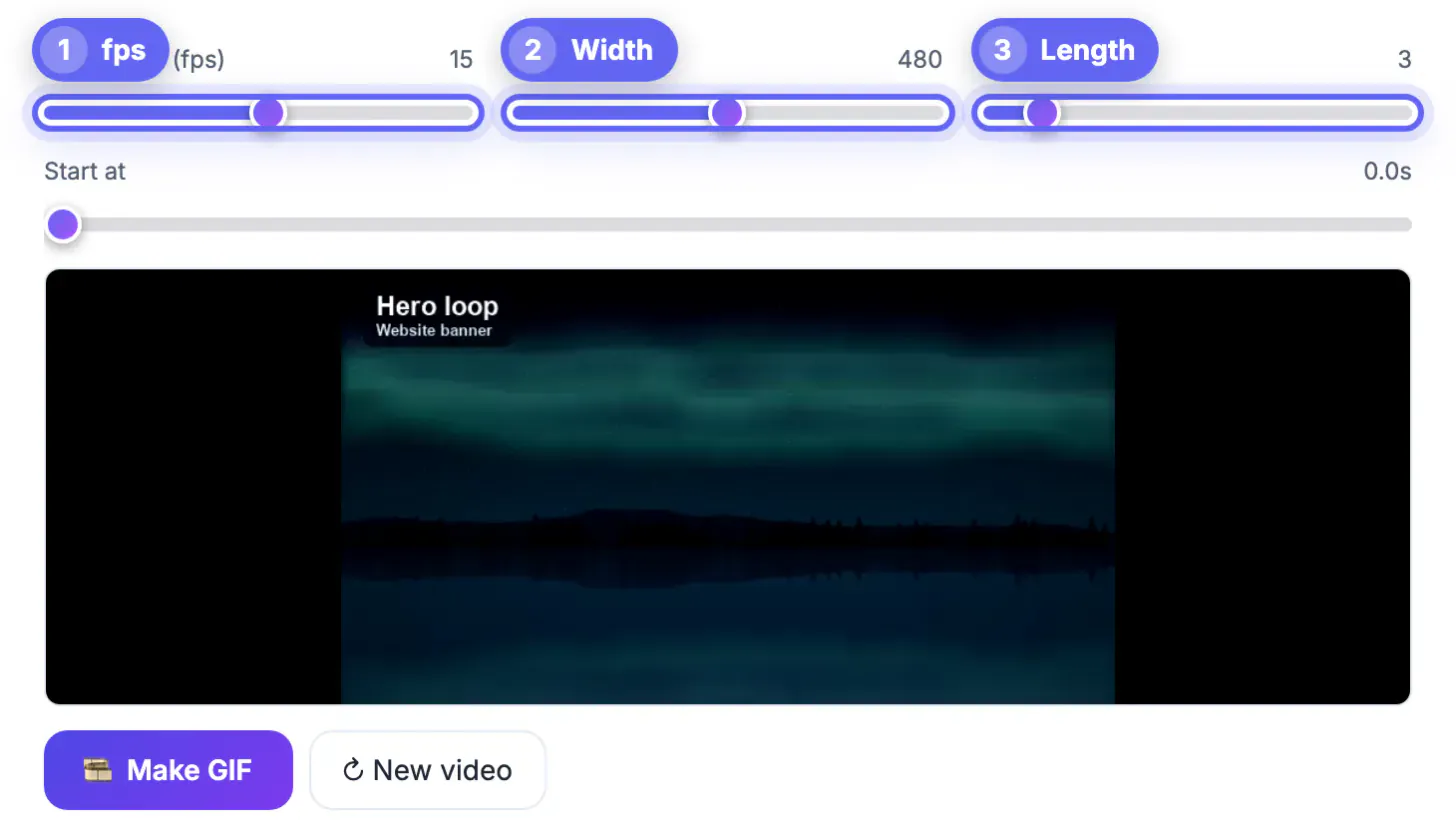
- Set Length in whole seconds so the clip ends on a complete cycle
- If a cycle does not divide evenly, shift the start by 0.1 second and try again
Because Length moves in whole seconds, pick footage whose cycle divides evenly into a whole number, such as a fan turning twice per second. Waves and flames are forgiving; mechanical motion is not.
Settings that keep a looping GIF smooth
Loops expose choppiness more than one-off clips do, because the viewer watches the same motion many times. Frame rate matters more here than in a reaction or a demo.
- Use 15 to 20 fps for fluid motion like water or smoke
- Keep it at 10 to 12 fps for mechanical or UI motion, which still reads cleanly
- Hold the camera steady; handheld shake makes the first and last frames drift apart
- Shorter cycles of 2 to 4 seconds are lighter and easier to align
Width can stay modest. A 480 px loop in a slide deck or email looks polished, and each step up in size costs more than most readers will ever notice on screen.
What this tool can and cannot do for loops
GrabCast Video to GIF picks a start, a length, a frame rate and a width, then builds a smart palette. Some classic loop tricks need a full video editor.
- Boomerang loops that play forward then backward require reversing the clip elsewhere first
- Cinemagraphs, where only one part of the frame moves, need masking in an editor
- Crossfading the end into the start is also an editor job
- Everything else, including precise trimming and palette optimization, happens right here in your browser
A good habit is to prepare the footage in an editor when you need those effects, then return here for the final palette-optimized export at the exact size you want.
Step-by-step
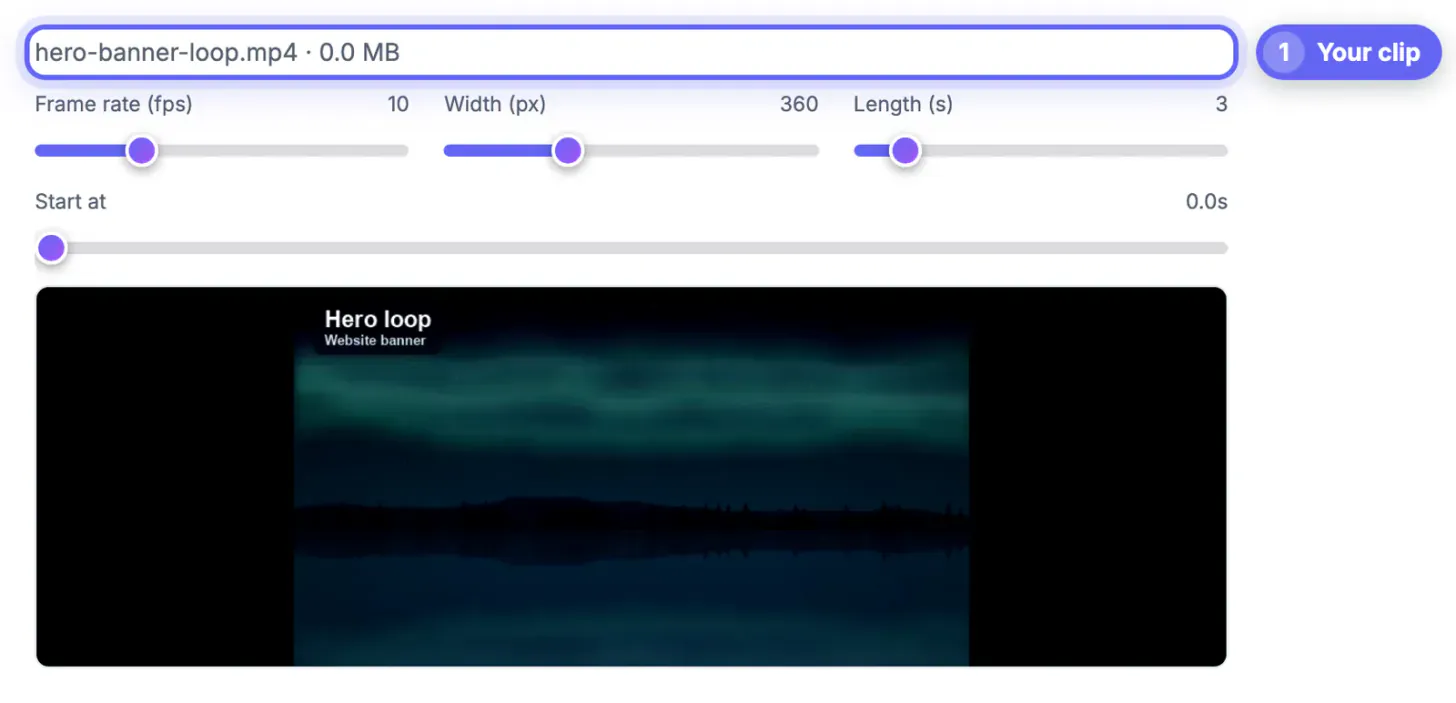
Common mistakes to avoid
Pro tips
Frequently asked questions
Do GIFs loop automatically?
Yes. Exported animations are set to repeat forever in browsers, chat apps and document tools, so you only need to make the join look invisible. Email clients vary slightly: most repeat indefinitely, but a few older desktop versions show only the first frame, so put important information in that opening frame.
How precise can I set the start point?
The Start at slider moves in 0.1 second steps with a live preview, which is enough to align most rotations, waves and walk cycles. For rotations, line up a distinctive detail at the same position in both the first and last frames.
Can I make a boomerang loop that plays back and forth?
Not directly. Reverse and append the clip in a video editor first, then convert that file; the result will bounce back and forth seamlessly. Boomerang style works especially well for splashes, jumps and hair flips, which otherwise never return to their starting position.
What frame rate is best for smooth loops?
Between 12 and 20 fps for most footage. Fluid motion such as water benefits from the upper end, while interface animations look clean at 10 to 12 fps. Lower rates save space but make any hitch at the seam more noticeable, so test a few values.
Is there a length limit?
Each export can be 1 to 20 seconds long. Most seamless loops work best at 2 to 6 seconds, which also keeps the file small. Short loops also align more easily because there is less room for camera drift.
Turn a video into a looping animation by starting with footage that repeats on its own, then aligning start and length to a full cycle until the seam vanishes. Shoot steady, count the cycle, and test several nearby start points; the best loop is usually only a tenth of a second away.
Related guides
Browse more: all video and audio guides · Video to GIF