AI Email Reply Generator (Free): Pick the Right Tone
A free AI email reply generator turns a message you received into a ready-to-edit answer in a few seconds: paste the email, choose a tone, add a one-line note about what you want to say, and copy the draft into your mail app. GrabCast's AI Email Reply Writer offers six tones (Friendly, Professional, Short and direct, Apologetic, Enthusiastic, and Firm but polite), replies in the language of the original email, and needs no account. The quality of the draft depends mostly on two choices you make before clicking Draft reply, the tone and the note. This guide explains both with examples, walks through a real customer email from start to finish, lists the tool's limits, and covers what happens to the text you paste.
✉️ Try the AI Email Reply Writer now — freeOpen →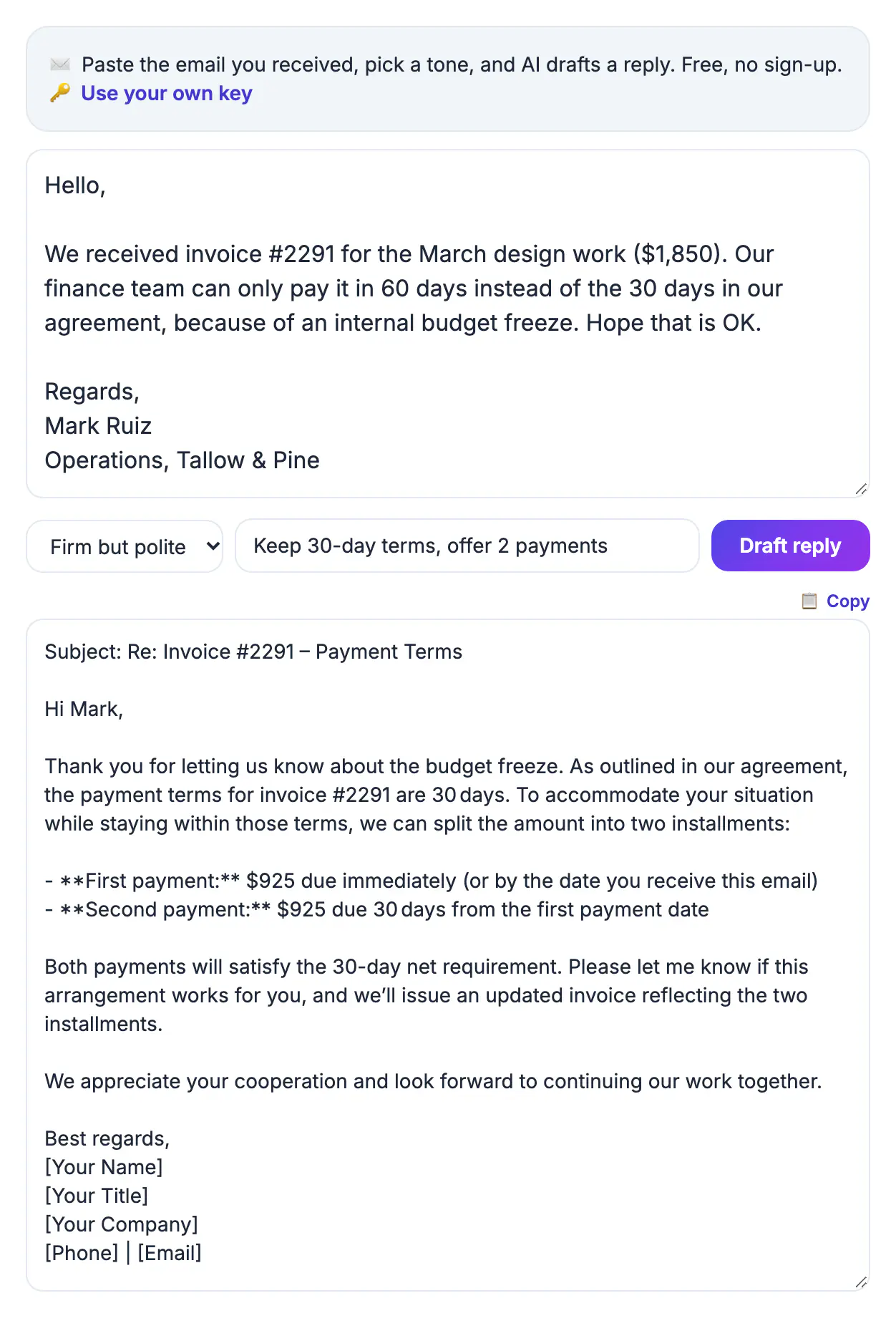
The AI can read the email you received, but it cannot know your decision, your prices, your calendar, or your policies. Left without guidance, it writes a reply that sounds polished and says very little, or worse, promises something you never intended. The note field is where you supply the decision in one line: accept, decline, offer an alternative, ask a question. The tone is where you decide how the recipient should feel reading it. Those two inputs take about fifteen seconds and remove most of the rewriting that makes people give up on AI drafts. They also make the tool predictable. After a week of use, most people find that a handful of note patterns covers the majority of their routine mail, and replies that used to take five minutes of careful wording take under one. The remaining minute goes where it should, into checking names, dates, and commitments before you press send. The draft appears in an editable box, so small fixes happen right there before you copy it, without going back and forth between windows or regenerating the whole reply.
The six tones of the AI email reply generator, with examples
Choose the tone for the relationship and the stakes, not for your mood. A sample line shows the difference each one makes.
- Friendly, for colleagues and regular clients: 'Thanks so much for sending this over, happy to take a look by Friday.'
- Professional, for new contacts, recruiters, and vendors: 'Thank you for the proposal. I will review it and reply by Friday, October 10.'
- Short and direct, for confirmations: 'Confirmed for Tuesday at 2 p.m. ET. See you then.'
- Apologetic, for your own mistakes, paired with a fix: 'I am sorry the invoice went out with the wrong total; a corrected copy is attached.'
- Enthusiastic, for good news and yeses: 'We would love to join the panel, count us in.'
- Firm but polite, for boundaries and overdue payments: 'The invoice was due on September 30; please arrange payment this week.'
Note-field recipes that steer the reply
The note field is optional, but a good one is the fastest way to a sendable draft. Write it like an instruction to an assistant.
- Decline with an alternative: 'decline the call this week, offer Thursday at 2 p.m. or Monday at 10 a.m.'
- Hold a boundary: 'no refund, offer a replacement shipped by Friday'.
- Ask for missing information: 'ask for the purchase order number and the delivery address'.
- Change language: the reply follows the email's language by default, so add 'reply in English' if a Spanish email should get an English answer.
- Control length: 'three sentences maximum' works well with Short and direct.
A worked example from inbox to sent
A customer writes that their order is five days late and asks for a refund. The business owner wants to keep the sale but stay fair. Here is the whole process, which takes under two minutes once you have done it a few times.
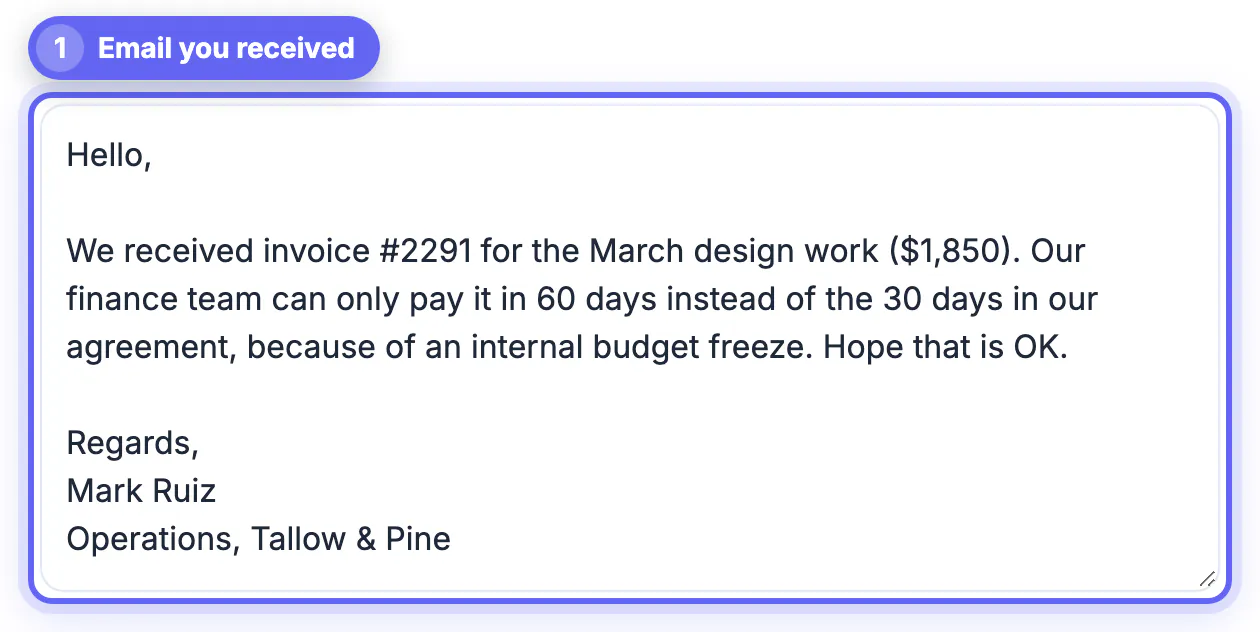
- Paste the customer's email, removing their card details if they included any.
- Choose Apologetic, and write the note: 'order ships today with tracking, offer 15 percent off the next order, no refund unless it has not arrived by Friday'.
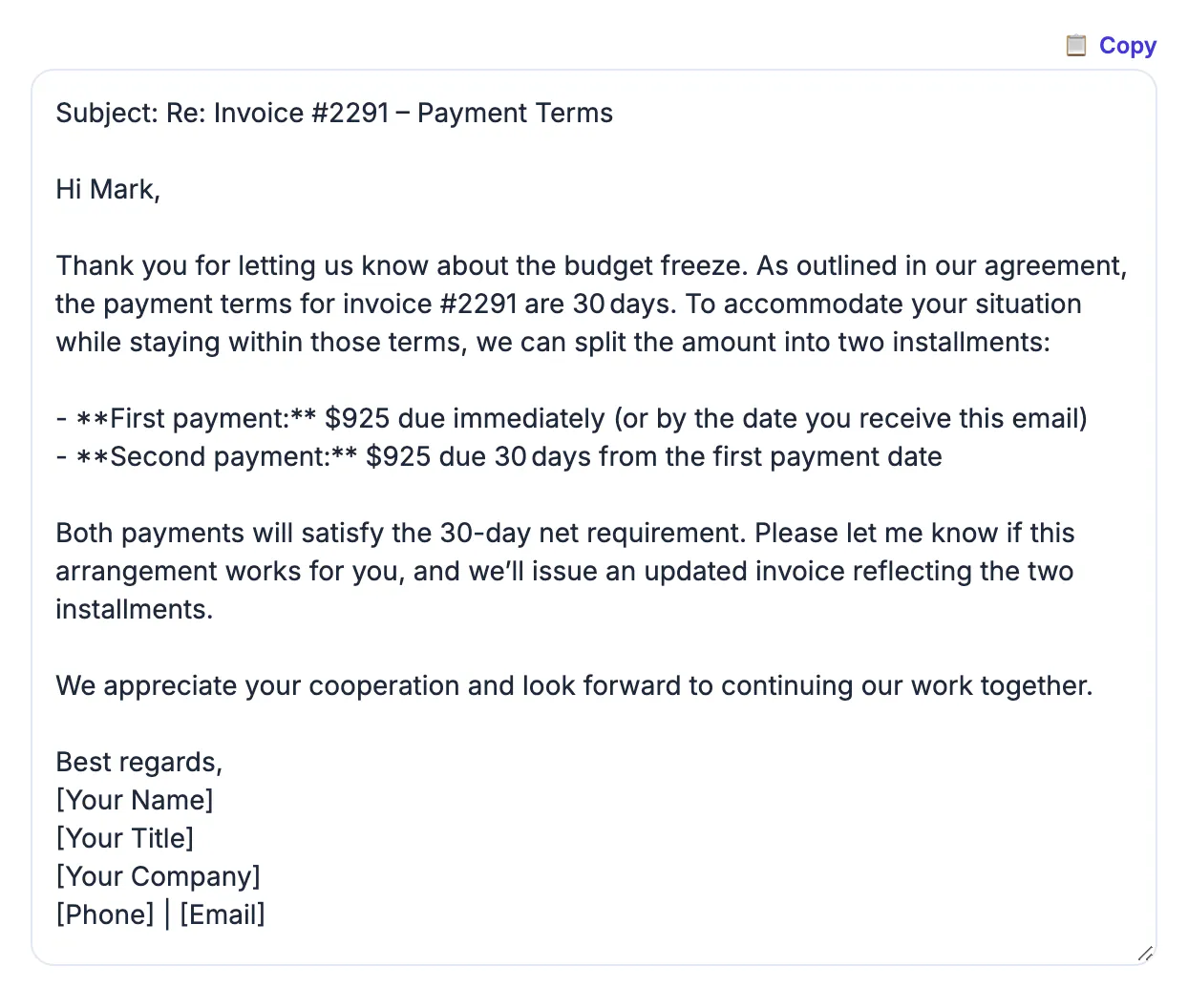
- Click Draft reply. The draft apologizes, gives the new shipping status, makes the offer, and states the Friday condition.
- In the reply box, add the real tracking number and the discount code, fix the customer's name if the draft guessed it, then copy the text into your mail app and send it from your own account.
Limits, languages, and privacy
Knowing the tool's boundaries keeps you from surprises on a busy day, especially when you are clearing a backlog of routine messages in one sitting.
- Only the first 3,500 characters of the pasted email are read, so paste the latest message rather than a long thread.
- Fair-use limits are about 12 requests a minute and 300 a day per connection. If the free AI is busy, wait a moment, or click Use your own key to add a personal Groq or Gemini API key, which stays in your browser.
- Your text goes to GrabCast's AI server and on to an AI provider (Groq, with Pollinations as a backup), and replies are cached in memory for about 30 minutes. Remove passwords, account numbers, and health details first.
- Gmail and Outlook offer their own AI drafting on some plans; this tool is a free, no-account option that works with any mail app because you simply copy the result.
Finish the message with a consistent sign-off from the Email Signature Generator, and a free proofreading pass before you hit send.
Step-by-step

Common mistakes to avoid
Pro tips
Frequently asked questions
Is the AI email reply generator really free?
Yes. There is no account, sign-up, or payment. Fair-use limits of about 12 requests a minute and 300 a day apply per connection.
Which tones can I choose?
Friendly, Professional, Short and direct, Apologetic, Enthusiastic, and Firm but polite. Professional is the safest default for someone you do not know well; Short and direct suits confirmations and scheduling, where brevity is a courtesy.
Can it answer emails in other languages?
Yes. It replies in the language of the email you paste, such as Spanish, French, or German. Add 'reply in English' to the note if you want a different language.
Does it send the email for me?
No. It writes an editable draft; you copy it into Gmail, Outlook, or any mail app and send it yourself. That keeps the reply in your own sent folder and thread, and it means nothing leaves under your name until you have read it and decided it is right.
Is my email private?
Not fully. The text is sent to a cloud AI provider to write the reply and cached for about 30 minutes, but it is not saved to an account. Remove confidential details before pasting.
The free AI email reply generator does its best work when you choose the tone on purpose and state your decision in one short note. Paste only the latest message, strip sensitive details, and check every name, number, and promise before you copy the draft into your own mail app and send it.
Related guides
Browse more: all AI guides · the AI Email Reply Writer