Comic Book Photo Effect: Ink, Pop Art Dots and Panels
To make a comic book photo, run a sharp, well-lit picture through a filter that flattens color into a few bold bands, inks the strongest edges and, for the classic newsprint look, lays halftone dots over the tones; then add lettering in a separate step. In the free GrabCast Cartoon and Comic Effect that means clicking Comic (4 color levels, edge 70) or Pop art (the same plus 7-pixel dots), adjusting two or three sliders and downloading at full resolution. This guide follows one real project, a four-panel strip about a golden retriever named Biscuit stealing a sandwich, made for a kid's birthday invitation. You will learn which shots survive the effect, how the sliders behave, how to letter the panels, and what sizes print cleanly.
🖍️ Try Cartoon & Comic Effect now — freeOpen →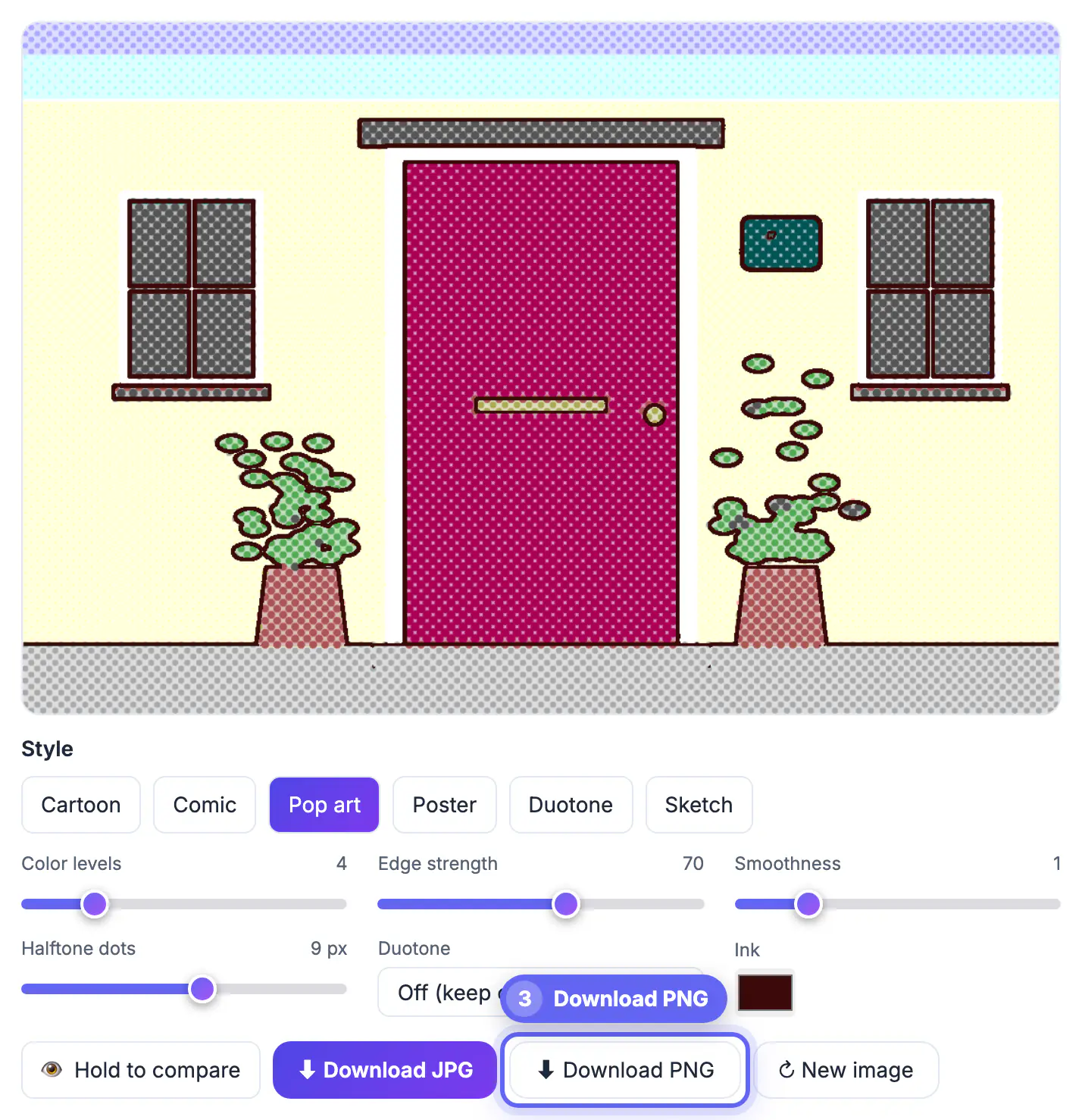
People read comics in a fraction of a second: a thick outline tells the eye where the subject is, and three or four flat colors remove the visual noise of real life. That speed is exactly what an invitation, a classroom handout or a group-chat announcement needs. A comic panel also forgives ordinary phone pictures, because the effect throws away fine texture and uneven lighting that would look amateur in a straight print. The catch is that the effect exaggerates whatever you feed it. A clean picture becomes a crisp panel; a dim, cluttered one becomes a muddy scribble. Spending two minutes choosing the right frame saves twenty minutes of fighting the sliders later.
Pick shots that survive the comic book photo treatment
The filter finds edges by measuring how sharply brightness changes between neighboring pixels. Strong, simple changes become clean ink lines; tiny random changes become speckles. The best sources share a few traits.
- One clear subject filling roughly half the frame. Biscuit mid-leap against a pale kitchen wall works; Biscuit as a small shape in a busy park does not.
- Directional light, such as a window to one side. It creates a lit side and a shadow side, which the color levels turn into that classic two-tone shading.
- A plain or blurred backdrop. Leaves, patterned rugs and bookshelves become dense clusters of lines, so cut a busy backdrop out first with the Background Remover.
- Plenty of pixels. The download is rendered from your original at up to 4,000 pixels on the long side, so the camera file gives you room to crop panels later; a tiny screenshot does not.
Comic, Pop art and the sliders that shape them
Presets are starting points. Each slider changes one ingredient, and knowing which is which stops the random-clicking loop.
- Color levels (2 to 12) rounds each red, green and blue channel to that many steps. At 4, the picture draws from 64 possible colors; drop to 3 for a punchier printed look, go to 6 to keep skin believable.
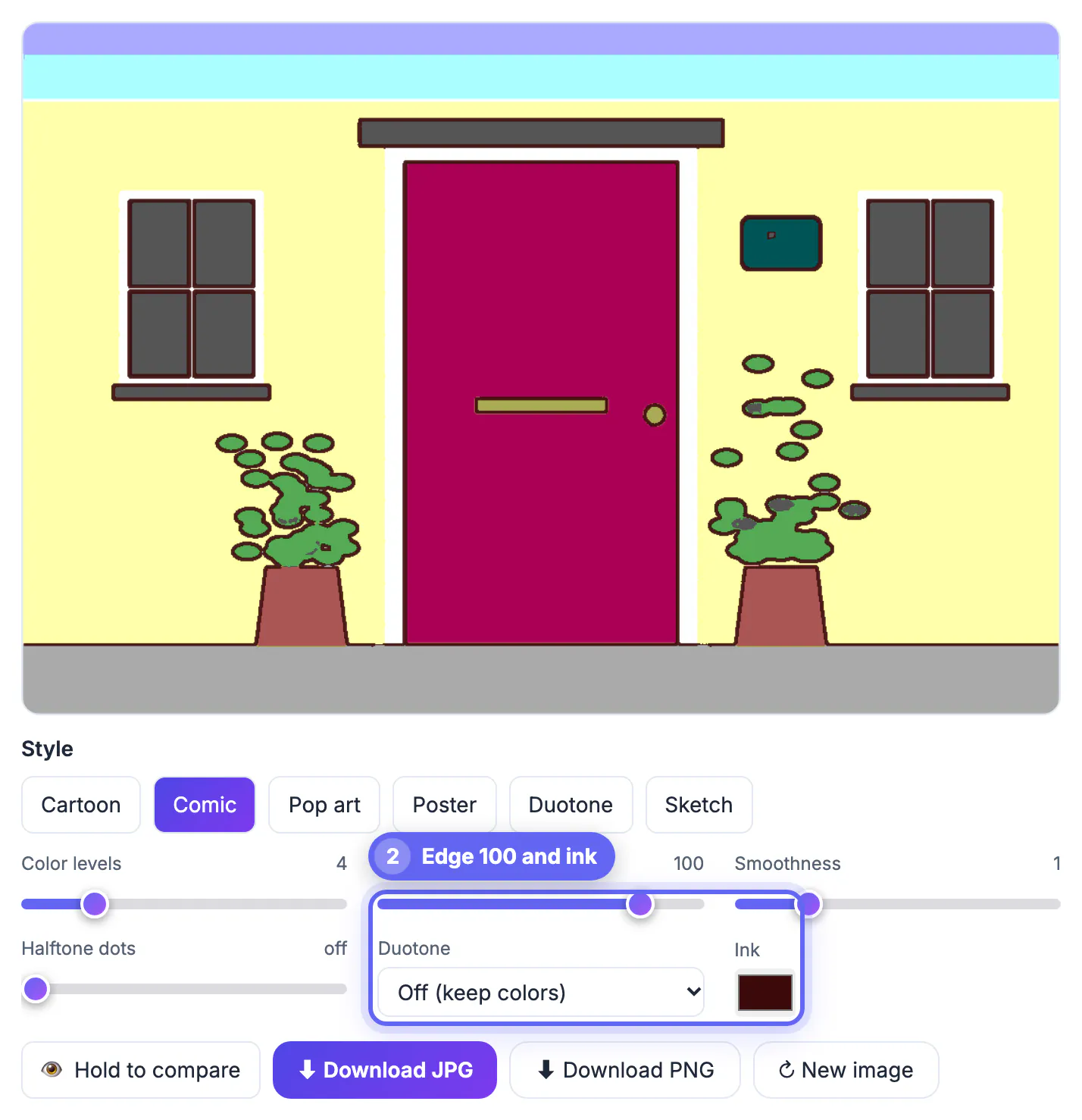
- Edge strength (0 to 120) is a threshold: lower inks more boundaries, including hair and fabric texture; higher keeps only bold outlines. For faces, 60 to 80 keeps jaw and eyes while skipping pores.
- Smoothness (0 to 5) blurs slightly before inking. Raise it to 2 when JPEG grain makes dotted lines; keep it near 1 for crisp eyes.
- Halftone dots (off to 16 pixels) sets the dot grid. The Pop art preset uses 7; around 5 gives fine newsprint texture, 10 to 12 gives big graphic dots that read from across a room. Dots grow in dark areas and shrink in highlights.
- Ink color swaps the black outlines for any color; a deep navy ink gives a vintage Sunday-paper feel.
Hold the compare button to flash the original and judge whether you have gone too far. For Biscuit's strip, Pop art with dots at 6 and edge 75 kept the fur lively without drowning his eyes in lines.
Lettering, speech lines and multi-panel strips
The effect handles the art only: it does not draw speech balloons or caption boxes. For lettering, open the finished panels in the free Meme Generator.
- Classic top and bottom text for a single panel with a punchline.
- A white caption bar above the image, which reads like a narration box: Meanwhile, in the kitchen.
- Two-panel and four-panel grids for a short strip. Biscuit's story used four: the sandwich, the stare, the leap, the crumbs.
- Draggable, auto-wrapping text boxes and an Impact-style font, so a line of dialogue can sit right beside a character's head.
Two practical notes. The Meme Generator saves its layouts between 600 and 1,600 pixels wide, so a four-panel grid gives each frame roughly 800 pixels: plenty for a phone or a printed card, not for a poster. And keep every line under about eight words; real comic lettering is short because panels are small.
Lettering is part of the look, so try the Add Text to Image tool for speech-bubble captions and sound effects.
Export sizes, printing and sharing
Download a PNG when the panel has large flat areas, dots and hard outlines; PNG keeps those edges perfectly clean. The JPG option saves at 92 percent quality and is much smaller, fine for texting.
- A single panel exported at 4,000 pixels covers a letter-size print at about 360 pixels per inch, so no upscaling is needed.
- Halftone dots are scaled with the image, so a 7-pixel dot in the 1,100-pixel preview becomes a roughly 25-pixel dot in a 4,000-pixel export: the texture looks the same, only crisper.
- For a lettered strip, print the Meme Generator output at card size, such as 4 by 6 or 5 by 7 inches, where 1,600 pixels still looks sharp.
- Very old phones may refuse a 4,000-pixel render; crop the source tighter or use a laptop if you see a size warning.
Everything runs in your own browser tab, with no upload and no watermark, so family pictures stay on your device.
Step-by-step
Common mistakes to avoid
Pro tips
Frequently asked questions
Which preset should I start with for a comic look?
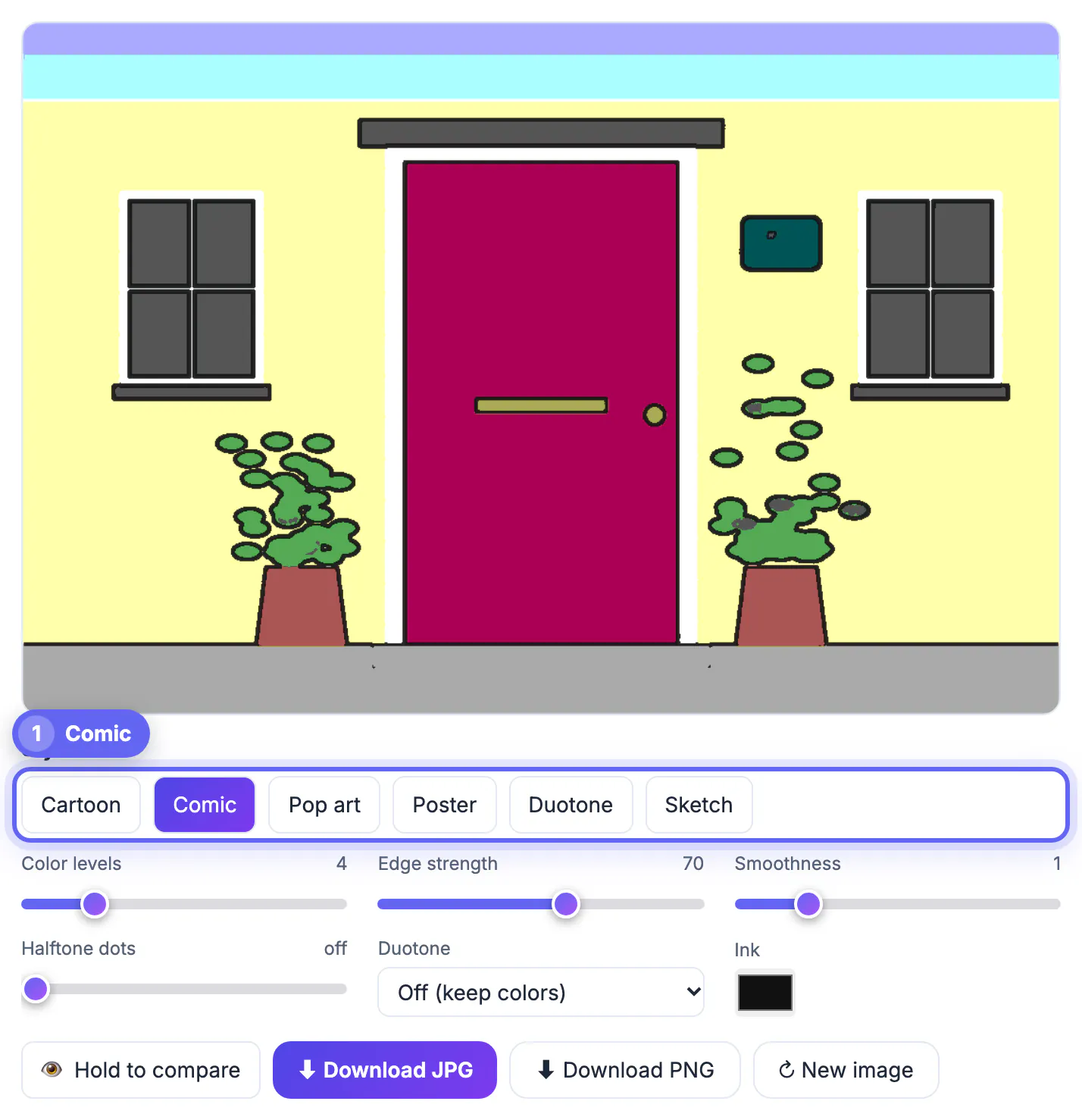
Comic (4 color levels, edge 70, smoothness 1) for clean inked panels, or Pop art, which adds 7-pixel halftone dots for the newsprint look. Cartoon is softer, Poster flatter and Sketch keeps more tone with thin outlines.
Does the tool add halftone dots or speech bubbles?
It adds halftone dots: use the Pop art preset or the halftone slider from 1 to 16 pixels. It does not add speech balloons or captions; letter your panels afterward in the free Meme Generator or a design app.
How big is the downloaded file?
Up to 4,000 pixels on the long side, rendered from your original, so a phone photo exports at about 4000 by 3000 pixels. Smaller images keep their own size.
Are my pictures uploaded anywhere?
No. The effect is computed in your browser on your own device. There is no account and no watermark on the result.
Can I sell or publish a comic panel I made?
The styled output is your own edit, but rights to the original image still apply. Use pictures you took or have permission to use, and get consent from recognizable people before commercial use.
A convincing comic book photo comes from a clean, well-lit source, the Comic or Pop art preset, careful edge and dot settings, and short lettering added afterward. Export the panel at full resolution, and keep lettered strips to card and screen sizes.
Related guides
Browse more: all image guides · Cartoon & Comic Effect