Lost Your 2FA Device? How to Get Back In
If you lose your 2FA device, being locked out feels alarming, but you usually have several ways back in: backup codes, an alternate device or the account's recovery process. This troubleshooting guide walks through the options in order, then shows how to set up safeguards so a lost phone never locks you out again. The key is to work through the options calmly, from the quickest to the slowest, rather than panicking at the login screen.
🔐 Try the 2FA Code Generator now — freeOpen →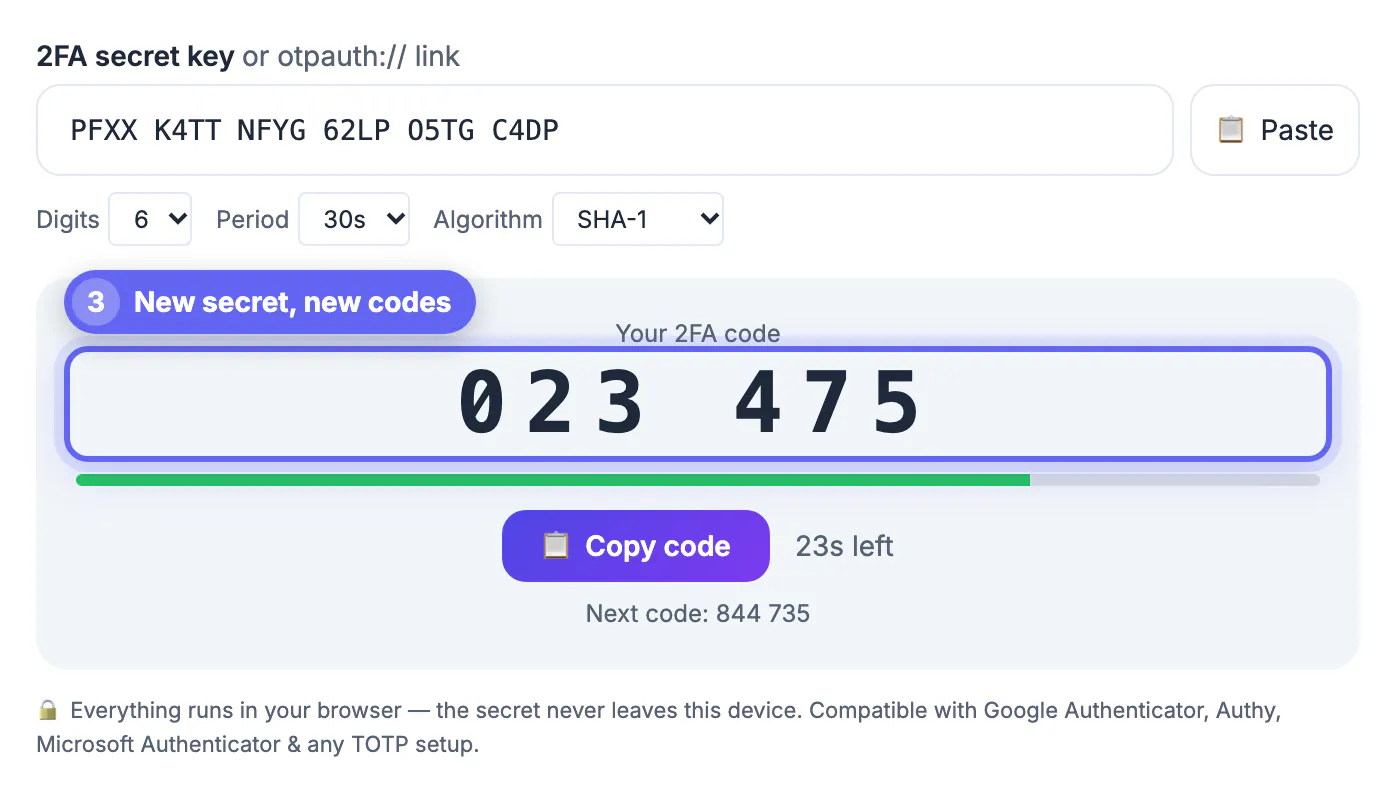
Authenticator apps generate codes on one device, so a lost, stolen, broken or wiped phone takes your codes with it. Because the codes are computed locally rather than sent to you, there is no reset link waiting in your inbox. That is by design, it is what makes 2FA secure, but it also means recovery depends entirely on the safeguards you set up beforehand. Knowing the recovery paths, and putting a backup in place today, turns a potential lockout into a minor inconvenience. It also helps to understand that this is a recoverable situation for almost everyone who prepared even slightly, and a fixable one for those who did not.
Try your backup codes first
The fastest route back in is the set of backup codes you saved when you enabled 2FA. Each one works once in place of a live code.
- Find the backup codes in your password manager or safe
- Enter one where the app normally asks for a code
- Cross it off, since each code works only once
- Log in, then regenerate a fresh set of backup codes
Use an alternate device or method
If you added a second device, a hardware key or a backup phone number, use it now. Many services let you register more than one factor.
An authenticator synced to another device you still have will produce valid codes immediately. A registered security key or a trusted device can also get you past the 2FA prompt.
Go through account recovery
With no backup codes and no second device, fall back to the service's account recovery. This is slower and verifies your identity.
- Choose can't access your authenticator on the login screen
- Follow the identity checks the service requires
- Expect a waiting period on sensitive accounts
- Contact support directly if the self-service path stalls
When you regain access, set a new password with the Password Generator instead of recycling an old one.
Prevent it from happening again
Once you are back in, close the gap so a lost device is never a crisis. A few minutes now saves hours later.
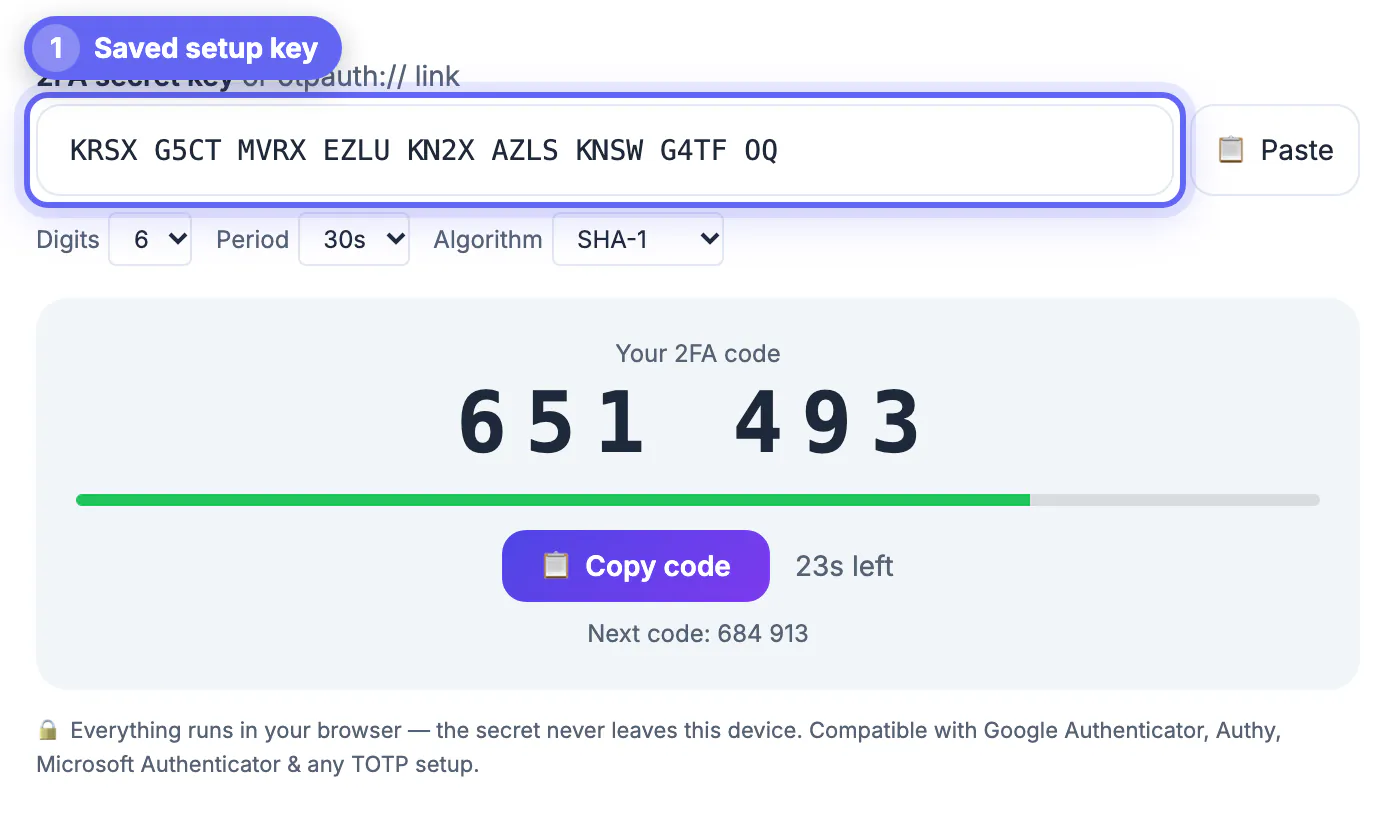
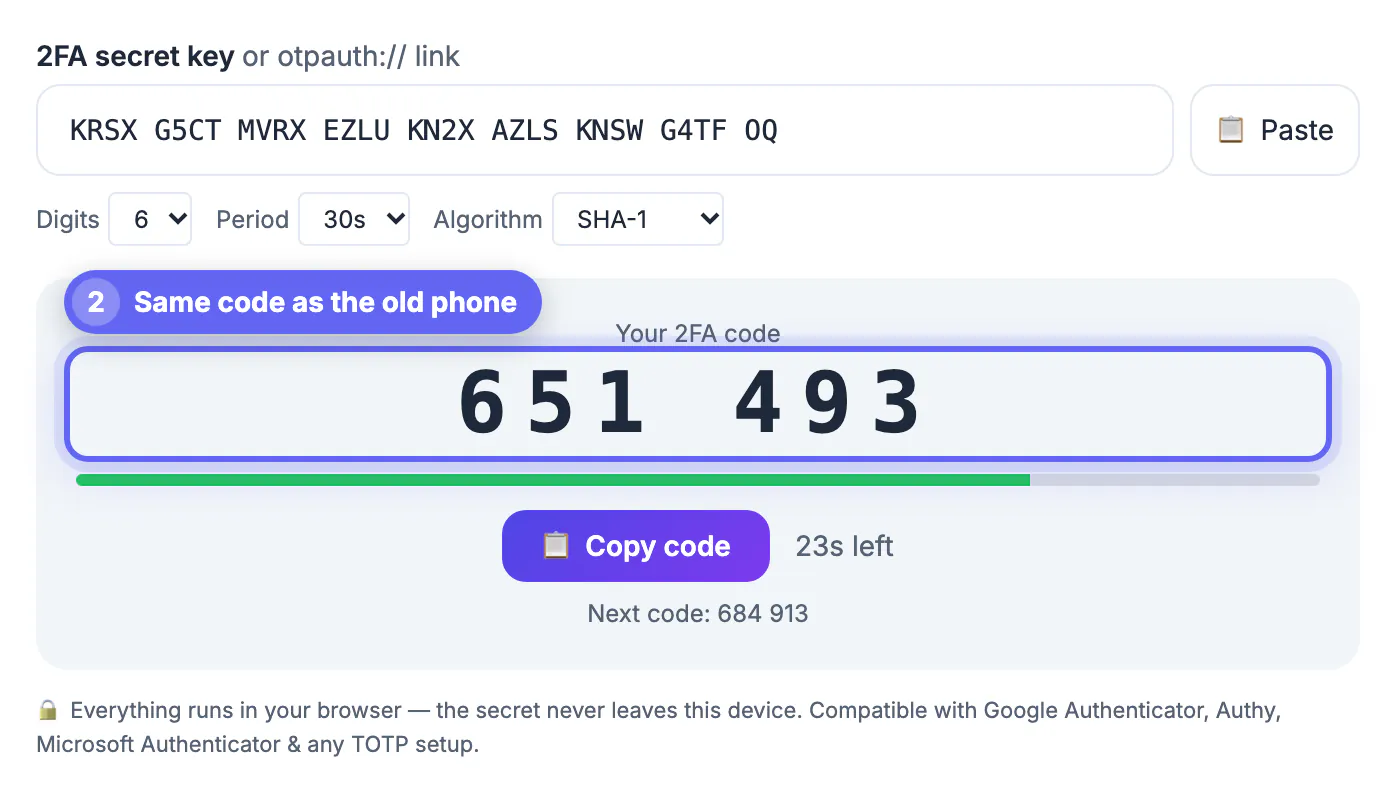
Regenerate and store fresh backup codes, add a second device or a hardware key, and consider an authenticator app that securely backs up its secrets. Keep recovery options current whenever you change phones.
Act fast if the device was stolen
A lost phone is inconvenient; a stolen one is a security event. If someone else may have your device, treat the 2FA secret as compromised.
- Sign in from a trusted device and revoke the lost one
- Regenerate the authenticator secret so old codes stop working
- Change the password on the affected accounts
- Review recent account activity for anything unexpected
Rebuild your safety net once you are back in
Recovering access is only half the job. The other half is making sure the same gap cannot lock you out or expose you again.
Re-enroll the account on your new device, generate and safely store a fresh set of backup codes, and add a second factor if you did not have one. Update these recovery options every time you switch phones so they never fall out of date.
What to prepare before a phone goes missing
The calmest recoveries are the ones planned in advance. Ten minutes spent now turns a lost handset into a minor delay instead of a week of support tickets.
- Print or write down backup codes for your email, bank and cloud storage, and keep them with other important papers.
- Enrol a second device, such as an old tablet or a hardware security key, on the accounts you cannot afford to lose.
- Note which services let you restore an authenticator from an encrypted cloud backup and turn that feature on.
- Keep a recovery email and phone number current, since recovery flows send verification messages there.
It also helps to keep the credentials themselves organised. If you are rebuilding after a loss, follow the steps in remembering strong passwords without reusing them so each new login is unique and recoverable.
What recovery usually asks you to prove
When you reach the identity check, services compare what you provide against what they already hold. Have these ready before you start so the review is quick.
- The email address and phone number registered on the account.
- A previous password, the approximate sign-up date or a recent order or payment detail.
- A photo ID for banks and similar services, matched against the name on file.
- Access to a device or location you have used before, since familiar sign-ins count in your favour.
Expect the process to take anywhere from minutes to several days. Sensitive accounts deliberately add a waiting period, so start early and reply promptly to any follow-up message.
Step-by-step
Common mistakes to avoid
Pro tips
Frequently asked questions
What do I do if I lose my 2FA device?
Use a saved backup code first, then a second registered device or key, and if neither exists, go through the service's account recovery.
Can I get in without backup codes?
Sometimes, via a second registered device or the account-recovery process, though recovery is slower and requires identity verification.
How do I avoid getting locked out again?
Save fresh backup codes, register a second device or hardware key, and use an authenticator that securely backs up its secrets.
Are backup codes reusable?
No. Each backup code works only once, so regenerate a new set after you use any of them.
What if my 2FA device was stolen, not just lost?
Treat the secret as compromised: sign in from a trusted device, revoke the lost device, regenerate the authenticator and change affected passwords.
If you lose your 2FA device, backup codes, a second factor or account recovery gets you back in, and setting up safeguards now keeps a lost phone from ever locking you out.
Related guides
Browse more: all all guides · the 2FA Code Generator