Best Free Meme Generator: Six Options Compared
The best free meme generator in 2026 depends on one question: do you need a famous template, or are you captioning your own picture? For classic template formats, Imgflip is still the fastest. For video, Kapwing. For branded social posts, Canva or Adobe Express. For a watermark-free caption on your own photo with no account and no upload, GrabCast's Meme Generator does the job in the browser. This comparison is for social media managers, teachers, streamers and group-chat regulars who want to pick one tool and stop testing new ones every week.
😂 Try the Meme Generator now — freeOpen →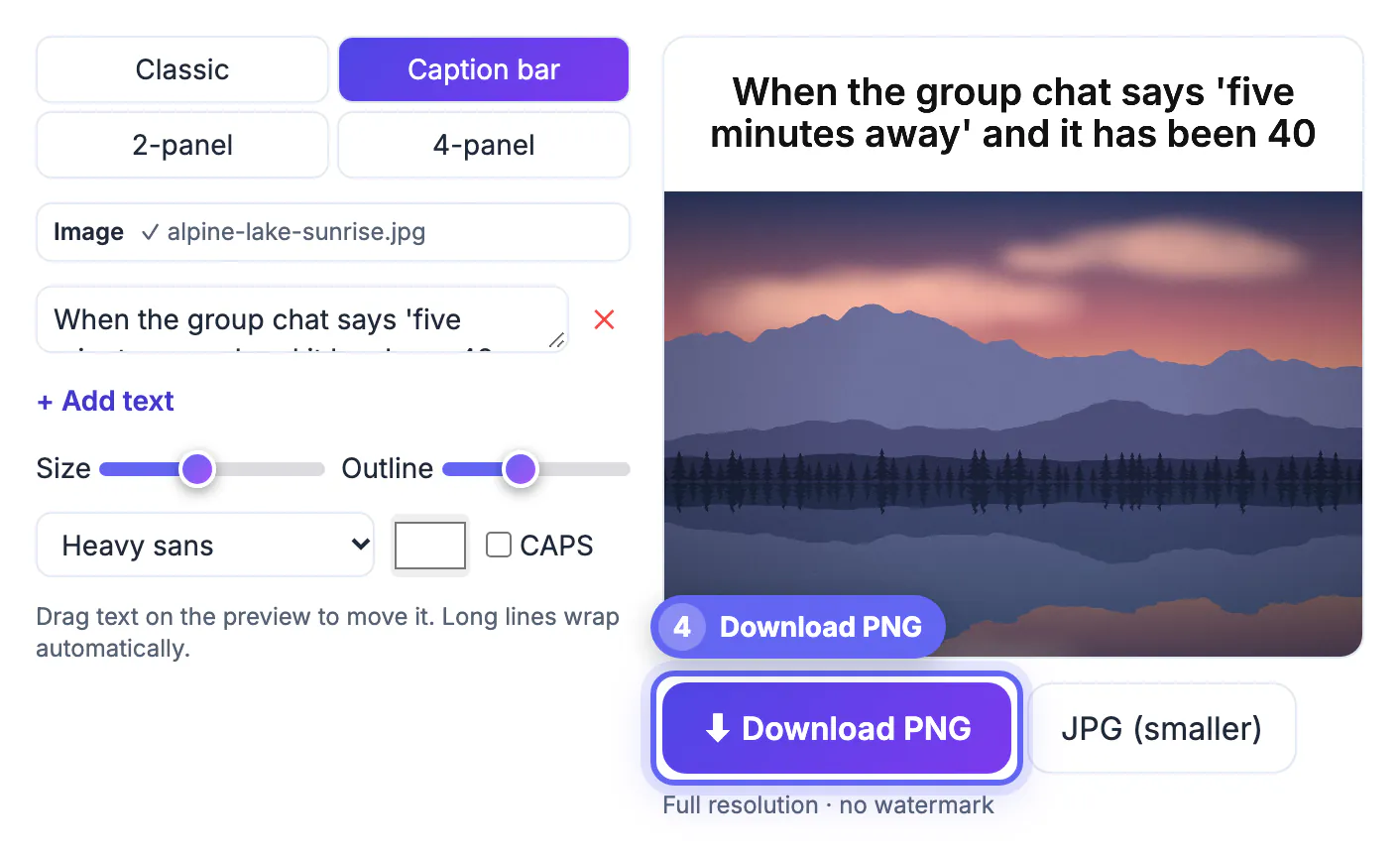
Almost every option can put white Impact-style words on a picture. The differences that actually cost you time sit in the free plan's fine print: a corner watermark that looks amateur on a brand account, a sign-up wall before the first export, export sizes that get blurry after one repost, or a policy that stores everything you make on the service's servers. Pricing and limits also change often, so we describe each product's approach rather than quoting numbers that may be out of date by the time you read this. Check the current plan page before relying on any tool for client work.
How we judged each free meme generator
We looked at the free experience only, with no trial and no paid add-ons, and scored each tool on the things that show up in the finished post.
- Branding: does a free export carry the service's watermark or logo?
- Friction: can you export without creating an account or installing an app?
- Templates: is there a searchable library of well-known formats, or do you bring your own image?
- Formats: still images only, or also GIF and video captions?
- Output: is the saved file sharp enough to survive recompression on Instagram, X or Discord?
- Privacy: is your picture uploaded and stored, or processed on your device?
No tool wins every row, which is why the right pick depends on the kind of posts you make most.
Six tools side by side, strengths and catches
- Imgflip: the deepest library of classic and trending template formats, plus GIF captions, and you can start without an account. The catch is a small imgflip.com mark on free images, and creations are hosted on its site.
- Kapwing: a browser video editor that handles captioned clips, reaction videos and subtitles well. Exports require an account, and the free plan has limits on length and output that change from time to time.
- Canva: thousands of layouts, stickers and fonts, strong for branded posts and carousels. It needs an account, projects live in its cloud, and some elements are premium-only.
- Adobe Express: similar to Canva, with good text effects and Adobe Fonts. Account required, and some assets sit behind the paid plan.
- Mematic: a quick phone app for classic top and bottom captions. It is ad-supported with paid upgrades, so check exports for branding before posting.
- GrabCast Meme Generator: no account, no watermark, and your photo never leaves the browser. It has no built-in template library and does not make GIF or video captions.
What GrabCast's meme maker does, and where it stops
The tool is built for captioning pictures you already have: your screenshots, your pet, a photo you took, or an image you have permission to use.
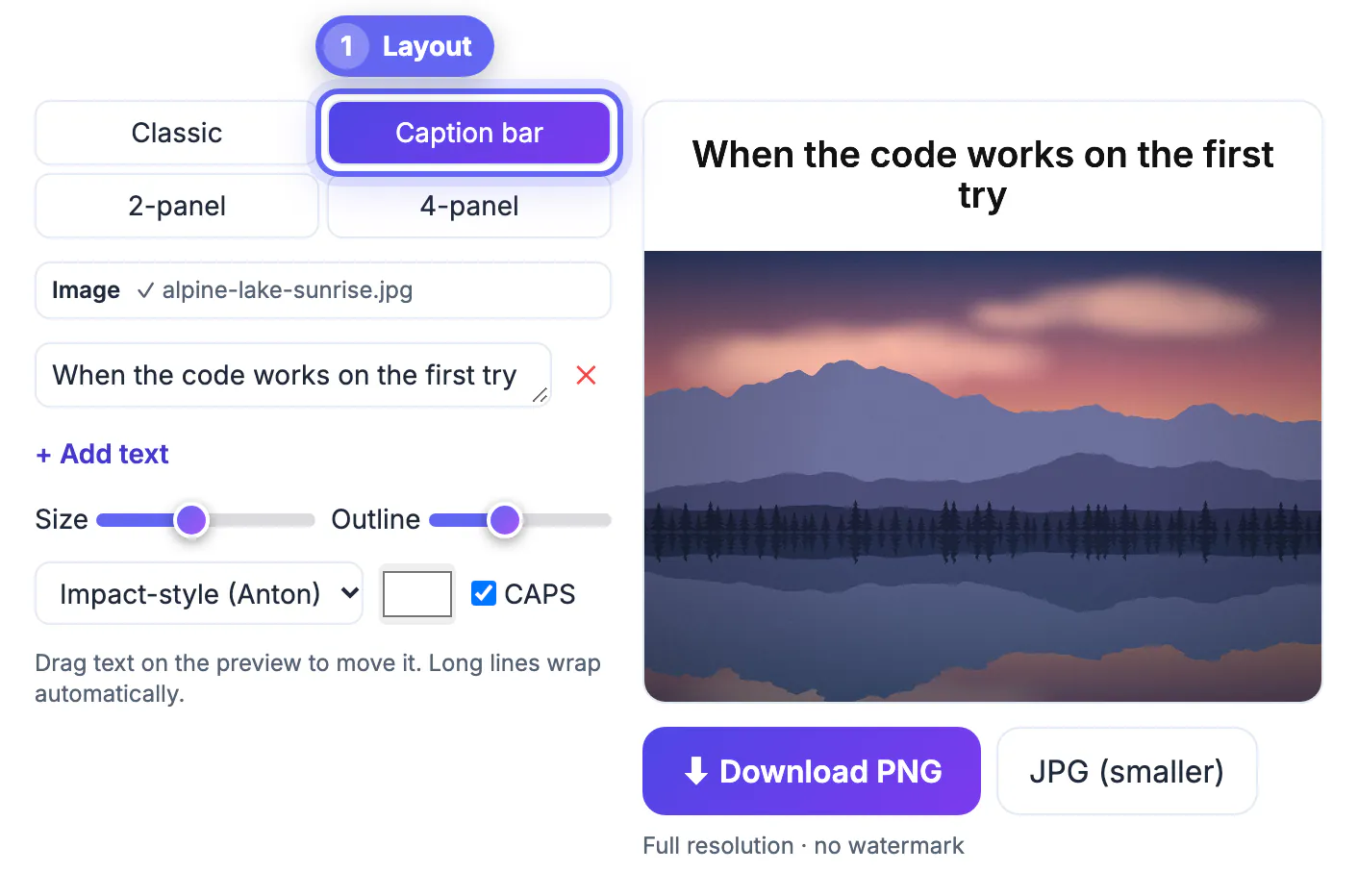
- Four layouts: Classic text over the picture, a white Caption bar above it in the style of X and Threads posts, a 2-panel before and after, and a 4-panel grid.
- Text boxes auto-wrap, can be added or removed, and can be dragged anywhere on the preview in every layout except Caption, where the words sit centered in the bar.
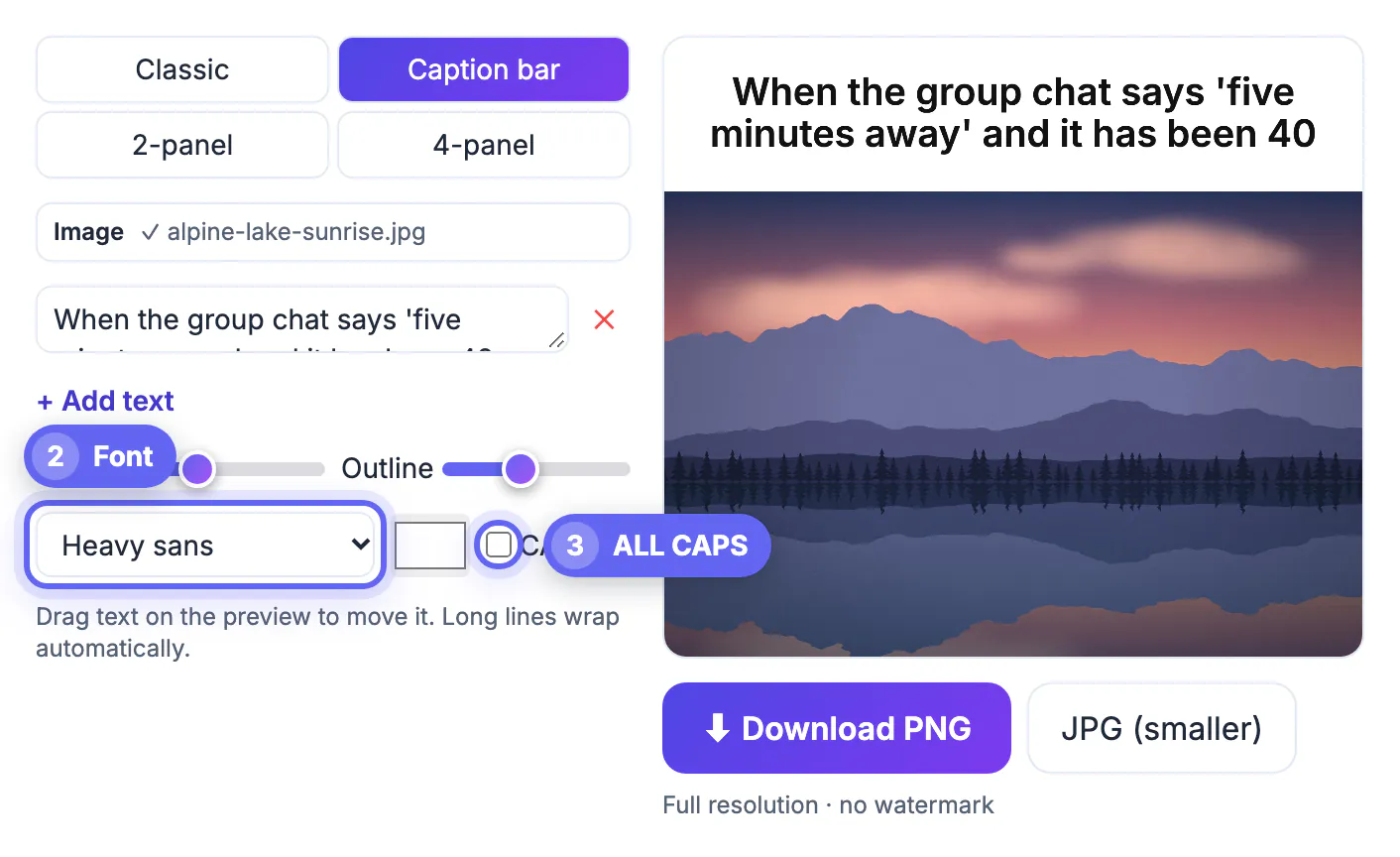
- Three fonts: an Impact-style face called Anton, the heavy sans Archivo Black and a modern sans, with size and outline sliders, a color picker and an ALL CAPS toggle.
- Export as PNG or a smaller JPG. The canvas matches your picture's width between 600 and 1,600 pixels, so a phone photo comes out 1,600 pixels wide and a tiny screenshot is scaled up to 600.
Panels are cropped from the center to fill each cell, so frame the subject in the middle of every picture you use for 2-panel and 4-panel layouts.
Picking the right tool for how you post
Match the tool to your most common job rather than chasing one that does everything.
- Replying in a group chat with a well-known format: Imgflip, because finding the template is the slow part.
- Captioning a clip for TikTok, Reels or Shorts: Kapwing or a dedicated video editor; still-image tools cannot do it.
- A brand account that needs consistent colors and fonts across dozens of posts: Canva or Adobe Express, where brand kits and templates save hours.
- A clean caption on your own screenshot or photo with no logo, no login and nothing uploaded: GrabCast's Meme Generator.
- Teachers making classroom slides: any tool without a watermark; GrabCast or Canva keep slides looking tidy.
Whichever you choose, use images you own or are allowed to use. Stills from films, TV shows and news photos are widely memed, but that is a judgment about fair use, not blanket permission, and brands in particular get takedown requests.
For text overlays on any image, the Add Text to Image tool is a handy alternative, and this guide to readable text on busy photos helps with legibility.
Step-by-step
Common mistakes to avoid
Pro tips
Frequently asked questions
Which free meme generator has no watermark?
GrabCast's Meme Generator never adds one. Canva and Adobe Express free exports are generally unbranded but need an account. Imgflip and some mobile apps add a small mark unless you upgrade, and policies change, so test before posting.
Does GrabCast include meme templates?
No. It does not ship copyrighted template images. You bring your own pictures, which keeps your posts original and avoids rights questions on brand accounts.
Can I make GIF or video memes for free?
Yes, but not with GrabCast's Meme Generator, which exports still PNG and JPG only. Imgflip handles GIF captions and Kapwing handles video; both have free tiers with limits.
Is it legal to use movie stills in memes?
Personal, transformative jokes are commonly treated as fair use in the US, but that is a case-by-case judgment, not a guarantee. Businesses should use images they own or license.
What size should a meme be for social media?
Around 1,080 pixels wide is plenty for Instagram, X and Discord. GrabCast outputs your picture's width between 600 and 1,600 pixels, which leaves headroom for platform compression.
There is no single best free meme generator for everyone in 2026. Imgflip wins on templates, Kapwing on video, Canva and Adobe Express on brand design, and GrabCast on clean, private, watermark-free captions for your own pictures. Pick the one that matches what you post most, and stick to images you have the right to use.
Related guides
Browse more: all image guides · the Meme Generator