Background Blur Without a DSLR: Phone Tricks That Work
You can get background blur without a DSLR by changing distances rather than equipment: move the person far from the wall, get closer to them, and use your phone's 2x or 3x lens. Those three moves create real optical softness on almost any camera. Where the optics run out, the free GrabCast Portrait Blur tool can finish the job on your device. This guide covers why big cameras do it more easily, the shooting tricks, and a hybrid workflow for small setups.
📸 Try Portrait Blur (Bokeh) now — freeOpen →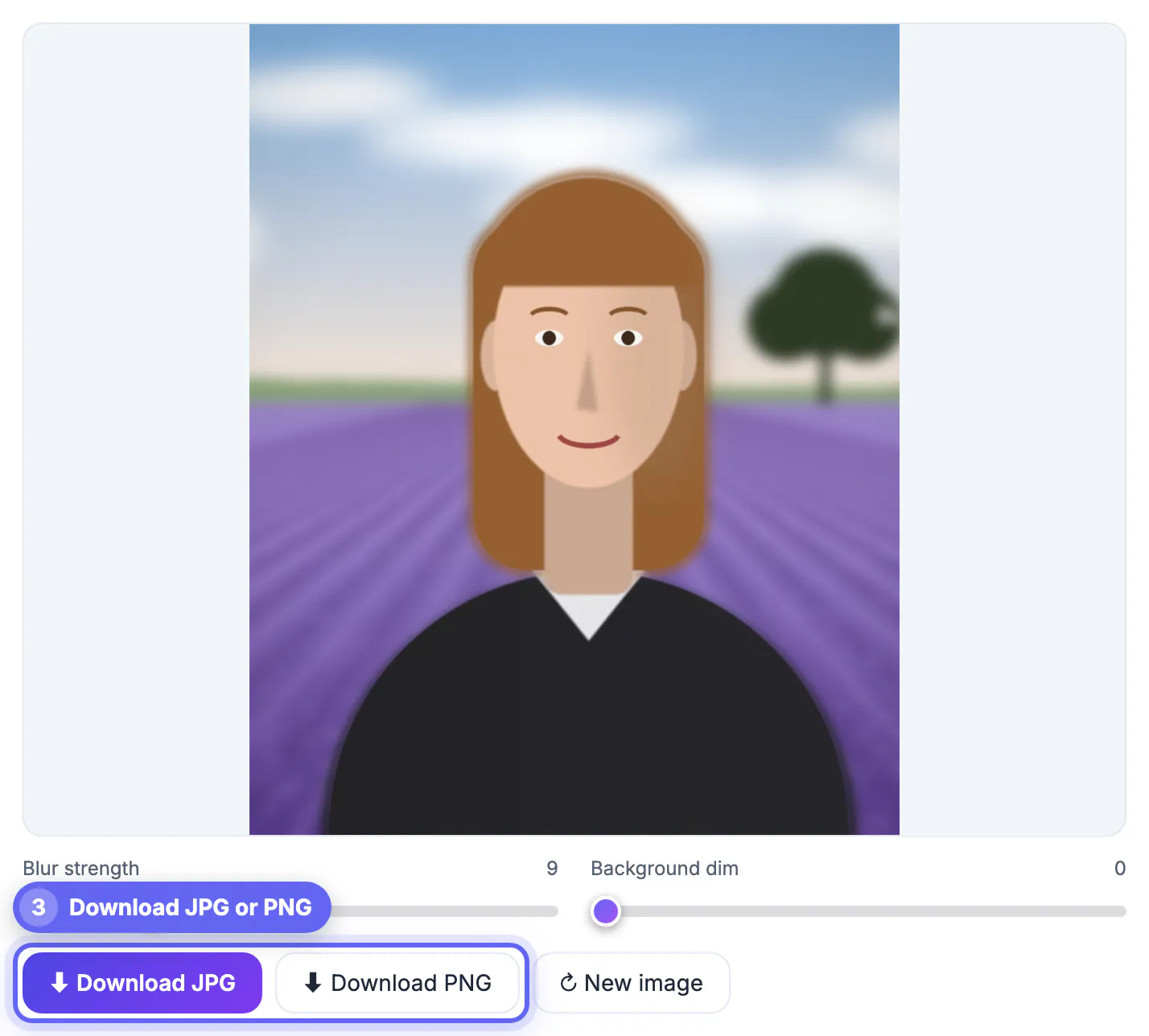
Depth of field depends on four things: the aperture, the focal length, how close you stand to the subject, and how far the scenery sits behind them. Sensor size matters because it sets how much focal length you need for a given framing. A phone main camera has a physical focal length of only about 6 to 7 millimeters, so even at f/1.8 it keeps far more in focus than a full-frame camera with a 50 mm lens at the same aperture. You cannot change the sensor, but you can control distance, and distance is the most powerful lever of the four. In practice, doubling the space behind someone does more than most accessory lenses, and it costs nothing but a few steps.
Why big cameras soften scenery so easily
A useful mental model is the equivalent aperture: multiply the f-number by the crop factor to compare depth of field across sensors.
- Full-frame 50 mm at f/1.8 is the classic portrait benchmark
- APS-C sensors have a crop factor of about 1.5, so f/1.8 there behaves roughly like f/2.7
- Phone main sensors have crop factors of roughly 4 to 7, so f/1.8 behaves like f/7 to f/12
- Telephoto phone lenses are longer but usually slower, which only partly helps
That is why a mirrorless camera or even an older compact with a bright zoom beats a phone for natural softness. It is also why phones rely on computation for their Portrait mode.
Aperture numbers on phone spec sheets are therefore misleading across devices. A phone advertised at f/1.6 still delivers far less softness than a budget lens at f/2.8 on a larger sensor, simply because the phone's focal length is so short.
Focal length is the other lever you control directly. At the same framing, a 3x phone lens needs you to stand three times farther away than the main camera, and the narrower view shows a smaller, more magnified slice of the scenery, which makes the softness appear stronger.
Real optical softness without a DSLR
These tricks work in the normal camera app, with no special mode, and they stack.
- Put the subject at least three meters in front of the wall, hedge or crowd
- Move closer to the subject; halving the camera distance makes the scenery much softer
- Switch to the 2x or 3x lens and step back to keep the same framing
- Tap to focus on the eyes and hold to lock exposure and focus
- Choose a far backdrop such as a park, a long hallway or an open street
Close-ups show the effect most clearly: a flower or a coffee cup shot from 20 centimeters will have genuinely soft surroundings on any phone, with no software at all.
Your phone's own Portrait setting is worth a try as well. It relies on depth estimation, and when it stumbles on hair or glasses you can fall back on the normal camera plus these distance tricks.
Finishing in software when optics run out
Group shots, cramped rooms and wide framings often cannot get enough distance. That is when GrabCast Portrait Blur helps.
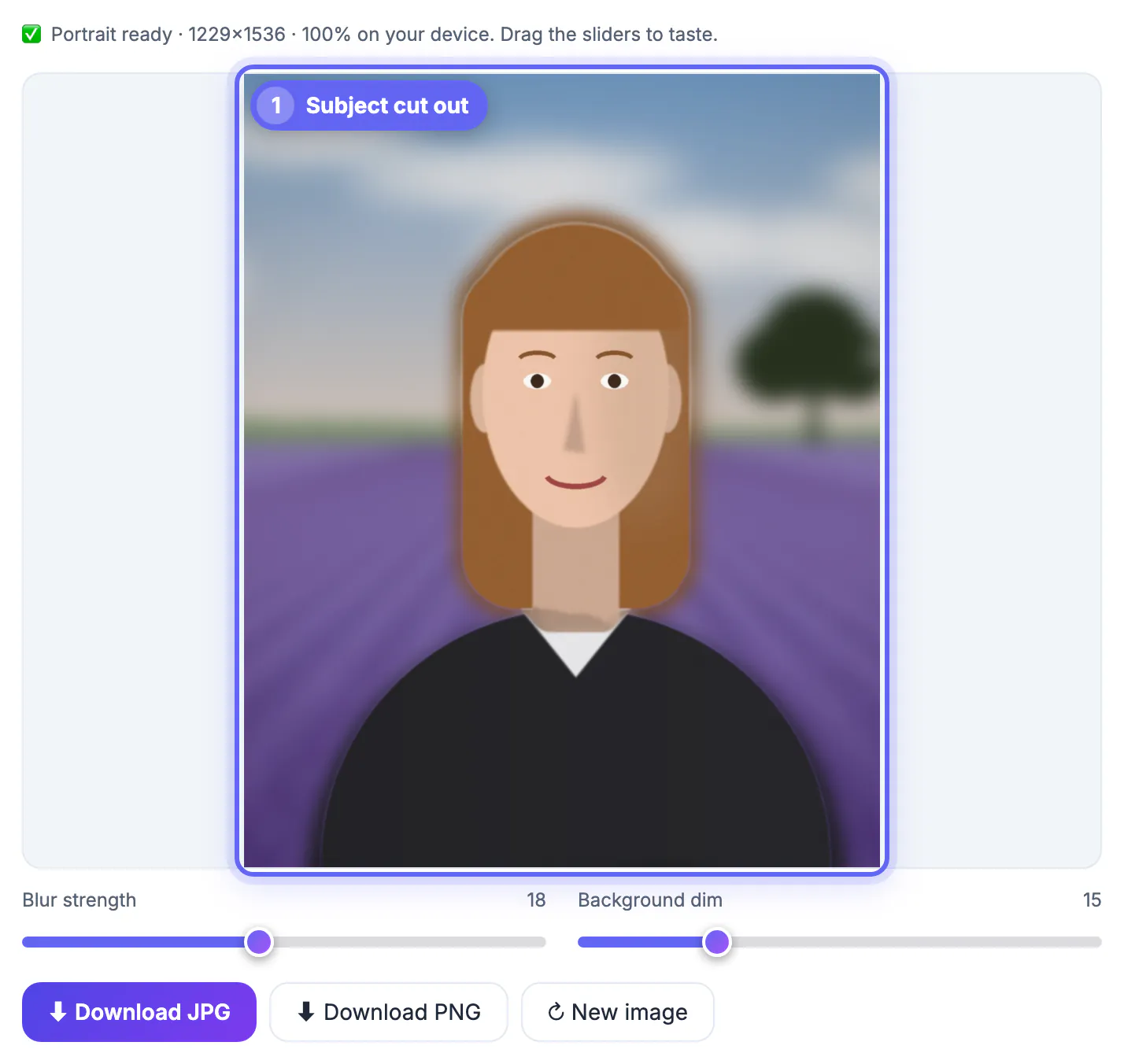
- An AI trained on people finds everyone in the frame and keeps them sharp
- One strength slider from 0 to 40 softens everything else evenly
- A dim slider from 0 to 60 darkens the scenery for extra separation
- Export is JPG or PNG, up to 1,536 pixels on the long edge
- It runs on your device and is free
Because the effect is even rather than distance-based, it pairs best with shots that already have a little optical softness. Starting from there, a modest setting of 6 to 10 blends in far better than a strong one on a pin-sharp frame.
Two honest limits apply. The AI looks for people, so products, pets and plants are not reliable subjects, and everything behind the person receives the same softening, so a floor stretching toward the camera will look unnatural. Framing waist-up avoids most of that.
When the phone cannot do enough, try the Remove Image Background tool to isolate the subject and the Photo Editor & Filters to tweak light and colour.
A hybrid workflow for small spaces
Here is a checklist that works in a living room, a garage band rehearsal or a school hallway.
- Clear two meters behind the subject if you can, even by moving a chair
- Use window light from the side and face the subject toward it
- Shoot at 2x from about two meters away, framed waist-up
- Take several frames and pick the sharpest eyes
- Finish with Portrait Blur at 6 to 12 and dim at 0 to 15
Treat the tool as the last ten percent. The more softness you capture in camera, the more natural the finished picture looks, and the less the even-softening shortcut shows.
Habits matter more than budget here. A white foam-board reflector, a cheap phone tripod and ten minutes of moving furniture usually improve a portrait more than any app, and all three cost less than a single lens.
Step-by-step
Common mistakes to avoid
Pro tips
Frequently asked questions
Why can my phone not match a big camera?
Its tiny sensor needs a very short focal length, which keeps much more in focus. Changing distances narrows the gap; computation closes the rest. Longer lenses and more space behind the subject are the practical fixes.
Is the 2x lens better than digital zoom for this?
Yes. A real telephoto lens compresses perspective and softens more. Digital zoom just crops the main camera, which does not change depth of field. On phones with a 5x lens, try it for head-and-shoulders framing from farther away.
How far should the subject be from the wall?
At least three meters helps a lot, and more is better. The farther the scenery, the softer it renders at any aperture. Outdoors, a park or a long street gives you that space easily.
Does GrabCast Portrait Blur copy real lens blur?
It applies an even softening behind the person rather than distance-based blur. It works best as a finishing touch on shots with some optical depth. Pair it with shots that already show a little depth.
Is the tool free and private?
Yes. It is free, and the AI runs on your device in the browser, so the image is not uploaded. No account is needed, and the result downloads directly.
Big sensors make softness easy, but distance does most of the work on any camera. Shoot with space behind the subject and a longer lens, then use software only for the last bit.
Related guides
Browse more: all image guides · Portrait Blur (Bokeh)