Unblur a Photo: Which Blur AI Can Fix and Which It Can't
You can unblur a photo only when the softness comes from low resolution or heavy compression; an AI upscaler redraws those edges convincingly. Motion blur and a badly missed focus are different, because the detail never reached the sensor, so no free tool can bring it back faithfully. This guide shows how to tell the four kinds of blur apart in ten seconds, fix the ones that are fixable, and avoid them next time.
🔼 Try AI Image Upscaler now — freeOpen →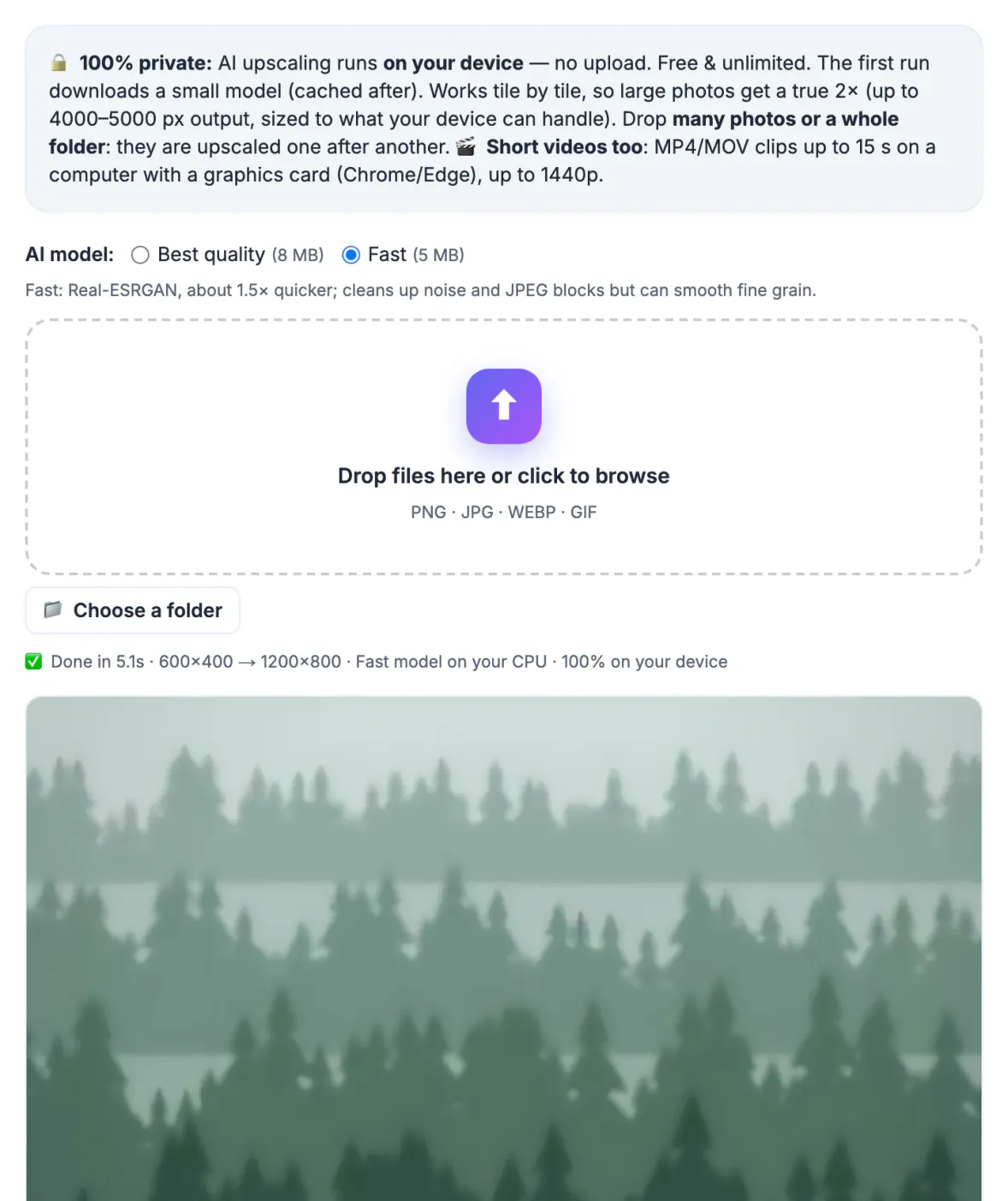
People often run a smeared, shaky picture through three apps in a row and end up with crunchy, over-sharpened artifacts. Each blur type has its own cause and its own remedy. Identify it first, and you either fix it in one pass or know to reshoot or pick a different frame from the burst.
Four kinds of blur and how to spot them
Zoom to 100 percent and look at a hard edge, such as an eye, a letter or a window frame. The shape of the softness tells you what happened.
- Low resolution: everything is soft and slightly blocky when enlarged, but edges are in the right place; typical of old profile pictures and cropped zooms
- Compression: blocky 8 by 8 squares and halos around text, common after messaging apps resend a picture several times
- Missed focus: one plane is sharp, such as the ear or the background, while the subject is soft
- Motion or shake: edges are doubled or streaked in one direction, and small lights become short lines
Only the first two are true fixes for an AI upscaler. Slight focus misses improve a little. Motion blur rarely improves and can get stranger, because the model sharpens the smear into false detail. Many real pictures mix types, such as a low-resolution screenshot of a slightly shaky shot, so fix what you can and accept the rest.
Unblur low-resolution shots with the AI upscaler
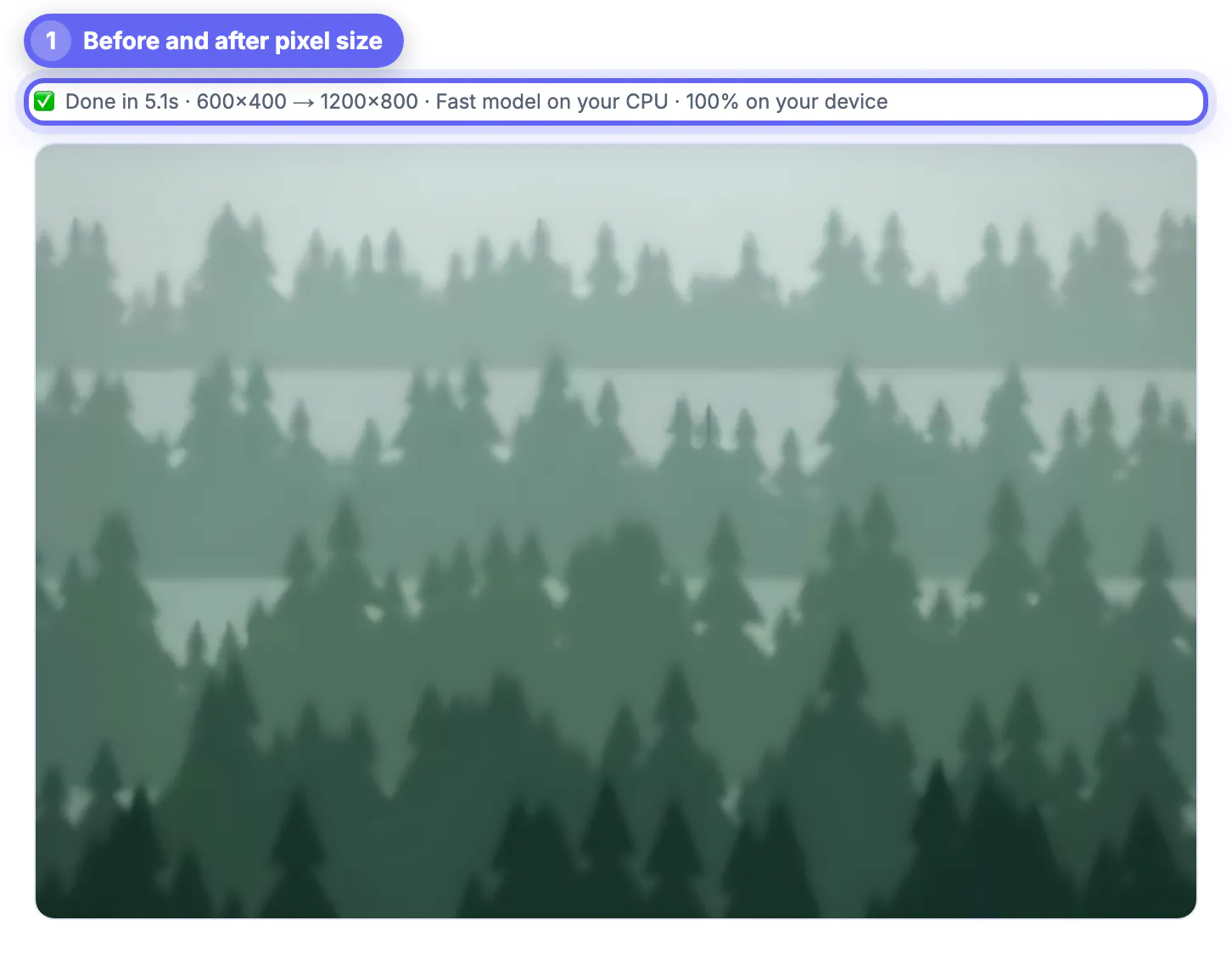
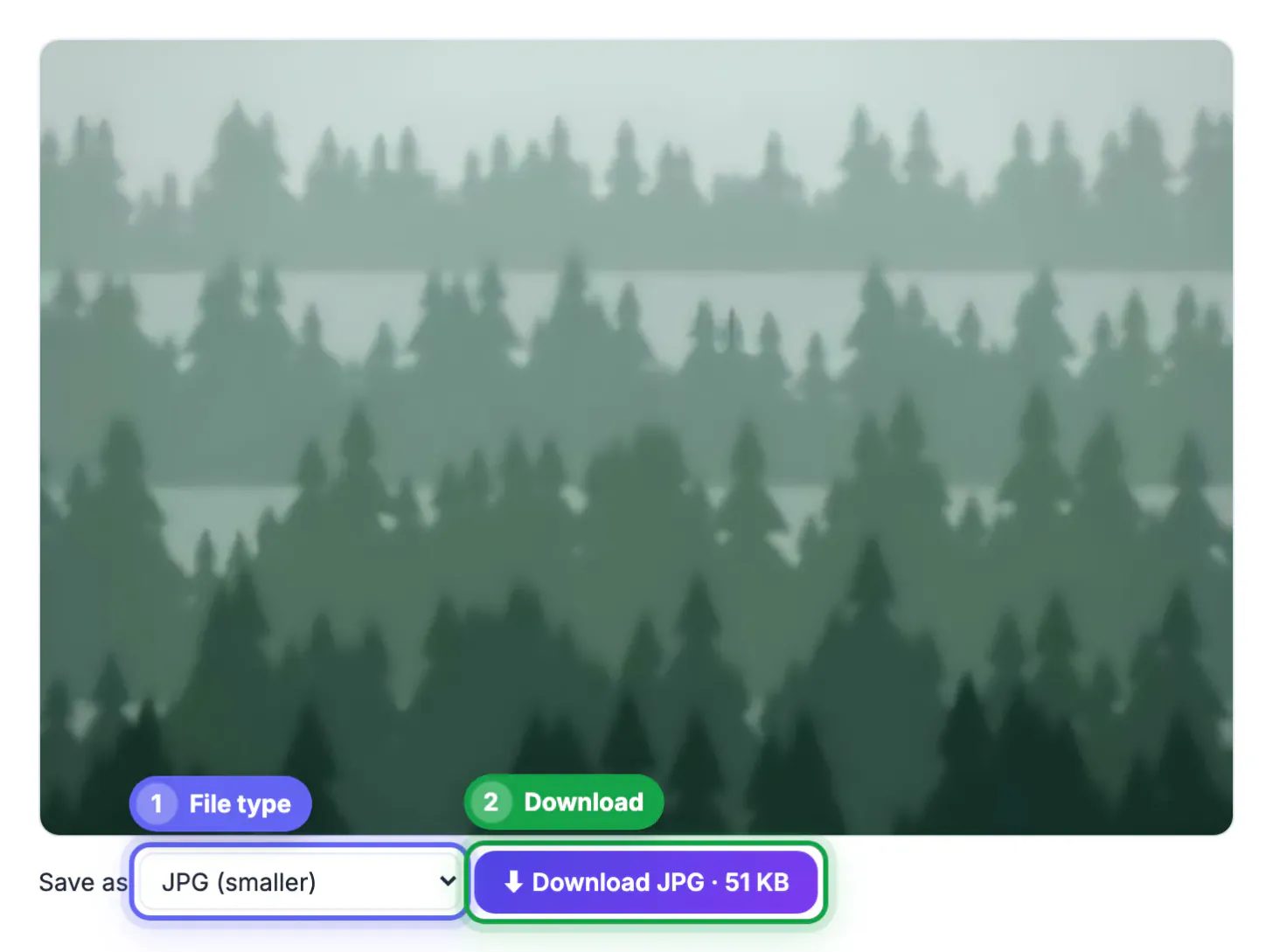
GrabCast's AI Image Upscaler uses a Swin2SR model trained to reconstruct detail while doubling size. It runs in your browser on 320-pixel tiles, so a 640 by 480 screenshot becomes 1280 by 960, and the result downloads as a lossless PNG. Nothing leaves your device, which matters for screenshots of documents or private chats.
Practical examples: a 400 by 400 profile picture you need for a conference badge, a product shot from an old listing you own, or a crop of a group picture where one face is small. In each case edges stop stair-stepping and text becomes more legible. Expect clear improvement, not a studio-quality original.
- Best inputs are between 300 and 1200 pixels on the long side
- Inputs over 2000 pixels are fitted to 2000 first, so there is little to gain
- For a 4x result, run the output through a second time, knowing artifacts compound
- Start from the least compressed copy you can find; every resend through a chat app costs detail
Motion blur and missed focus: honest options
When the picture is streaked or focused on the wrong plane, the most reliable fix is a different frame. Phones shoot bursts and Live Photos; scroll through the burst or pick a key frame from the Live Photo, and one of them is often sharp. For a video, pause on the cleanest frame and save that instead.
Dedicated deblur features do exist, such as Photo Unblur in Google Photos on recent Pixel phones and deblur filters in paid desktop suites. They help with mild shake. None can recover a face that was a smear, and aggressive settings produce ringing halos and plastic skin. Keep expectations modest and compare side by side at 100 percent.
- Mild shake: a deblur filter, then light sharpening
- Soft focus on a portrait: accept the softness and convert to black and white, which hides it well
- Heavy smear: reshoot, or use the picture small where softness is invisible
Stop the blur before it happens
Most blurry phone pictures come from three causes: a slow shutter in dim light, a smudged lens, and a focus point that landed on the wrong thing. Each has a quick habit that prevents it.
- Wipe the lens on a soft cloth before important shots; a fingerprint softens everything
- In dim rooms, brace your elbows or lean on a wall, and let night mode finish counting down
- Tap the subject's eyes to set focus before you press the shutter
- Use the 1x main camera indoors; the telephoto lens often has a smaller aperture and blurs more
- Share originals through email or a shared album instead of chat apps that recompress
A sharp capture at full resolution always beats the best reconstruction, so treat AI enhancement as a rescue tool rather than part of the normal workflow. Kids, pets and sports are the classic blur traps; switch to burst mode or a sports mode for them and pick the sharpest frame afterward.
If the blur is something you want on purpose, see how to blur a photo background. Otherwise, resizing the image to a smaller display size can make mild softness less noticeable.
Step-by-step

Common mistakes to avoid
Pro tips
Frequently asked questions
Can you really unblur a photo?
Partly. Softness caused by low resolution or compression improves a lot with an AI upscaler. Motion blur and missed focus cannot be reversed faithfully, only disguised.
Does GrabCast upload my picture to unblur it?
No. The upscaler runs entirely in your browser; only the model files download once and are then cached.
Why does my upscaled picture look waxy?
The model smooths noise while it redraws edges. Start from the least compressed original you have, and avoid running it more than twice. A light noise reduction pass in an editor before upscaling can also help, since the model otherwise treats heavy grain as texture to enlarge.
What is the best free option for motion blur?
Usually a different frame from a burst, Live Photo or video. Built-in phone deblur features can help with mild shake but not with heavy streaks.
Can it make a license plate or face readable?
Not reliably. Upscalers generate plausible detail, which can be wrong, so never rely on an enhanced picture as evidence of what was actually there.
Name the blur first. Low resolution and compression are fixable with a 2x AI upscaler that runs privately in your browser; motion blur and missed focus mostly are not, so pick another frame or reshoot. Prevention, a clean lens and steady hands, beats every rescue tool.
Related guides
Browse more: all AI guides · AI Image Upscaler